Invisible Unicode Characters: What They Break and How to Hunt Them
Two strings print identically, compare as different, and cost you an afternoon. Somewhere between a web page, a Word document and your clipboard, characters you cannot see moved in — and text that lies to your eyes is a debugging problem, a data-quality problem and occasionally a security problem. Here is where invisible characters come from, what they break, and how to hunt them down. The Unicode inspector does the hunting in one paste.
Open the Unicode Inspector →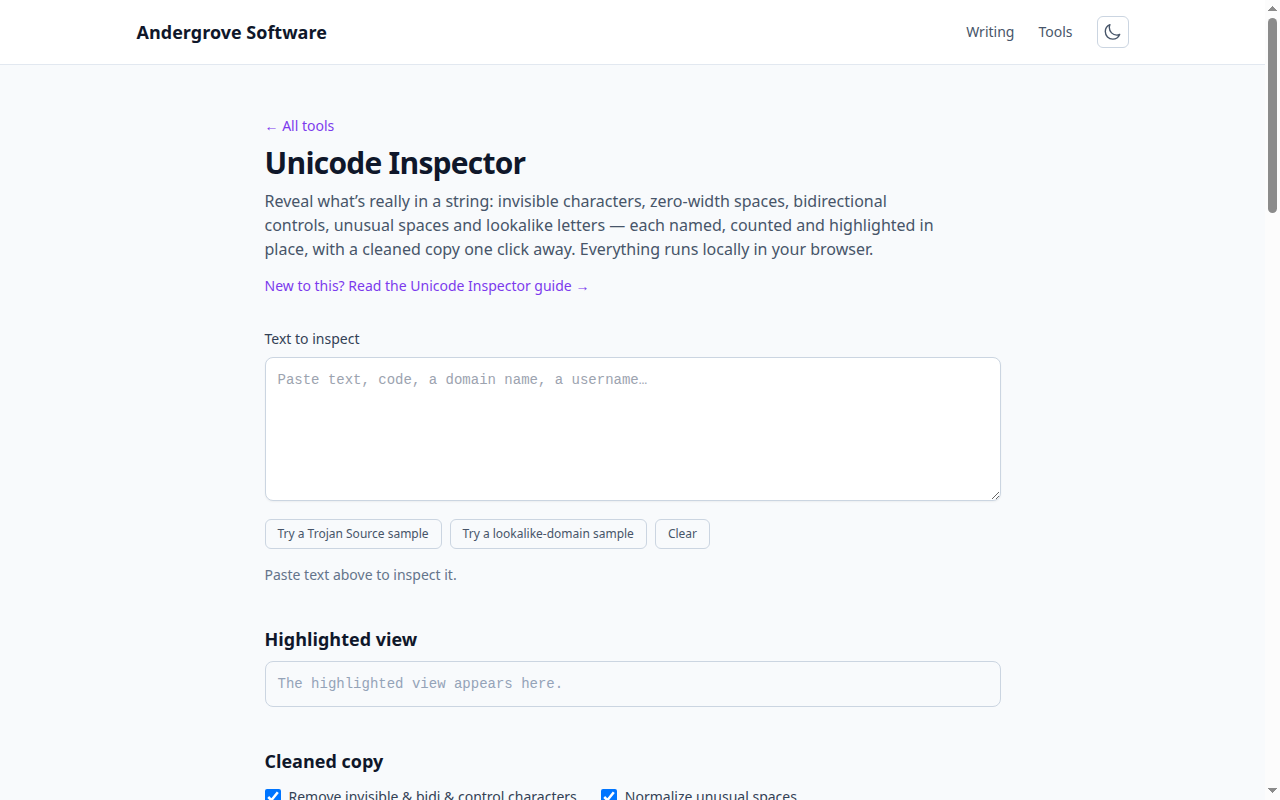
Where they come from (almost never malice)
Word processors are the biggest source: autocorrect inserts non-breaking spaces and soft hyphens as you type, and both survive copy-paste into anything. PDFs shed whatever spacing the typesetter used. Web pages pad prose with that becomes U+00A0 on your clipboard. Messaging apps, email signatures and some AI chat interfaces emit zero-width spaces as formatting artifacts. And multilingual keyboards insert perfectly legitimate right-to-left marks that only misbehave when the text lands in a left-to-right codebase. Every one of these is invisible in nearly every editor, which is why the class of bug survives.
What they break
String equality first: "admin" === "admin" is false when one side carries a zero-width space, which surfaces as the API key that fails only when pasted, the username that "already exists", the 2FA code that is somehow wrong. Parsers next: a non-breaking space is not the space split() splits on, and a figure space inside "1 000" quietly turns a number column into text. Then the collaboration layer: two visually identical lines diff as different, grep misses what your eyes can see, and a BOM at the start of a file breaks the first line of an otherwise valid config (a failure the JSONL guide knows well). None of this is exotic — it is a routine tax paid by anyone who pastes text for a living.
The two attacks that weaponize it
Trojan Source (CVE-2021-42574) uses bidirectional control characters to make source code display in a different order than compilers read it — a line that reviews as a harmless comment can execute as logic. The defense is mechanical: treat any bidi control character in source code as a build-breaking finding, which is exactly what modern compilers, GitHub and linters started flagging after the paper. Homoglyph spoofing swaps Latin letters for Cyrillic or Greek lookalikes: a domain or username that renders as a brand you trust while being a different string entirely. Registrars and browsers block the worst cases via punycode display, but usernames, package names and email display names remain soft targets — when a link feels off, inspecting the actual code points settles it in seconds.
Normalization: the fix that is two fixes
Unicode normalization exists because the same visible text can be encoded multiple ways — "é" as one code point or as "e" plus a combining accent. NFC (the sane default) merges those so equal-looking text compares equal; every input boundary that stores or compares user text should apply it. NFKC goes further and folds compatibility characters — ligatures, fullwidth letters, superscripts — into their plain forms, which is right for identifiers (usernames, search keys) and wrong for prose, where it destroys legitimate typography. Note what neither fixes: normalization does not remove zero-width characters, bidi controls or Cyrillic lookalikes — those need explicit detection and stripping, which is a policy decision, not a normalization form.
A practical hunting kit
Turn on your editor’s rendering (VS Code highlights invisible and ambiguous Unicode by default since the Trojan Source disclosure; check editor.unicodeHighlight). In a pinch, a regex like [\u200B-\u200F\u202A-\u202E\u2060\uFEFF] greps for the usual suspects. At system boundaries, NFC-normalize and strip format characters on input rather than chasing them downstream. And for the interactive case — the string in front of you, right now, that will not behave — paste it into the Unicode inspector: every code point named and highlighted in place, with a cleaned copy on one button. It runs entirely locally, so the suspicious text (which is sometimes a password or a key) never leaves your machine.
Ready to try it? Open the Unicode Inspector →