How to Prepare a Fine-Tuning Dataset in JSONL
Every major fine-tuning API takes its training data the same way: a JSONL file, one example per line. The format looks trivial, and that is exactly why so many uploads fail on line 847 — the rules are simple but unforgiving. Here is how to build a dataset that parses first time and trains a model worth keeping. When you need to convert or sanity-check a file, the JSONL converter & validator runs entirely in your browser.
Open the JSONL Converter & Validator →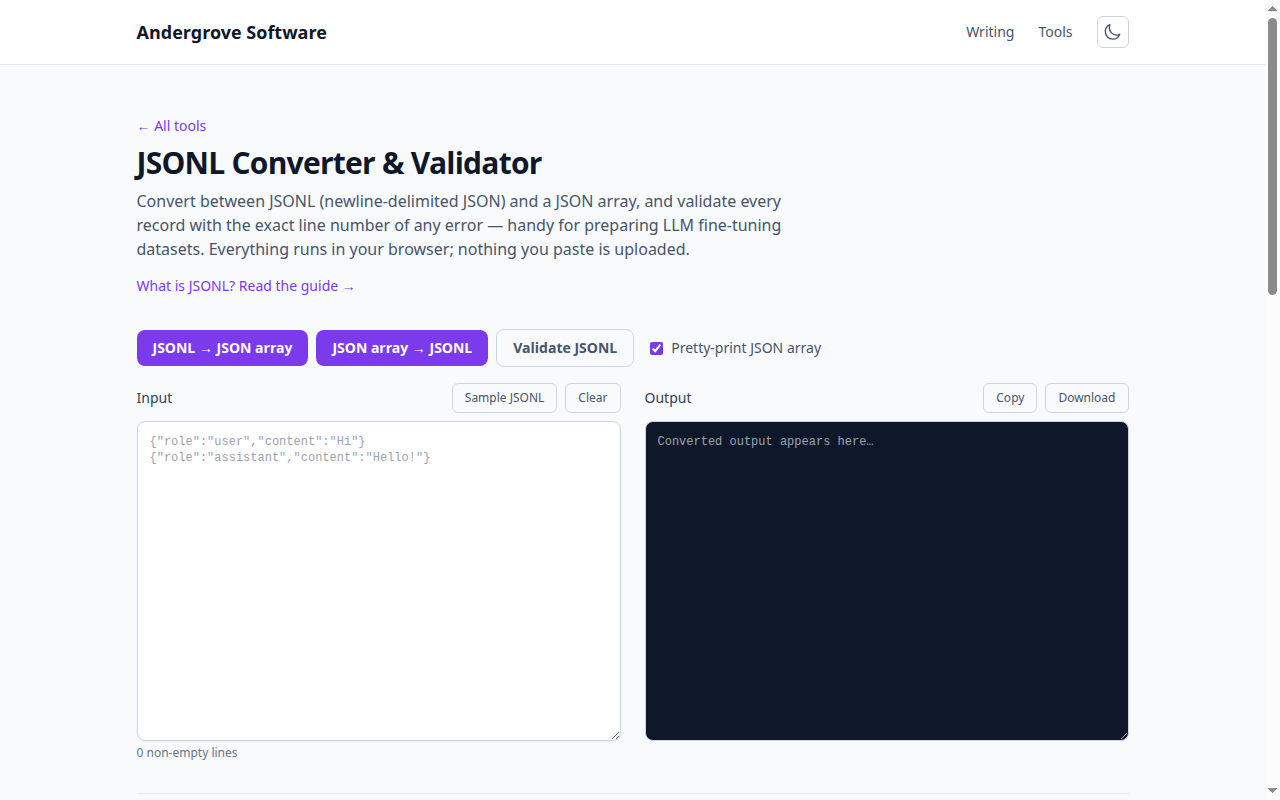
The format: one complete example per line
Each line of the file is one standalone JSON object holding one training example — for chat models, a messages array in the same shape you would send to the API:
{"messages": [{"role": "system", "content": "You are a support agent for Acme."}, {"role": "user", "content": "How do I reset my password?"}, {"role": "assistant", "content": "Go to Settings, then Security, then Reset password."}]}No enclosing array, no commas between lines, no pretty-printing — a newline ends an example. The assistant turns are what the model learns to imitate; the system and user turns are the context it learns to respond to.
Escaping is where datasets break
Almost every failed upload traces to one of four characters. A real line break inside a string is invalid — multi-line content must use \n inside the quotes, because a raw newline ends the example and leaves both halves malformed. Backslashes must be doubled (C:\\Users), which bites any dataset containing Windows paths, regexes or LaTeX. "Smart quotes" pasted from Word are fine as content but fatal if they replace the structural " around keys. And a UTF-8 BOM at the start of the file breaks the first line only — the error message that says line 1 is invalid while your eyes say it is fine.
How many examples — and which ones
Quality beats quantity by a wide margin. A tone or format shift shows up with 50–100 well-chosen examples; a genuinely new task usually wants several hundred to a few thousand. Whatever the count, consistency is the real requirement: the model learns exactly what you show it, so if a third of your assistant turns start with "Sure!" and the rest don’t, you have trained a coin flip. Deduplicate near-identical examples, and make every assistant turn something you would be happy to see the model produce verbatim — including the mediocre ones you almost didn’t notice.
Hold out a validation split
Before uploading, split off 10–20% of examples into a separate validation file the training never sees. Training loss falling while validation loss climbs is the classic overfitting signature — the model is memorizing your examples rather than learning the pattern, and you want fewer epochs or more varied data. Split randomly, but keep near-duplicates on the same side of the line, or the validation set silently leaks into training and flatters your numbers.
The pre-upload checklist
Five checks catch nearly everything: every line parses as JSON; every line has the same schema; roles alternate legally (no double user turns, no empty assistant content); the final message of each example is the assistant turn you want imitated; and the file is plain UTF-8 without a BOM. The converter & validator pinpoints the exact line and character of any failure — and since it runs locally, proprietary training data never leaves your machine. For the underlying syntax rules, common JSON errors is the companion read.
The same hygiene pays beyond fine-tuning
JSONL is also the standard shape for batch API request files, evaluation sets and structured logs — one record per line, streamable, appendable, diffable. The habits above (validate every line, keep schemas uniform, escape properly) carry over unchanged, and the same validator covers them all.
Ready to try it? Open the JSONL Converter & Validator →