How Long Should It Be? Word and Character Targets for Everything You Write
Almost everything you write has a number attached — a hard platform limit, an unwritten convention, or a reader’s patience. Blowing past it gets you truncated, rejected or skimmed; landing inside it is free credibility. Here are the numbers that actually apply, in one place. Check any draft against them with the word & character counter.
Open the Word & Character Counter →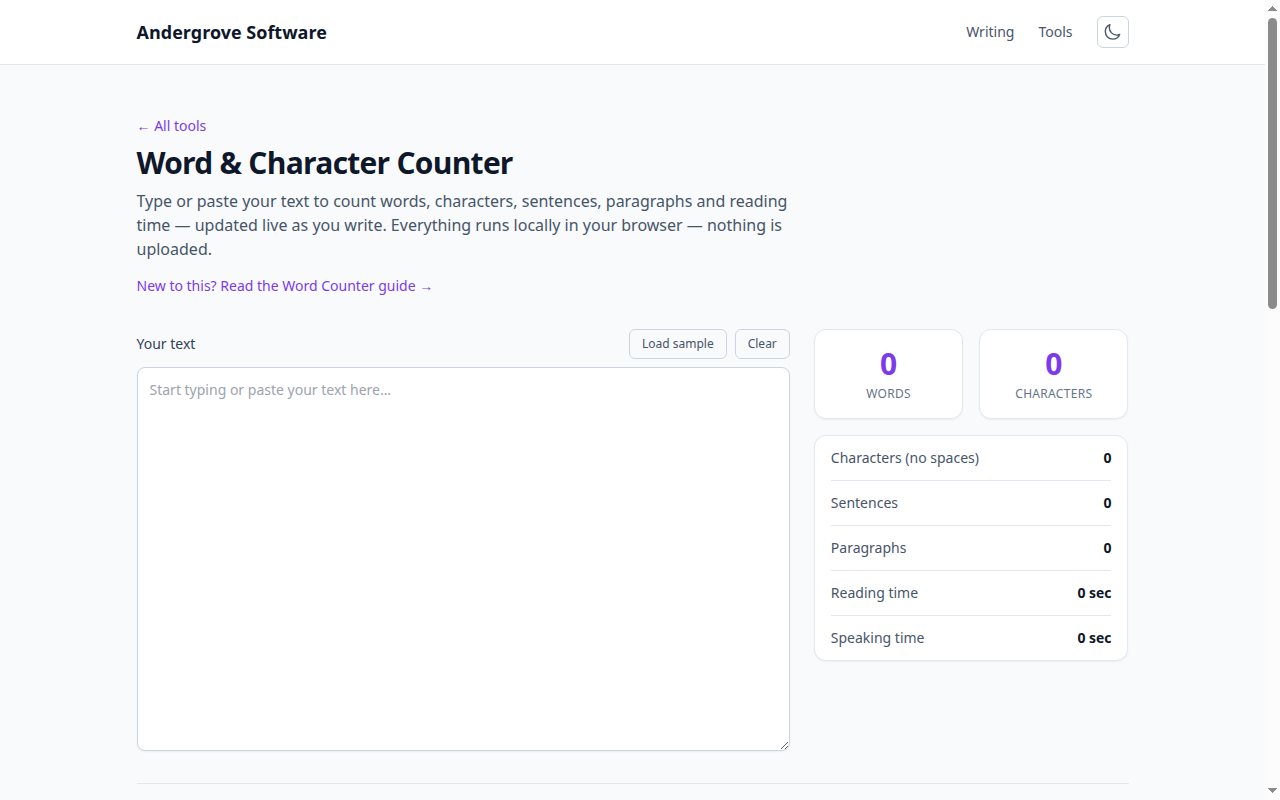
Hard limits: where the platform cuts you off
These are enforced by software, so they’re not negotiable: an X/Twitter post is 280 characters; an SMS segments at 160; a LinkedIn post truncates behind "…see more" after roughly the first 200 characters, which makes those characters the whole ad for the rest. Google typically displays about 60 characters of a page title and around 155–160 of a meta description before the ellipsis — not a rejection, but everything past the cut may as well not exist. Email subject lines get ~40–50 characters on a phone screen. For all of these, the character count (with spaces) is the number that matters — the counter shows it live as you trim.
Applications and admissions: respect the box
The US Common App personal essay allows 650 words — and unlike platform truncation, here using the space signals effort: most successful essays run 500–650, while 300 reads as underinvestment. Graduate statements of purpose typically want 500–1,000 depending on the program’s instructions (which override everything in this article). A cover letter is 250–400 words — one page, and shorter is genuinely better received. Scholarship and grant forms often specify characters rather than words precisely so applicants can’t pad; when a box says 2,000 characters, that’s roughly 300 words, and the with-spaces count is almost always the one they mean.
Web writing: long enough to answer, short enough to finish
Blog posts that rank for informational queries mostly run 1,000–2,500 words — not because search engines count words, but because genuinely answering a question takes about that much; padding past the answer helps nobody. News-style updates work at 300–600. Product descriptions convert at 50–150. The more useful web metric is reading time: silent reading averages roughly 240 words per minute, so a 1,200-word article is a five-minute read — which is exactly how the "X min read" labels are computed, and a good sanity check on whether your piece matches the attention you’re realistically being given.
Fiction and speech: the two special economies
Publishing has sharp conventions: adult novels sit at 70,000–100,000 words (fantasy stretches to ~120k, and agents flag debuts far outside the band), young-adult at 50–80k, novellas 17.5–40k, and short stories under ~7,500 — magazines enforce their caps to the word. Spoken language runs slower than reading: presenters average about 130–150 words per minute, so a 20-minute talk is roughly a 2,800-word script and the famous 18-minute conference-talk format tops out near 2,500. Whatever you’re drafting, the workflow is the same: write freely, then check the count and cut toward the target — the counter tracks words, characters, sentences and reading time as you edit, and never uploads a word of it.
Ready to try it? Open the Word & Character Counter →