Hash, HMAC, Signature or Encryption? Choosing the Right Primitive
Four cryptographic primitives cover almost every "how do I protect this data?" question — hash, HMAC, digital signature, encryption — and most real-world security mistakes come from picking the wrong one, not from broken algorithms. Here’s the decision guide, with the classic failure of each wrong turn. To experiment as you read, the HMAC generator and hash generator run entirely in your browser.
Open the HMAC Generator →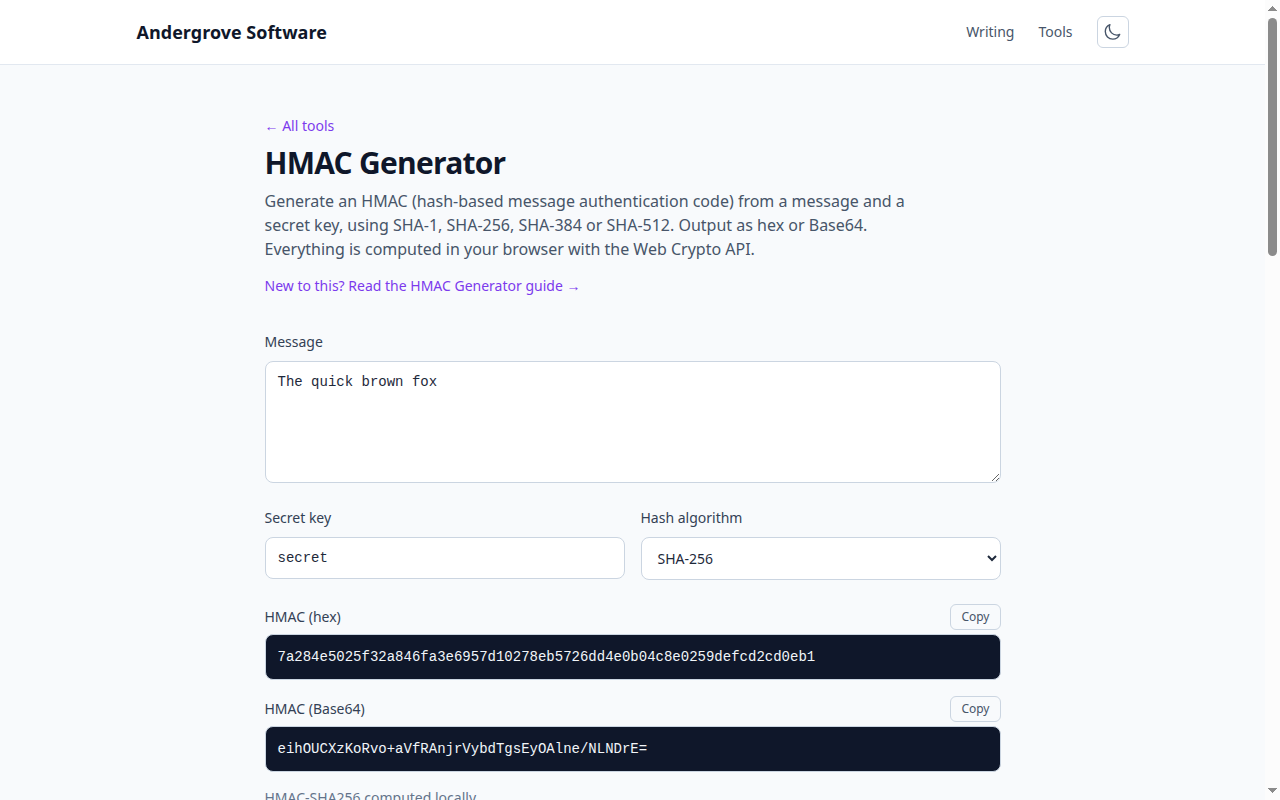
The one question that sorts everything
Ask what you’re defending against. Accidental corruption? A plain hash. Deliberate tampering, where both sides share a secret? HMAC. Deliberate tampering, where anyone must be able to verify but only you can produce? A digital signature. Someone reading the data at all? Encryption. The four aren’t interchangeable, and none implies another: encrypted data can still be undetectably modified (without an auth tag), and a signed document is not remotely secret.
Hashes prove integrity — against accidents only
A hash like SHA-256 is a fingerprint: change one byte and the digest changes wildly. That makes it perfect for download checksums, cache keys and deduplication. But a hash has no secret, so an attacker who can alter your file can also alter the published checksum next to it — a hash defends against cosmic rays and truncated downloads, not adversaries. (How the fingerprinting works is covered in SHA-256 explained.) The moment an adversary enters the picture, you need a key in the math.
HMAC: integrity plus authenticity, shared secret
An HMAC mixes a secret key into the hash so that only key-holders can compute a valid tag — now a tampered message fails verification because the attacker can’t recompute the tag. This is the workhorse for webhook signatures, signed URLs and session tokens. One subtlety worth knowing: HMAC’s nested construction exists because the naive hash(key + message) is genuinely broken for SHA-2-family hashes — a length-extension attack lets attackers append data and produce a valid tag without knowing the key. Never roll the naive version; HMAC costs the same and closes the hole. (The full webhook verification flow, constant-time comparison included, is in the webhook signatures post.)
Signatures: when verifiers shouldn’t hold the secret
HMAC has a structural limit: everyone who can verify can also forge, because it’s one shared key. When the verifier shouldn’t have that power — software updates checked by millions of machines, JWTs verified by services that must not be able to mint them — you need asymmetric signatures (RSA, ECDSA, Ed25519): sign with a private key, verify with the public one. The tell in system design: if you’re about to distribute an HMAC key to more than two parties, you almost certainly want a signature instead. This is exactly the HS256-vs-RS256 decision in JWTs, explored in how JSON Web Tokens work.
Encryption — and the combinations that actually ship
Encryption is the only primitive that provides secrecy; nothing above hides a byte. Modern practice pairs it with integrity by default: authenticated modes like AES-GCM produce ciphertext plus a built-in tamper-proof tag, which is why "encrypt then worry about integrity separately" is mostly a historical pattern now (see the password-based encryption guide for the full pipeline). Real systems compose primitives constantly — TLS uses signatures to authenticate the server, key exchange to agree a secret, and authenticated encryption for the traffic. The composition rules are exactly the table above; pick per threat, and when in doubt, write down who holds which secret — the diagram usually answers the question for you.
Ready to try it? Open the HMAC Generator →