From Passphrase to Ciphertext: How Password-Based Encryption Actually Works
Type a password, get ciphertext — the button makes it look like one step, but a careful pipeline runs underneath, and knowing its parts explains all the behavior people find surprising: why the same input encrypts differently every time, how the tool knows your password was wrong, and why a forgotten password genuinely cannot be recovered. Here’s the pipeline inside the AES text encryption tool — and every serious tool like it.
Open the AES Text Encryption →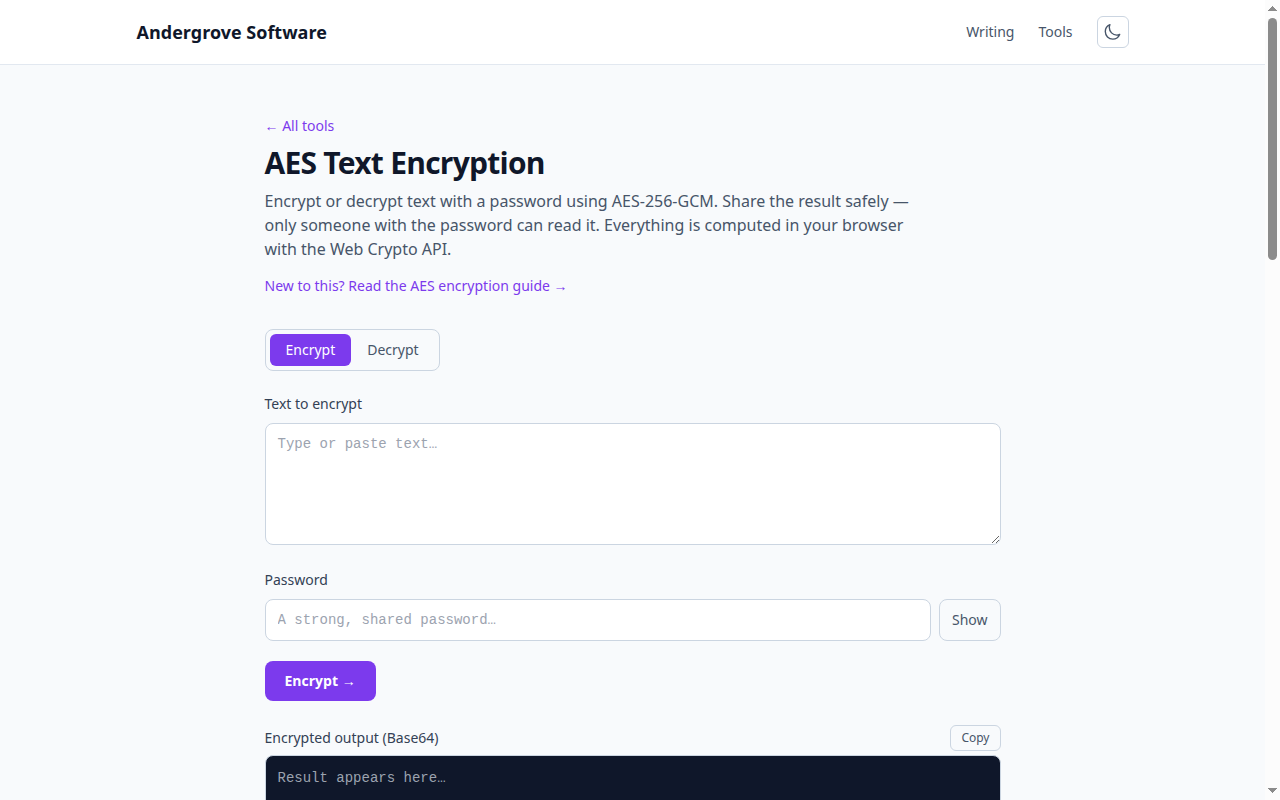
Step 1: a password is not a key
AES needs a key of exactly 128 or 256 random bits; "correct horse battery staple" is neither the right length nor remotely random enough. The bridge is a key derivation function (KDF). This tool uses PBKDF2, which feeds your passphrase through SHA-256 250,000 times; newer designs like scrypt and Argon2 also gobble memory to hurt GPU attackers. The deliberate slowness is the point: you pay a few hundred milliseconds once, while an attacker trying a billion guesses pays it a billion times. Slow derivation buys time, but the passphrase’s own strength still sets the ceiling — how long passwords take to crack shows exactly how much.
Step 2: the salt, or why identical passwords produce different keys
Before deriving, the tool generates a random salt and mixes it in, so the same passphrase yields a completely different key every time — and the salt is stored, unencrypted, alongside the output. That’s not a leak: a salt isn’t secret, it’s anti-precomputation. Without salts, an attacker could derive keys for the top million passphrases once and test them against every ciphertext ever made; with salts, every encryption demands its own fresh attack. It’s the same trick password databases use, applied to encryption.
Step 3: AES-GCM, the IV, and built-in tamper detection
The derived key drives AES-GCM, an authenticated mode that outputs two things: the ciphertext and a 16-byte authentication tag — a keyed checksum over the whole message. A fresh random IV (initialization vector) makes each encryption unique even under the same key; like the salt, it’s stored openly with the output. The tag is what turns "wrong password" from garbled output into a clean error: decrypting with the wrong key produces a tag mismatch, and the tool can say so definitively. It also means a ciphertext that anyone has flipped bits in will refuse to decrypt at all — encryption and tamper-evidence in one pass.
Why "I forgot the password" has no support ticket
Look at what’s actually stored: salt, IV, iteration count, ciphertext, tag. The key exists only transiently, derived from a passphrase that was never written anywhere. There is no master key, no vendor backdoor, no recovery flow — not as policy, but as arithmetic: recovering the text without the passphrase is the brute-force attack the KDF exists to make infeasible. This is the trade encryption always makes: the property that locks out an attacker forever locks you out equally. Before encrypting anything that matters, decide where the passphrase itself lives — a password manager entry is the standard answer.
Using it well
Three habits get you the full strength of the pipeline. Use a long passphrase — length beats symbol soup, and the password generator produces good ones. Never send the passphrase over the same channel as the ciphertext; the two-channel rule and the rest of the safe-sharing playbook are in how to share a password securely. And for whole files rather than text snippets, the same pipeline runs in the file encryptor — everything in the browser, nothing uploaded, which you can verify from the network tab.
Ready to try it? Open the AES Text Encryption →