How to Fix Common SSL Certificate Errors
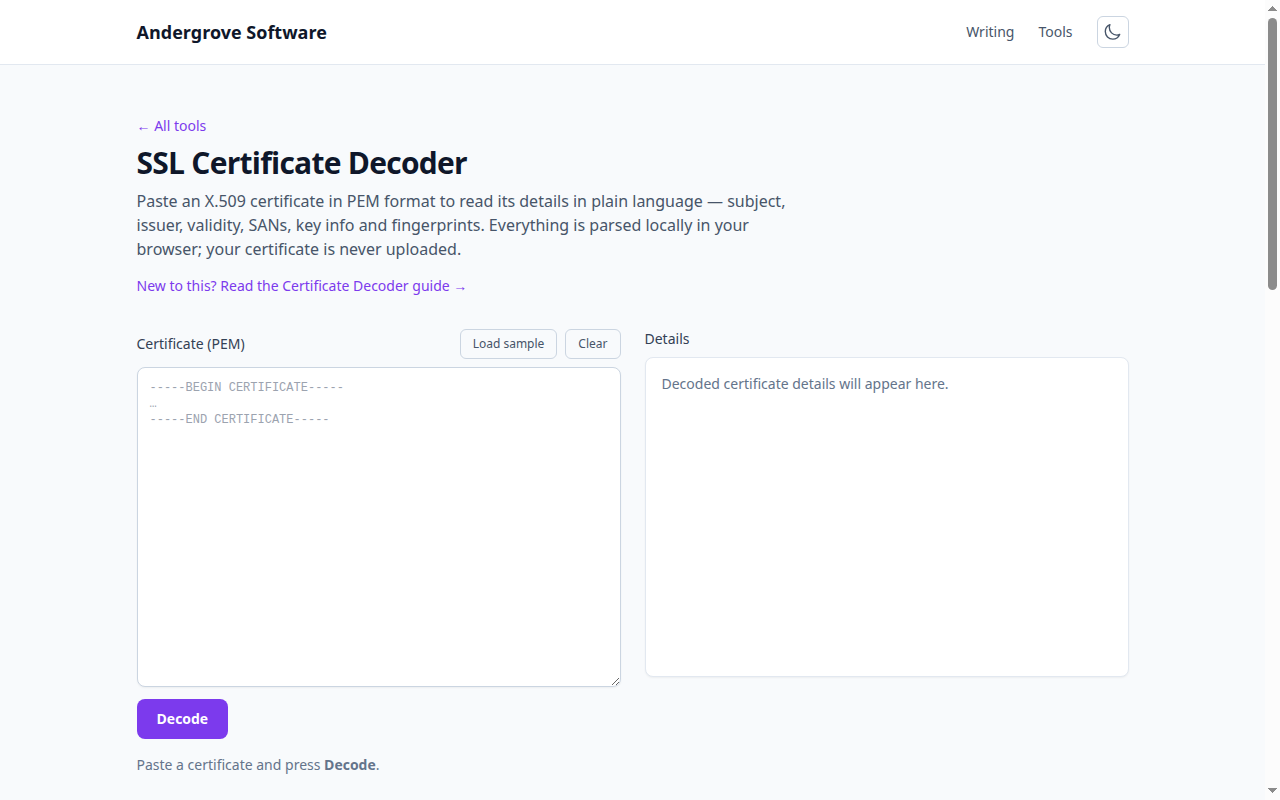
"Your connection is not private," NET::ERR_CERT_*, SSL_ERROR — certificate errors block your site and scare off visitors, but each one points to a specific, fixable cause. This guide walks the common errors and their fixes, and shows how to confirm the problem by decoding the certificate in the certificate decoder. For the fields themselves, see how to read a TLS certificate.
Expired certificate
Errors: NET::ERR_CERT_DATE_INVALID, "certificate has expired". Public certificates last about a year, and the most common outage in all of web operations is simply forgetting to renew one. Decode the certificate and check the notAfter date; if it is in the past, renew and reinstall the certificate. The lasting fix is to automate renewal (for example with an ACME client like certbot) so it never lapses again. One gotcha: if only your device shows the error, check your system clock — a badly wrong local date makes a valid certificate look expired or not-yet-valid.
Name mismatch
Errors: NET::ERR_CERT_COMMON_NAME_INVALID, "certificate is not valid for this domain". The hostname you visited is not covered by the certificate. Browsers match against the Subject Alternative Name (SAN) list, not the old Common Name, so decode the certificate and confirm the exact hostname — including www versus the bare domain — appears in the SAN list. A missing www.example.com entry is the classic cause. Fix it by reissuing the certificate with every hostname you serve in the SAN, or by using a wildcard (*.example.com) where appropriate.
Incomplete certificate chain
Symptoms: works in your desktop browser but fails on phones, other browsers, or curl with "unable to get local issuer certificate". Your certificate is signed by an intermediate CA that the server is not sending, so clients that do not already cache that intermediate cannot build a path to a trusted root. This is one of the most confusing errors because it is intermittent by client. The fix is to configure the server to serve the full chain (your certificate followed by the intermediates) — most CAs provide a "fullchain" bundle for exactly this.
Untrusted or self-signed
Errors: NET::ERR_CERT_AUTHORITY_INVALID, "self-signed certificate", "issuer not trusted". The certificate is not signed by a CA the browser trusts. Decode it and look at the issuer: if issuer equals subject, it is self-signed. That is fine for a local development box you explicitly trust, but on anything public you need a certificate from a trusted CA (a free one from Let's Encrypt works everywhere). This error also appears behind corporate proxies that intercept TLS with their own CA — expected on a managed device, a red flag anywhere else.
Weak or deprecated certificate
Errors: warnings about SHA-1 signatures or weak keys. Browsers distrust certificates signed with SHA-1 and reject small RSA keys. Decode the certificate and check the signature algorithm (should be SHA-256 or better) and the key size (RSA 2048+ or a modern EC curve). If either is outdated, reissue with current settings — any CA will do this for free.
Mixed content
Symptom: the padlock is missing or "not fully secure" despite a valid certificate. The page loaded over HTTPS but pulls some resources (images, scripts, styles) over plain http://. This is not a certificate problem at all — fix it by updating those resource URLs to https:// (or protocol-relative), and consider a Content-Security-Policy with upgrade-insecure-requests; the CSP builder can help.
Diagnose it fast
Most of these are identified in seconds by reading the certificate. Paste your PEM (or the certificate a browser shows) into the certificate decoder to check the validity dates, the SAN list, the issuer and the signature algorithm — all in your browser, nothing uploaded. When it is time to renew, the certificate-to-CSR generator rebuilds a matching signing request.
Ready to try it? Open the SSL Certificate Decoder →