Strong Password Rules That Actually Matter (and the Ones That Don't)
Most password "rules" are folklore — some help, some actively hurt. Modern guidance, led by NIST 800-63B, is simpler and more effective than the old "one uppercase, one number, one symbol, change every 90 days" regime. Here is what actually matters, and how to put it into practice with the password generator.
Open the Password Generator →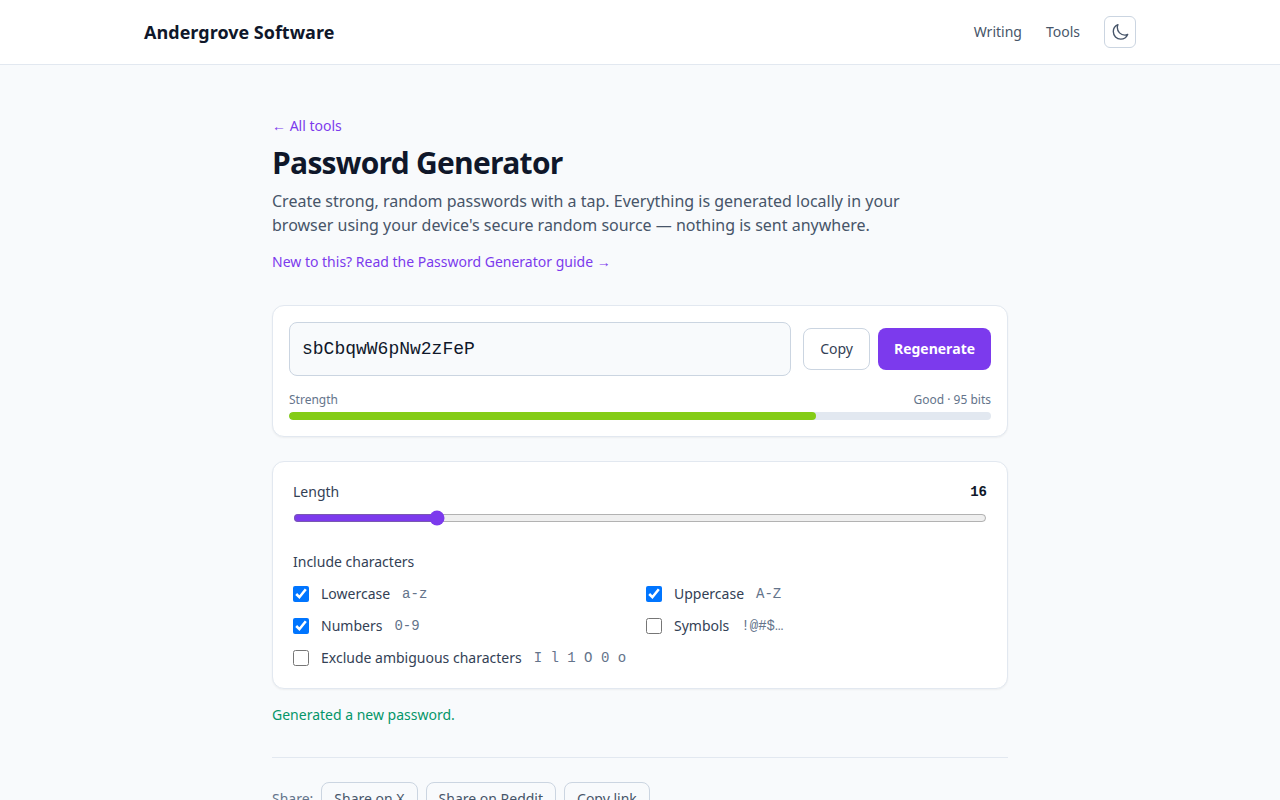
Length beats complexity
The single biggest factor in a password's strength is length, not which special characters it contains. Each additional character multiplies the number of possibilities an attacker must try, far more than swapping an a for an @. A 16-character password of only lowercase letters is dramatically harder to crack than an 8-character one stuffed with symbols. Aim for at least 12–16 characters; longer for anything important. The maths behind this is in how long it would take to crack your password.
The rules that hurt
Several long-standing rules are now recognised as counterproductive, and NIST recommends dropping them:
- Forced composition rules ("must contain an uppercase, a number and a symbol") push people toward predictable patterns like
Password1!— which attackers try first. They add little real entropy. - Periodic forced rotation ("change your password every 90 days") makes people pick weaker, incremental passwords (
Spring2026!→Summer2026!). Only change a password when there is a reason to believe it is compromised. - Blocking paste and password managers discourages the single best tool for using strong, unique passwords.
- Restrictive character limits (no spaces, short maximum length) stop people using long passphrases. Good systems accept any printable character and long inputs.
The rules that help
- Make it long. 12+ characters minimum; more for email and banking.
- Make it unique per site. Reuse is the number-one cause of account takeover: one breach then unlocks every account sharing that password.
- Screen against breach lists. Even a long password is worthless if it is already on a public breach list. Check yours with the password leak checker.
- Prefer randomness or a passphrase. A generated random string, or four to five random words, beats anything you invent by hand.
Passphrases vs random strings
Two good options, different trade-offs. A random string like k7$Qm2vX9pLw packs the most strength per character but is impossible to memorise — perfect when a password manager remembers it for you. A passphrase of several random words like correct-battery-staple-mountain is nearly as strong at sufficient length and is far easier to type or memorise — ideal for the few passwords you must know by heart (your device login and your password manager's master password). The key word is random: a quote or a phrase you chose is not.
Use a password manager
You cannot memorise a unique 16-character password for every account, and you should not try. A password manager generates, stores and fills them, so each account gets its own strong password and you only remember one master passphrase. This is the practical foundation everything else rests on. Turn on two-factor authentication as well, so a leaked password alone is not enough — see how TOTP codes work.
Generate one now
The password generator creates strong random passwords in your browser using a cryptographically secure source, with controls for length and character types and a live strength estimate. Nothing is generated on or sent to a server. Pair it with the strength checker and the leak checker to confirm what you choose is both strong and not already breached.
Ready to try it? Open the Password Generator →