YAML vs. JSON: Syntax, Gotchas, and the Norway Problem
YAML won the config-file war — Kubernetes, CI pipelines, docker-compose — because humans can read and comment it. It also carries more foot-guns per kilobyte than any other mainstream format, because its convenience features guess at types. Here is how the two formats relate, and the five YAML surprises that cause real outages.
Open the YAML Validator & Converter →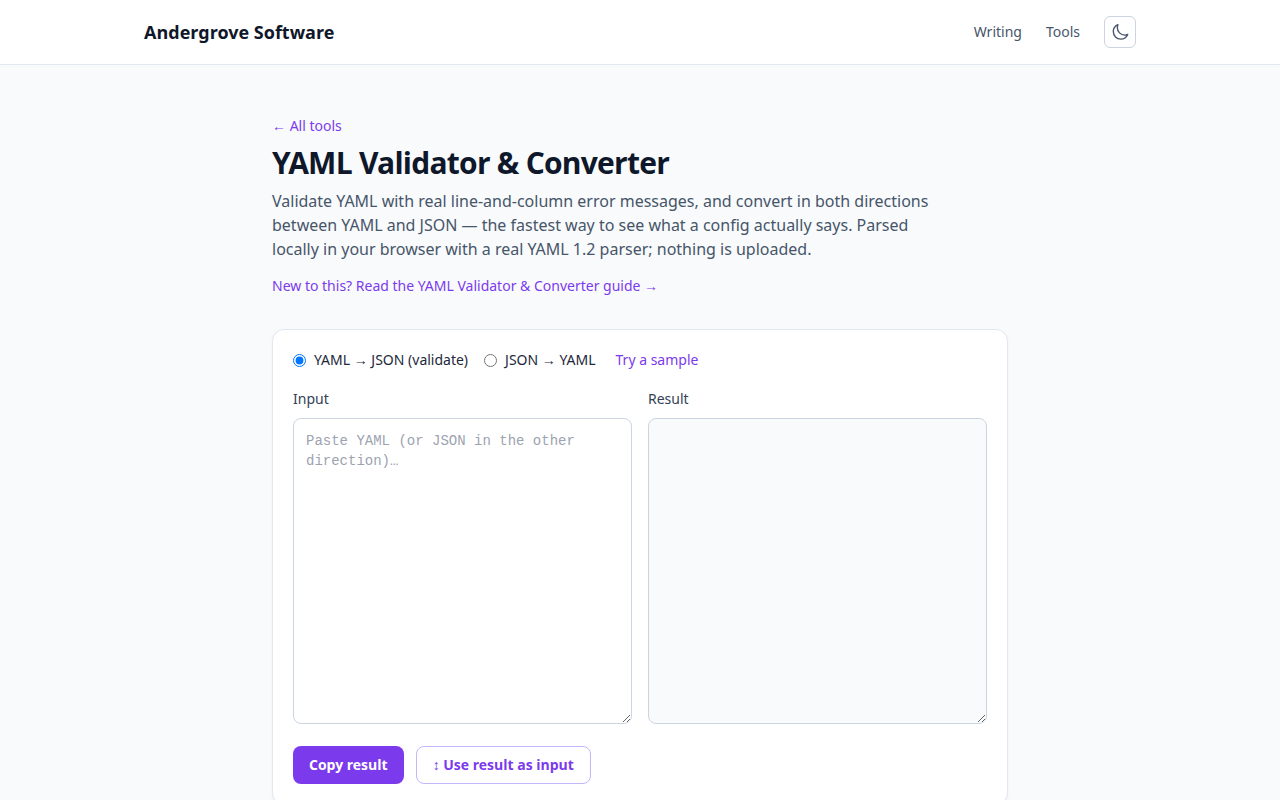
The relationship: same data, different clothes
YAML and JSON describe the same data model — maps, sequences, scalars — and YAML 1.2 is formally a superset: every valid JSON document is valid YAML. That is why converting between them is lossless and why "what does this YAML mean?" has a precise answer: convert it to JSON and look. The differences are surface: YAML uses indentation instead of braces, allows comments (# — the single biggest reason configs use it), makes quotes optional, and adds conveniences JSON refuses on principle: anchors for reuse, multi-line string blocks, multiple documents per file separated by ---.
The design trade is explicit: JSON is easy for machines and merciless to humans (no comments, trailing-comma errors — see common JSON errors); YAML is pleasant for humans and full of ambiguity for machines. Configs chose humans.
The Norway problem, and its relatives
Unquoted YAML scalars get their types guessed, and the guesses have failure modes famous enough to have names. The classic is the Norway problem: a list of country codes ending country: NO parses as country: false, because YAML 1.1 reads NO/OFF/N (and YES/ON/Y) as booleans. Norway ships to production as "false". Relatives:
- Version numbers that become floats:
version: 1.20→ the number1.2. Kubernetes and Helm users hit this constantly. - Accidental octals: in YAML 1.1 parsers,
mode: 0755may parse as the integer 493 — or as a string in others. File permissions are exactly where this lands. - Times and dates:
when: 12:30can parse as the sexagesimal integer 750 in old parsers;date: 2026-07-06becomes a date object in some languages and a string in others. - Git SHAs that are all digits with an e:
build: 123e456→ scientific notation. Rare, unforgettable.
The fix is boring and absolute: quote any scalar that isn't obviously a number or boolean you intend. YAML 1.2 fixed most of the guessing (only true/false lowercase are booleans), but the ecosystem is a mix of 1.1 and 1.2 parsers, so defensive quoting remains the rule. Converting to JSON in the validator shows you instantly what the parser actually decided.
Indentation: the rules that matter
Three rules cover nearly every YAML indentation error. Spaces only, never tabs — a tab is a syntax error, and it's invisible; if the error message is baffling, check for tabs first (our Unicode inspector makes them visible). Siblings align exactly — one space of drift changes the structure, not just the style. List items nest under their key, with the - itself counting as indentation for what follows it. When a parse error points at line 40, the actual mistake is usually the indentation of a line well above it — the parser only notices when the structure stops making sense.
The power features: anchors, blocks, documents
Three YAML features JSON has no answer to, all common in real configs:
- Anchors and aliases (
&name/*name/<<:merge) reuse a block — docker-compose files use them for shared service settings. Converting to JSON expands them, which is also the way to debug one. - Block scalars:
|keeps newlines (embedding a script or certificate),>folds them into spaces (long prose). The chomping modifiers|-and|+control the trailing newline — relevant when the value is a key or token that must not end in one. - Multiple documents in one file, separated by
---— how a single Kubernetes file applies several resources.
Practical workflow
When a manifest is rejected or a pipeline misbehaves: paste the YAML into the validator — a parse error gives you line and column; a clean parse gives you the JSON, where type surprises (the false that should be "NO", the 1.2 that should be "1.20") are immediately visible. Then quote the offender and move on. For the reverse trip, JSON → YAML is handy for turning an API response into a starting config. And for anything with secrets in it: this runs entirely in your browser precisely because config files are full of things that must not be pasted into a random website's server.
Ready to try it? Open the YAML Validator & Converter →