JSON Schema Basics: Validate Structure, Not Just Syntax
A JSON document can be perfectly valid and completely wrong: the parser is happy, but the field you need is missing, a number arrived as a string, and an extra key is about to be silently ignored by half your services. Syntax checking — what the JSON validator does — is step one; JSON Schema is how you check the shape. Here’s a working introduction.
Open the JSON Validator →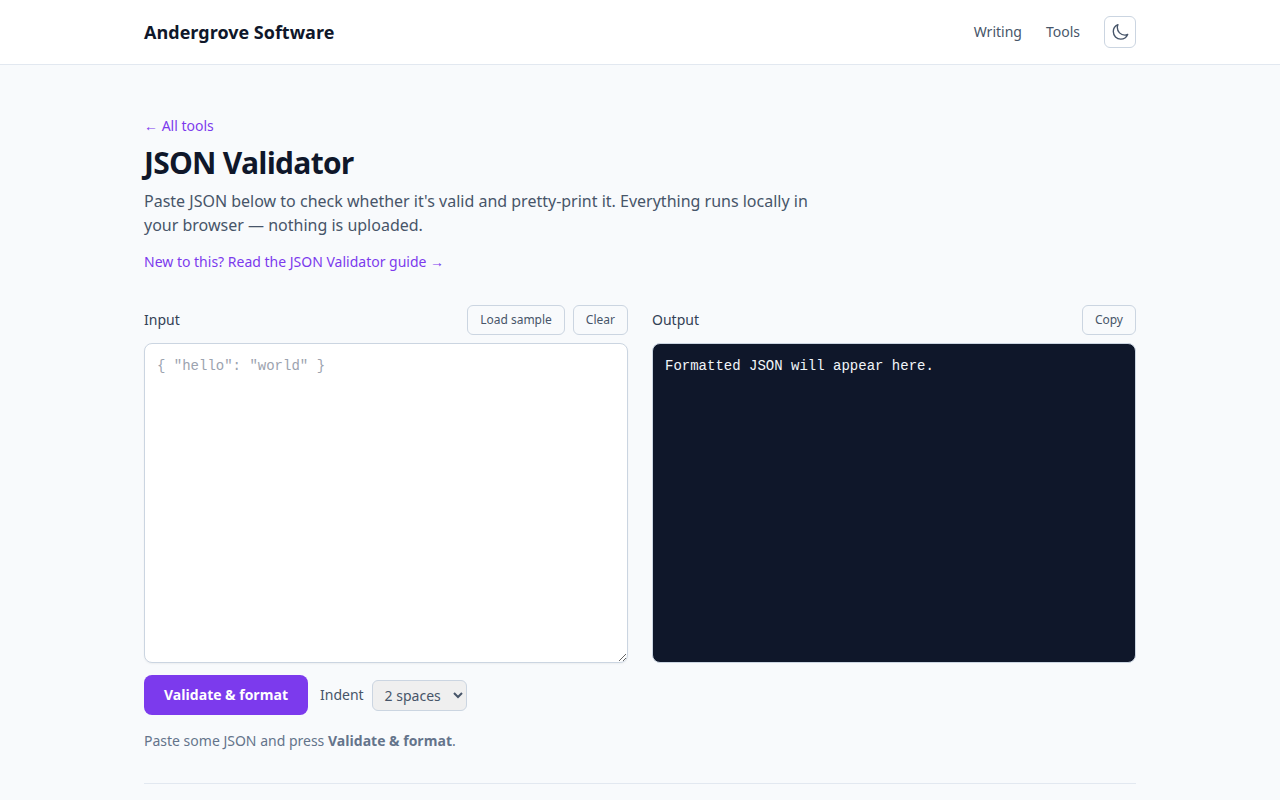
Two different kinds of "valid"
Syntactic validity means the text parses: balanced braces, quoted keys, legal values. Structural validity means the parsed data matches a contract: these fields exist, with these types, in these ranges. Production incidents overwhelmingly come from the second kind — an API that started sending "42" instead of 42, a renamed field, a null where an object should be. JSON Schema is the standard way to write that contract down as JSON itself, so machines can enforce it.
A first schema, annotated
Here’s a schema for a minimal user object:
{
  "type": "object",
  "required": ["id", "email"],
  "properties": {
    "id":     { "type": "integer", "minimum": 1 },
    "email":  { "type": "string", "format": "email" },
    "name":   { "type": "string" },
    "roles":  { "type": "array", "items": { "type": "string" } }
  },
  "additionalProperties": false
}
Reading it top to bottom: the value must be an object; id and email must be present; each listed property has a type (and optionally constraints like minimum); and additionalProperties: false rejects keys you didn’t declare — the strictness switch that catches typos like emial at the door instead of three services later.
The keywords that do the heavy lifting
A dozen keywords cover most real schemas. type, required, properties and items you’ve seen. enum pins a value to a fixed set ("status": {"enum": ["active", "suspended"]}). pattern applies a regex to strings; minLength/maxLength and minimum/maximum bound sizes and ranges. oneOf expresses "this or that shape", which handles polymorphic payloads. And $ref lets schemas reference shared definitions so "address" is defined once, not five times. Resist the urge to encode every business rule — schemas earn their keep validating structure; logic belongs in code.
Where to actually run validation
A schema nobody executes is documentation with extra steps. The high-value checkpoints: at API boundaries (validate requests on arrival and, in tests, your own responses — validator libraries exist for every mainstream language); in CI against fixture files and config, so a malformed config.json fails the build rather than the deploy; and in editors — VS Code will autocomplete and red-squiggle any JSON file you associate with a schema, which is why so many tools ship one. If you write OpenAPI specs, you already write JSON Schema: the request/response definitions are schemas with a different hat on.
Workflow: syntax first, then shape
In practice the two checks chain: when a payload misbehaves, first make sure it parses at all — the validator pinpoints the line and character, and common JSON errors catalogs the usual suspects — then validate the parsed result against the schema to find the structural drift. Teams that wire both checks into the pipeline more or less stop having "but it worked yesterday" payload mysteries; the contract either holds or fails loudly, at the boundary, with a line number attached.
Ready to try it? Open the JSON Validator →