Base64 in Code: Encode and Decode in JavaScript, Python and Bash
Base64 turns arbitrary bytes into plain ASCII text so they survive systems that only handle text — data URIs, JSON payloads, email attachments, JWTs. Here is how to encode and decode it in the common languages, including the UTF-8 gotcha that trips people up in the browser, plus how the encoding actually works. For a quick one-off, the Base64 encoder / decoder does it locally.
Open the Base64 Encoder / Decoder →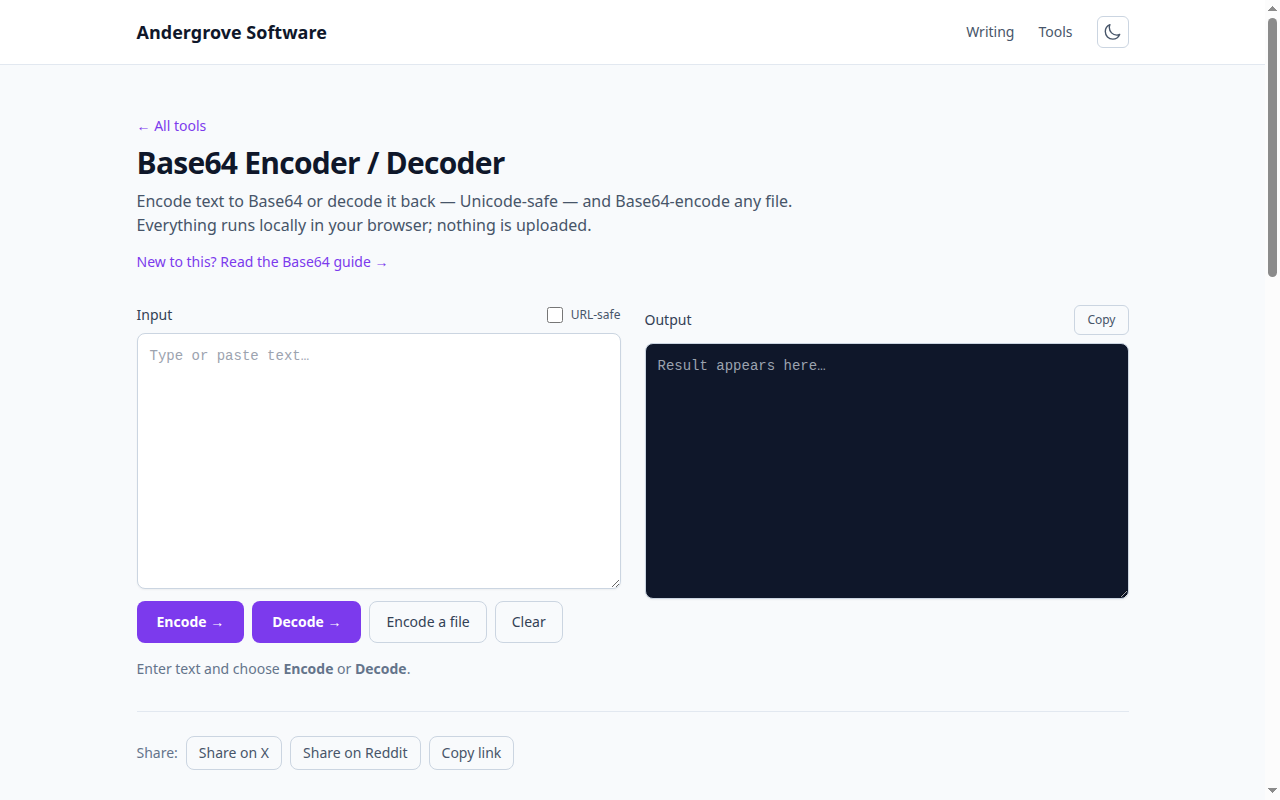
First: it is encoding, not encryption
Base64 is fully reversible and uses no key, so it provides zero secrecy — anyone can decode it in a second. Use it to transport data through text-only channels, never to protect it; for that you need real encryption. This confusion is astonishingly common (a Base64 string looks scrambled), so it is worth reading Base64 isn't encryption once and never worrying about it again.
How the encoding works
Base64 takes three bytes (24 bits) at a time and re-slices them into four 6-bit groups, each of which maps to one character in a 64-character alphabet (A–Z, a–z, 0–9, +, /). Four printable characters therefore represent three raw bytes, which is why Base64 inflates data by about 33%. When the input length is not a multiple of three, the output is padded with one or two = characters to keep that four-character alignment. That is all the = at the end means — it is padding, not part of the data.
JavaScript (browser)
The browser has btoa() (encode) and atob() (decode) — but they only handle Latin-1, so any non-ASCII text like emoji or accented letters throws an error. The correct, UTF-8-safe way goes through TextEncoder:
// UTF-8 safe encode
const b64 = btoa(String.fromCharCode(...new TextEncoder().encode('café')));
// decode
const text = new TextDecoder().decode(
  Uint8Array.from(atob(b64), c => c.charCodeAt(0))
);
Plain btoa('café') throws an InvalidCharacterError. That single surprise is behind most "btoa is broken" questions on the web.
JavaScript (Node.js)
Node uses Buffer, which is UTF-8 safe out of the box and needs no wrapper:
const b64 = Buffer.from('café', 'utf8').toString('base64');
const text = Buffer.from(b64, 'base64').toString('utf8');
Python
The base64 module operates on bytes, so encode the string first and decode the result back to text:
import base64
b64  = base64.b64encode('café'.encode()).decode()
text = base64.b64decode(b64).decode()
Bash
echo -n 'café' | base64          # encode
echo 'Y2Fmw6k=' | base64 -d       # decode
The -n matters: without it, echo appends a trailing newline that becomes part of the encoded data and changes the output.
URL-safe Base64
Standard Base64 uses + and /, which are unsafe in URLs and filenames (they get percent-encoded or interpreted as path separators). The URL-safe variant swaps them for - and _ and usually drops the = padding. JWTs and many web APIs use this variant. In Python it is base64.urlsafe_b64encode; in Node, Buffer.from(...).toString('base64url'); in the browser you can post-process the standard output by replacing the characters.
Data URIs
A common use is embedding a small image, font or SVG directly in HTML or CSS so it needs no extra network request:
<img src="data:image/png;base64,iVBORw0KGgoAAAANSU..." />The format is data:<mime-type>;base64,<encoded-data>. Because of the ~33% size overhead, inlining is worth it only for small assets; a large image is better served as its own cached file.
Quick conversions without code
To encode or decode a value on the spot — including a file, or the URL-safe variant — the Base64 encoder / decoder runs entirely in your browser, so even sensitive payloads never leave your machine.
Ready to try it? Open the Base64 Encoder / Decoder →