XML vs. JSON: Attributes, Arrays, and Converting Between Them
JSON replaced XML for most APIs, but XML never left: SOAP services, RSS feeds, SVG, Android layouts, Maven builds, invoices, sitemaps. Sooner or later you convert between the two — and discover they don’t share a data model. Here is where each format actually lives, why conversion has edges, and the convention that handles them.
Open the XML Formatter & Converter →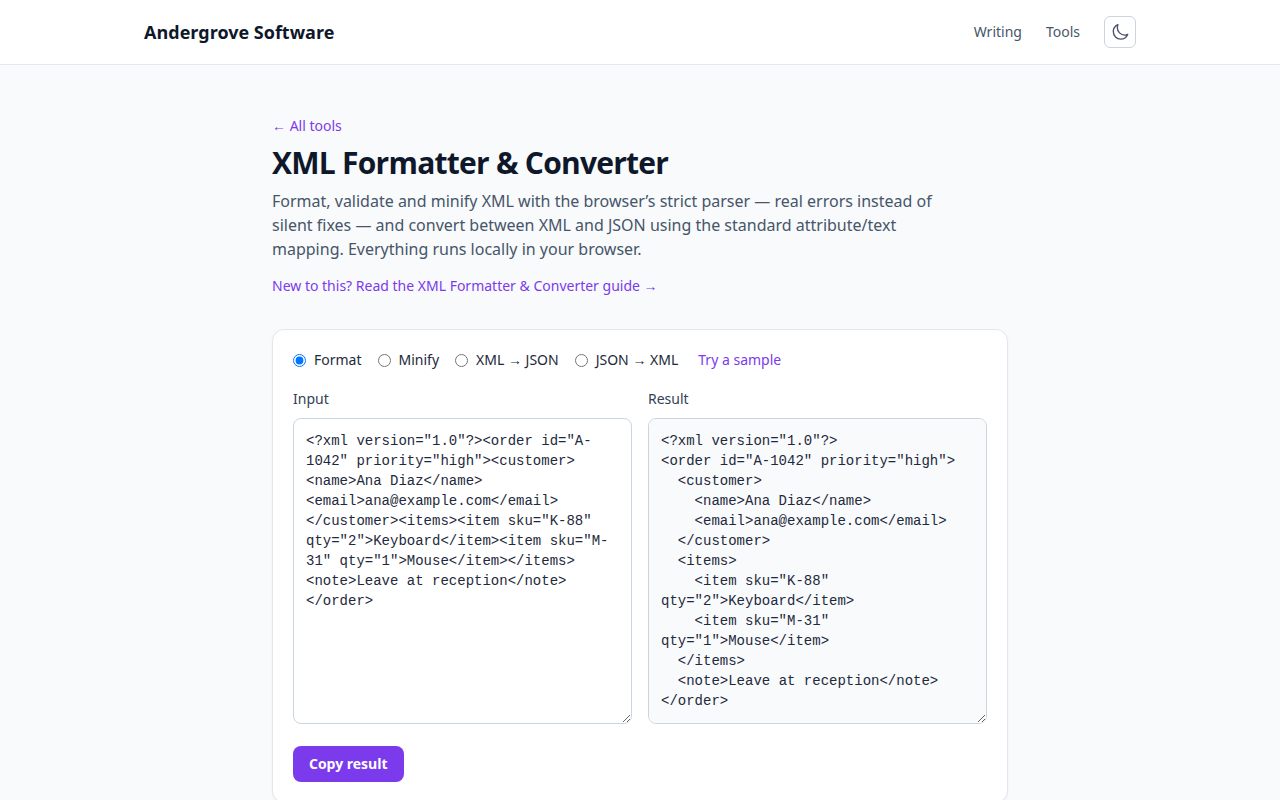
Two different shapes of data
JSON is a data notation: objects, arrays, strings, numbers, booleans, null — the shapes programs already use. XML is a document markup language: a tree of elements that can carry attributes, text, comments and processing instructions, where order always matters and text can be interleaved with elements (<p>Hello <b>world</b>!</p> — so-called mixed content). JSON has no attributes, no comments, no mixed content; XML has no arrays, no numbers, no booleans — everything is text until a schema says otherwise.
That asymmetry is why "convert XML to JSON" is a convention rather than a function: something must decide what an attribute becomes, and whether two <item> elements are "an array" or just two elements.
The @/#text convention, and its one real trap
The widely used mapping (which our converter follows): attributes become keys prefixed with @; an element containing only text becomes a plain string; an element with both attributes and text stores the text under #text; repeated sibling elements collapse into an array. It handles the overwhelming majority of config- and API-shaped XML, and it round-trips.
The trap that can't be conventioned away: one child is indistinguishable from a one-item list. <items><item/></items> converts to an object, not a one-element array — the XML itself doesn't say which was meant. Code consuming converted JSON must tolerate both (or you normalise with knowledge of the schema). This single edge case is behind most bugs in XML-to-JSON pipelines: everything works in testing with three items, then production sends one.
Well-formed vs. valid, and why strictness is a feature
XML draws a line HTML never did. Well-formed means the syntax is right: every tag closed, one root element, & escaped as &, attributes quoted. Valid means well-formed and conforming to a schema (XSD, DTD) that says which elements are allowed where. Browsers famously repair broken HTML; XML parsers refuse broken XML outright — a deliberate design choice, because in the machine-to-machine world XML serves, a silently repaired document is a silently corrupted invoice.
The strictness has practical corollaries: the unescaped ampersand in a URL (?a=1&b=2) is the single most common well-formedness error in hand-edited XML, and an XML parser tells you the exact line while an HTML parser would have shrugged. Our formatter uses the browser's strict XML parser precisely for those error messages.
Where XML still rules
Worth knowing so the conversions make sense in both directions: feeds (RSS/Atom — this site's own feed is XML), sitemaps, SVG images, Office documents (a .docx is zipped XML), Android and Maven configs, SOAP and enterprise B2B exchanges (banking, insurance, e-invoicing standards like UBL), and anywhere a schema-validated contract matters more than ergonomics. The pattern: documents and contracts stayed XML; program-to-program data moved to JSON (and configs moved to YAML). Converting at the boundary — XML feed in, JSON your code enjoys — is exactly the workflow the converter exists for.
Debugging workflow
When an XML document misbehaves: format it first — structure errors are invisible in minified single-line XML and obvious once indented. If the parser rejects it, the error names a line; the usual suspects are an unescaped &, an unclosed tag, or a second root element. If it parses but the consumer disagrees, convert to JSON and read the structure — attribute-vs-element mixups and the one-item-list trap show up immediately in JSON form. And if the document contains invisible-character weirdness (a BOM before the declaration is another classic), the Unicode inspector will find it.
Ready to try it? Open the XML Formatter & Converter →