Case Converter: the case styles, explained
A short guide to text case — what each style means, when to use it, and how to convert between them in your browser.
Open the Case Converter →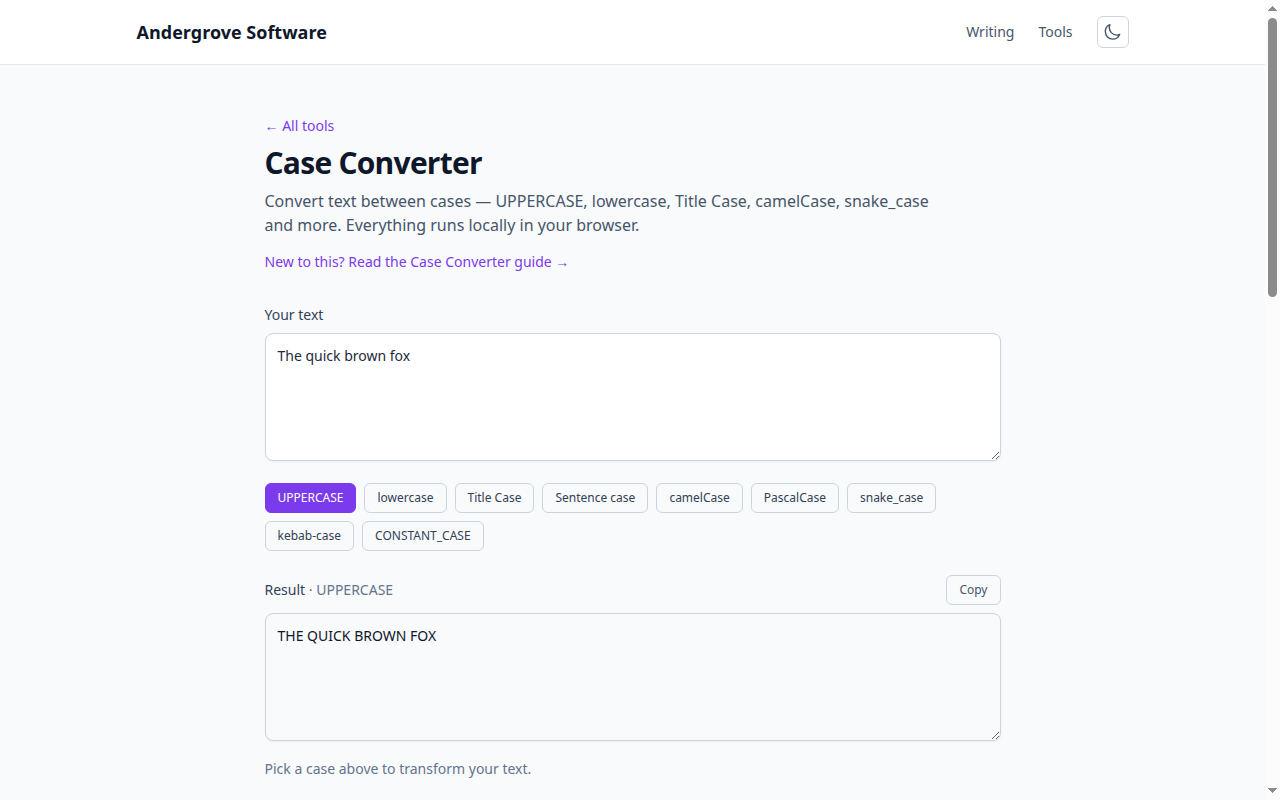
What this guide covers
Programming has a handful of standard "cases" for naming things, and each language and context expects a particular one. This guide explains what each case is and, more usefully, which to use where. Paste any text into the Case Converter to switch between them instantly.
The naming conventions, defined
- camelCase —
getUserById. First word lowercase, each later word capitalised, no separators. - PascalCase (UpperCamelCase) —
UserProfile. Like camelCase but the first letter is capital too. - snake_case —
user_id. Lowercase words joined by underscores. - CONSTANT_CASE (SCREAMING_SNAKE_CASE) —
MAX_RETRIES. Uppercase words joined by underscores. - kebab-case —
nav-bar. Lowercase words joined by hyphens. - Title Case and Sentence case — for prose: a heading versus a normal sentence.
Which case to use where
- JavaScript / TypeScript: camelCase for variables and functions, PascalCase for classes and React components, CONSTANT_CASE for true constants.
- Python: snake_case for variables, functions and modules, PascalCase for classes, CONSTANT_CASE for module-level constants (PEP 8).
- Databases (SQL): snake_case for tables and columns, since many databases fold or are case-sensitive about identifiers.
- URLs and CSS: kebab-case for slugs, class names and custom properties; it reads well and URLs can be case-sensitive.
- Files and folders: kebab-case or snake_case, to avoid case-sensitivity surprises between operating systems.
- Environment variables: CONSTANT_CASE, e.g.
DATABASE_URL. - Go: PascalCase for exported (public) names, camelCase for unexported ones — capitalisation actually controls visibility.
Conversion gotchas
Converting between cases is not always reversible. Acronyms are the classic trap: is
userID meant to become user_i_d or user_id? Most
tools, including this one, treat a run of capitals sensibly, but it is worth eyeballing names
that contain acronyms like URL, ID or HTTP. Numbers and existing separators can also change
how words are detected, so check the result rather than trusting it blindly on important
identifiers.
Why consistency matters
Sticking to the conventional case for each context is not just style. Mixed casing makes code
harder to scan, and in some places it actually breaks things: a database column or a URL can
be case-sensitive, so UserName and username may not be the same.
Following the expected convention keeps lookups working and lets the next person read your
code without friction. Everything converts locally in your browser, so you can reshape a whole
list of names safely without anything being uploaded.
FAQ
camelCase vs PascalCase?
camelCase keeps the first word lowercase; PascalCase capitalises it too.
snake_case vs kebab-case?
Underscores vs hyphens between lowercase words.
Is my text uploaded?
No — it all runs in your browser.
Ready to try it? Open the Case Converter →