When Random Beats Reasoning: the Case for Deciding by Spin
Handing a decision to a spinning wheel sounds like giving up. Sometimes it’s the smartest move available: when options are close, more deliberation buys almost nothing and costs real attention — and randomness settles the matter instantly, fairly and without a loser. The trick is knowing which decisions qualify. That, plus one psychological side-effect that makes the wheel spinner more useful than it has any right to be.
Open the Wheel Spinner →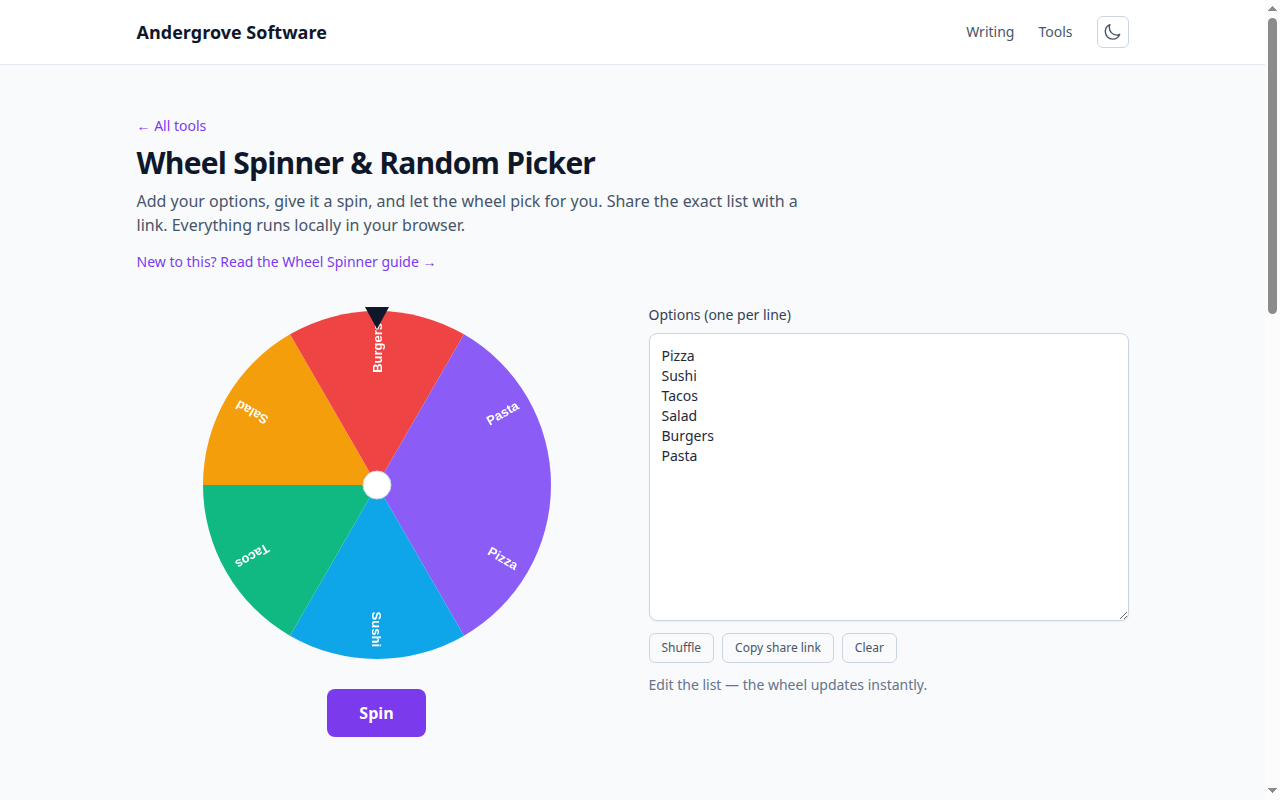
Close calls are exactly where thinking pays least
Deliberation earns its cost when options differ meaningfully — and by definition, a coin-flip-worthy decision is one where they don’t. If two lunch spots, two movie nights or two equally-qualified volunteers have survived your filtering, the remaining difference is smaller than your ability to measure it, and twenty more minutes of comparison shopping is twenty minutes spent purchasing nothing. Decision fatigue is real currency: every trivial choice resolved cheaply leaves more judgment for the choices that deserve it. Filter seriously, then randomize the finalists without guilt.
The coin-flip trick: randomness as a preference detector
There’s a second, sneakier use. Assign the options, spin — and notice how you feel about where it lands. A flash of disappointment is your actual preference reporting for duty, surfaced in half a second after an hour of pro/con lists failed to find it. You then simply overrule the wheel. Used this way the spinner isn’t deciding at all; it’s an instrument for measuring a preference too quiet to hear directly. (Large surveys of people who flipped coins over real dilemmas found the flip nudged them toward action — and the ones nudged into change were, months later, the happier group. Make of that what you will.)
Fairness is the other superpower
For group decisions, randomness has a property no amount of discussion can match: nobody lost an argument. Who presents first, who gets the good desk, which student answers, whose turn to pick the restaurant — a visible spin converts a potential negotiation into a shared moment, and everyone accepts outcomes they watched happen by chance far more gracefully than outcomes a person chose. Teachers discovered this long ago: random selection isn’t only fair, it’s visibly fair, which keeps attention up and resentment down. The wheel is honest — each entry has equal odds — and, usefully, everyone can see that it is.
What not to randomize (and how to weight what’s left)
The method has clean boundaries. Never randomize decisions with asymmetric stakes (jobs, money, health), decisions someone must own and defend later, or anything where new information could still arrive cheaply — randomness is for resolving equivalence, not for skipping homework. And if the options aren’t equivalent, don’t pretend: make the weighting explicit instead by adding an option to the wheel multiple times — three entries for tacos and one for pizza is a 75/25 spin everyone signed off on. Load your list into the wheel spinner, duplicates and all; it spins with genuine randomness, keeps your list local, and never gets tired of settling things.
Ready to try it? Open the Wheel Spinner →