How to Run an LLM on a Small GPU: Quantization, Offloading and Context
The model you want to run needs more memory than your GPU has — now what? This is the practical playbook for squeezing a large language model into limited VRAM: picking a quantization level, offloading layers, trimming the context window, and recognizing when a smaller model is simply the better choice. To check the numbers for your own hardware as you read, the VRAM calculator gives an instant estimate.
Open the LLM GPU Memory (VRAM) Calculator →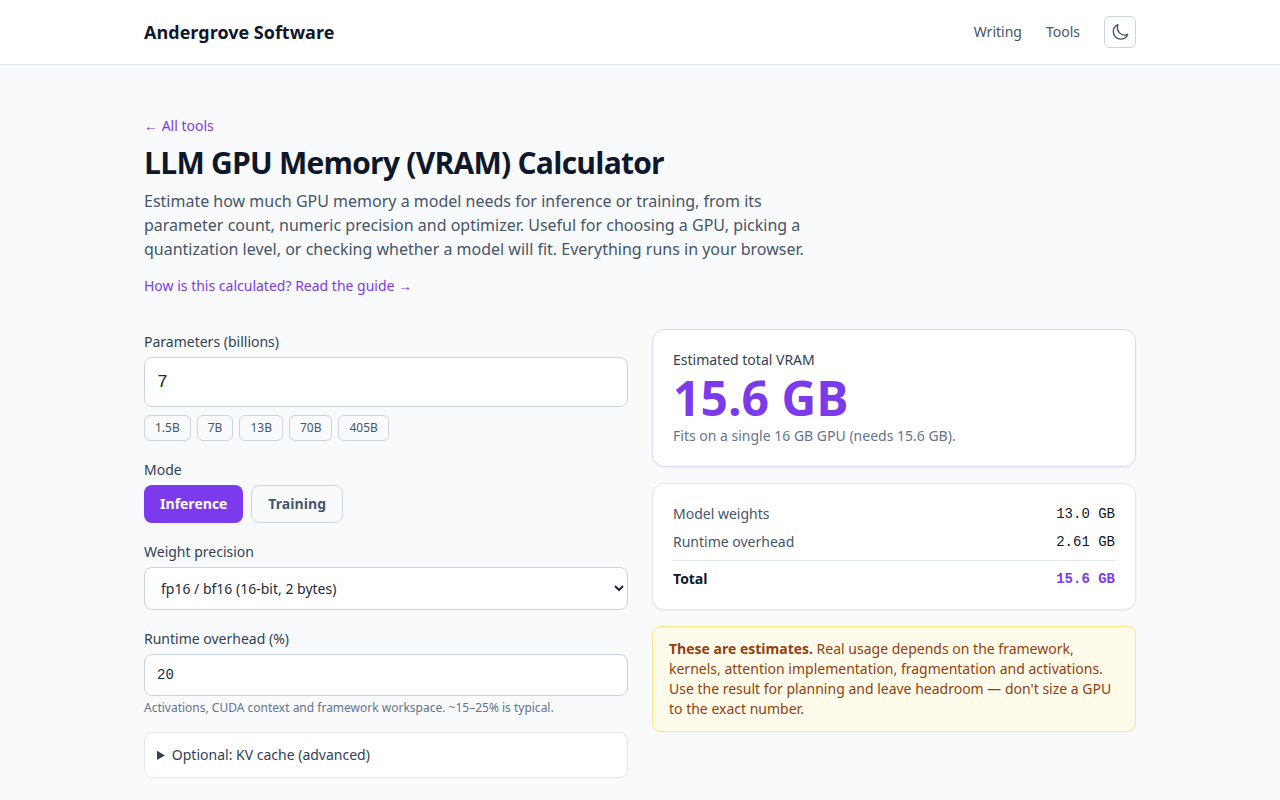
Start by measuring the gap
Model weights dominate the memory bill: parameter count × bytes per weight. At 16-bit precision every billion parameters costs about 2 GB, so a 7B model needs ~14 GB for weights alone — already past an 8 GB card before the first token. On top of the weights come the KV cache (which grows with context length) and a bit of framework overhead. Knowing whether you are 20% over budget or 3× over decides which of the levers below you reach for; the maths behind the estimate is covered in how much VRAM an LLM needs.
Quantization: the biggest single lever
Quantization stores each weight in fewer bits. Dropping from 16-bit to 4-bit shrinks the weights roughly 4×: that 14 GB 7B model becomes ~4.2 GB, which fits an 8 GB card with room for context. The common GGUF levels trade size against quality: Q8 is nearly indistinguishable from the original, Q5 and Q4 (especially the K_M variants) are the everyday sweet spot, and below Q4 — Q3, Q2 — degradation gets noticeable: more repetition, worse reasoning, brittler instruction-following.
Which format you need depends on the runtime: GGUF for llama.cpp-based stacks (which can also split work with the CPU), GPTQ/AWQ for GPU-only inference servers. You rarely quantize anything yourself — for popular open models, every level is already published for download.
Offloading: keep what fits on the GPU, spill the rest
llama.cpp-style runtimes let you put only the first N layers on the GPU and run the remainder on the CPU. This is the escape hatch when a model almost fits: offloading a few layers costs a little speed, but the fall-off is steep — a model running mostly on CPU generates a handful of tokens per second instead of dozens. As a rule of thumb, offloading works well up to roughly a quarter of the layers; past half, ask whether the bigger model is still worth the wait. If the option exists, keep the KV cache on the GPU — it is touched on every single token.
The context window costs memory too
The KV cache grows linearly with context: for a 7B-class model without grouped-query attention it is roughly half a megabyte per token, so a 4,096-token context adds about 2 GB. Most recent models use grouped-query attention, which cuts that several-fold — but a 32k context is still a serious allocation. If you are tight, launch with a smaller context window than the model’s maximum: a chat assistant rarely needs 32k, and halving context frees memory with zero quality loss on short tasks. Many runtimes can also quantize the KV cache itself to 8-bit for another ~50% saving there.
When nothing fits: smaller beats crushed
There is a floor. In practice a well-trained smaller model at Q5 usually answers better than a bigger model crushed to Q2 — extreme quantization gives you the memory footprint of a small model with worse output than one. If the model you want will not fit at Q4 with usable context even after offloading, switch to the smaller size, or rent the occasional big run in the cloud and keep daily work local. For jobs where an API is on the table, the LLM API cost calculator makes the run-it-yourself vs. pay-per-token comparison concrete.
Worked example: an 8 GB card
Say you have 8 GB of VRAM. A 7B model at Q4_K_M needs ~4.2 GB of weights; add a 4k context (well under 1 GB with grouped-query attention) plus overhead and you land around 5.5 GB — comfortable, fast, fully on-GPU. A 13B at Q4 wants ~7.9 GB for weights alone, so it only runs by offloading a meaningful slice to the CPU and accepting the slowdown. The honest 8 GB answer is: 7B-class models at Q4/Q5, generous context; 13B when you can tolerate offloading; anything larger belongs on a bigger card. Plug your own card and model into the calculator to see where your line sits.
Ready to try it? Open the LLM GPU Memory (VRAM) Calculator →