How to Cut LLM API Costs: Practical Ways to Use Fewer Tokens
LLM API bills are token bills: every request pays for what you send and what comes back. The good news is that most production prompts carry real waste, and trimming it is one of the few optimizations that also makes responses faster. Here are the techniques that actually move the bill, roughly in order of payoff. To see where your own tokens go, paste a prompt into the token counter.
Open the LLM Token Counter →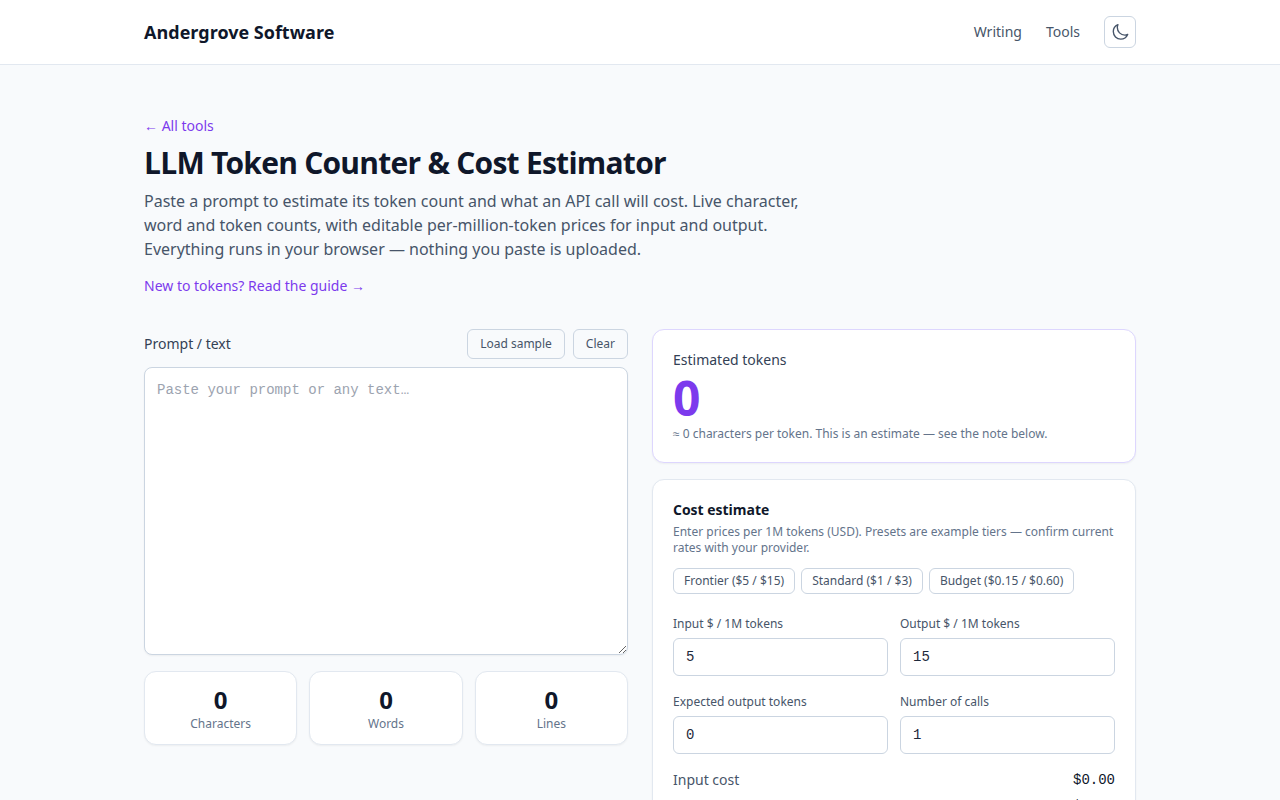
The bill is tokens × price — measure before touching anything
Cost is input tokens times the input rate plus output tokens times the (usually higher) output rate. Before optimizing, find out which side dominates: a summarizer is input-heavy, a code generator output-heavy, and the fix is different for each. Count a few representative requests with the token counter and multiply by daily volume. The numbers get big quietly: a 1,500-token system prompt on 10,000 requests a day is 15 million tokens — at, say, $1 per million input tokens, that is $450 a month spent re-sending the same boilerplate.
Trim the system prompt — it ships with every request
The system prompt is the one text every single call pays for, which makes it the highest-leverage edit in the codebase. Cut instructions the model no longer needs, collapse repetitive rules into one line, and audit few-shot examples hardest of all — they are the bulkiest part of most prompts, and models have become steadily better at following instructions without three demonstrations. If a rule only applies to one code path, inject it conditionally instead of making everyone pay for it.
Cap and shape the output
Output tokens typically cost several times more than input tokens and dominate latency too. Set a sensible maximum output length per call so a runaway response cannot bill you for thousands of tokens. Then shape the format: ask for JSON with exactly the fields you need, or "answer in one paragraph" — an unconstrained model happily produces preamble, bullet recaps and closing summaries you will throw away after parsing.
Window the conversation history
Chat is the silent budget-killer because each turn re-sends the whole conversation: by turn twenty you are paying for turns one through nineteen again. Keep a sliding window of recent turns and replace older ones with a short rolling summary the model updates as it goes. Users almost never notice; the bill very much does. How text maps to tokens — and why history inflates faster than you expect — is covered in how LLM tokenization works.
Cache what repeats
Most providers discount prompt caching: if the opening portion of a request is byte-identical to a recent one, those tokens cost a fraction of the normal rate. To qualify, order the prompt stable-first — system prompt, then reference documents, then the user’s variable input last; a timestamp inserted at the top breaks the match for everything after it. Independently, cache at the application level too: identical questions deserve one API call, not thousands.
Batch offline work and right-size the model
Anything that does not need an interactive answer — nightly classification, backfills, evaluations — belongs on the provider’s batch endpoint, which typically runs at about half price in exchange for results within hours. And match model to task: classification, extraction and reformatting rarely need a frontier model, so route the easy 80% to a small, cheap model and escalate only what fails. Between rate differences and caching, the same workload can vary in cost by an order of magnitude; compare configurations side-by-side in the LLM API cost calculator, and re-measure after each change so you know which edits actually paid.
Ready to try it? Open the LLM Token Counter →