URL Encoding Explained: %20, +, and Percent-Encoding
A URL can only safely carry a small alphabet of characters, so everything else must be smuggled in as percent-encoded bytes — a % followed by two hex digits. That one rule explains %20, the strange + signs in search links, and most mangled-link bugs. Here is how it works.
Open the URL Encoder / Decoder →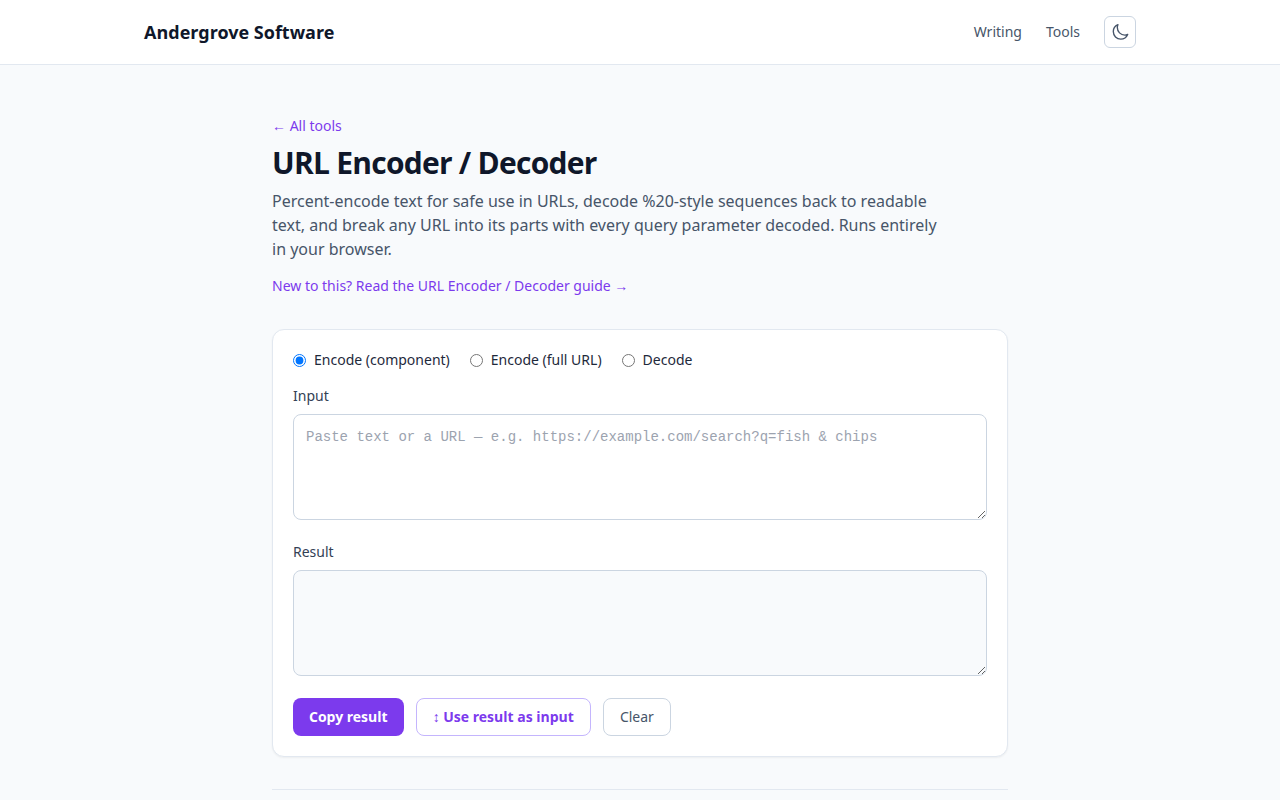
Why URLs can’t just contain anything
The URL standard (RFC 3986) splits characters into two camps. Unreserved characters — letters, digits, - . _ ~ — may appear anywhere. Reserved characters — / ? # & = + : and friends — have structural jobs: ? starts the query string, & separates parameters, # starts the fragment. If your data contains one of these, it must be escaped, or the URL's structure changes: searching for "fish & chips" without encoding sends a parameter called q with the value "fish " and a second, empty parameter called " chips".
Everything else — spaces, quotes, emoji, accented letters — simply isn't allowed raw. Percent-encoding replaces each byte of the character's UTF-8 form with %XX: a space becomes %20, é becomes %C3%A9, and 🎉 becomes four escaped bytes.
%20 vs. +: two encodings for a space
Both exist for historical reasons. %20 is the real percent-encoding of a space, valid anywhere in a URL. + means a space only inside a query string, and only because HTML forms have encoded spaces that way since the early web (application/x-www-form-urlencoded).
The practical rules: when encoding, prefer %20 — it is unambiguous everywhere. When decoding a query string, treat + as a space (our decoder does). And if you need a literal plus sign in a query value, it must itself be encoded as %2B — unencoded plus signs in email addresses are a classic form-handling bug.
encodeURI vs. encodeURIComponent
JavaScript ships two encoders, and picking the wrong one is a rite of passage:
encodeURIComponent(value)escapes everything reserved, including/,?and&. Use it for a piece of a URL — a query value, a path segment. This is the right default.encodeURI(url)leaves structural characters alone and only escapes what can never appear raw (spaces, non-ASCII). Use it on a complete URL you want to clean up without breaking apart.
The failure modes are symmetrical: encodeURI on a query value leaves & unescaped and your parameter silently truncates; encodeURIComponent on a full URL escapes the // after the protocol and the whole thing stops being a URL.
The double-encoding bug
Encode an already-encoded string and every % becomes %25: %20 turns into %2520, and the link displays as "my%20file" instead of "my file". This happens when two layers of a system each "helpfully" encode — a template engine and an HTTP client, say. The tell is %25 appearing in URLs. The fix is discipline about boundaries: store values decoded, encode exactly once at the moment you build the URL. When debugging, paste the URL into a decoder repeatedly — if it takes two decodes to become readable, something double-encoded it.
The reverse bug also exists: decoding twice. That one is a security matter — filters that check a URL once but decode it twice can be smuggled past (%252e%252e surviving one decode as %2e%2e, i.e. ".."), which is why security scanners flag double-decode behaviour.
Reading a mystery URL
Marketing and tracking links stack encodings deep — a destination URL encoded as a parameter inside a redirect URL, itself encoded inside a click tracker. To see where a link really goes: paste it into the URL encoder/decoder and read the breakdown table — every query parameter is shown decoded, including any nested URL. Decode the nested URL again if needed. Two parameters worth knowing: url=, u= or dest= usually carry the real destination, and utm_* parameters are pure tracking that can be deleted. It pairs well with the same skill for QR codes, where you can't see the URL at all until you decode it.
Ready to try it? Open the URL Encoder / Decoder →