How to Back Up Your Authenticator App (and Recover 2FA)
Two-factor authentication protects your accounts — until you lose the phone with the codes on it and lock yourself out. The good news: 2FA is easy to back up if you plan ahead, and often recoverable even if you did not. Here is how to make sure losing a device never loses you an account. For how the codes themselves work, see how TOTP and authenticator apps work.
Open the TOTP Generator →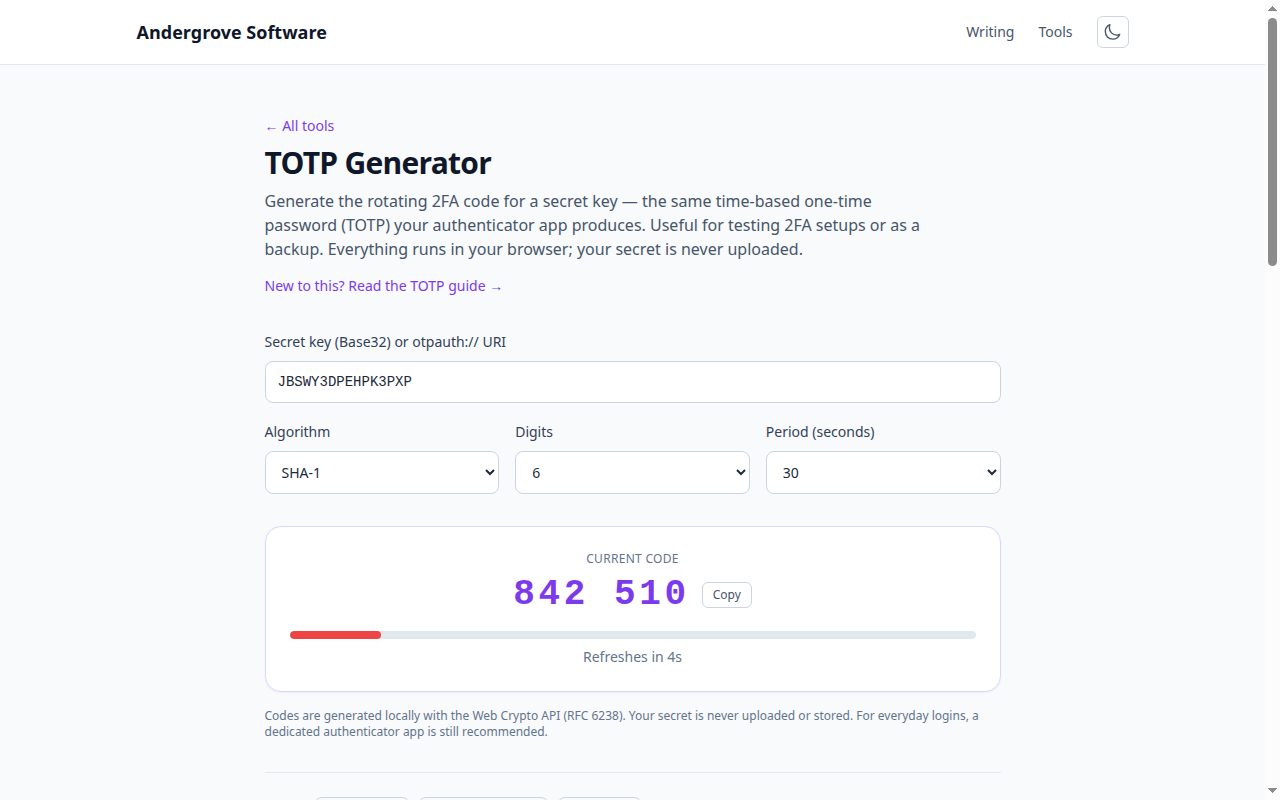
Why 2FA locks people out
An authenticator app does not "sync" your codes to the cloud by default. The rotating six-digit code is computed from a secret that a site gave you once, at setup, as a QR code. If that secret lives only in an app on one phone and the phone is lost, stolen or wiped, the codes are gone — and so is your ability to log in, unless you saved a backup. This catches people out constantly, so the fix is to capture a backup at setup, before you ever need it.
Save the recovery codes (do this first)
When you enable 2FA, almost every site offers a set of one-time recovery codes — usually eight to ten short strings. These are your escape hatch: each one logs you in once if you cannot produce a code. Save them somewhere separate from your phone: printed and filed, or in your password manager. This single step prevents the most common lockout. If you skipped it, generate a fresh set now from the account's security settings while you still have access.
Back up the secret at setup
When a site shows the setup QR code, it also offers a "manual entry" or "setup key" — the Base32 secret itself. Saving that secret (in your password manager, alongside the account) means you can re-add the account to any authenticator later, or generate a code from it directly. That is exactly what the TOTP generator does: paste the secret and it produces the current code, which is invaluable for confirming a backup works or getting in when your usual app is unavailable. Treat the secret like a password — anyone who has it can generate your codes.
Use an app that backs up
Modern authenticator apps can encrypt and sync your secrets so a new phone restores them automatically — Authy, and recent versions of Google Authenticator and Microsoft Authenticator, all offer cloud backup. Turn it on, and protect it with a strong password, because that backup now holds the keys to all your 2FA. If you prefer to keep secrets offline, an app that supports encrypted export lets you move them to a new device deliberately.
Moving to a new phone
Plan the transfer before wiping the old phone. Either restore from your app's cloud backup, use its built-in "transfer accounts" / export feature to move secrets to the new device, or re-add each account from the secrets you saved. Whichever you use, log in to a couple of accounts to confirm the codes work before you decommission the old phone.
If you are already locked out
No backup and no phone? You still have options, in order: use a recovery code if you saved any; use a second factor the account may have (a backup phone, a passkey, a hardware key); or start the site's account recovery process, which typically verifies your identity by email or support and can take days. To avoid ever being here again, once you regain access, immediately save recovery codes and turn on backup.
Ready to try it? Open the TOTP Generator →