LLM Tool Use: Writing Function Schemas for OpenAI and Anthropic
How to define a tool for an LLM: what the JSON Schema controls, how the OpenAI and Anthropic shapes differ, and how to write descriptions and constraints the model follows.
Open the LLM Tool-Call Schema Builder →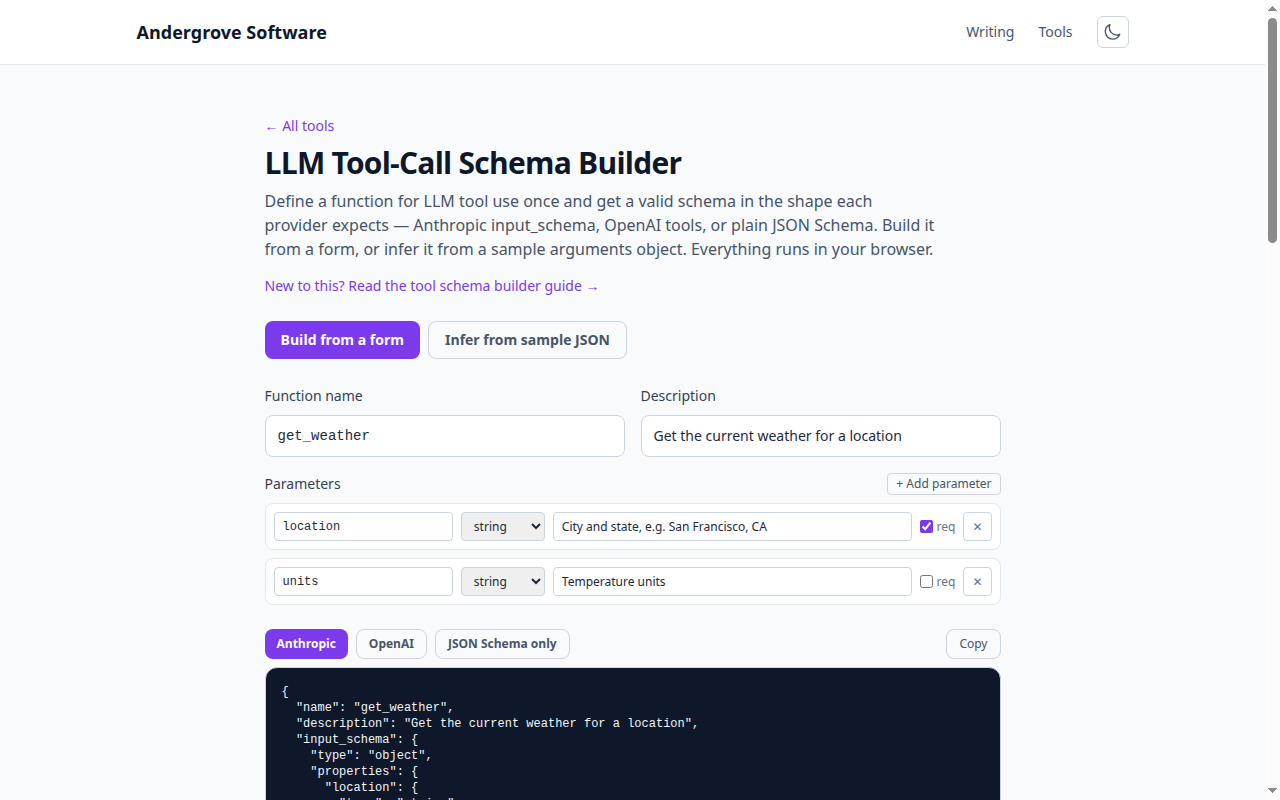
What this tool does
The Tool-Call Schema Builder turns a function definition into the exact JSON shape the OpenAI and Anthropic APIs expect for tool use (a.k.a. function calling). Build it from a form, or paste a sample arguments object and have the schema inferred, then copy it straight into your API request.
How tool use works
When you attach tools to a request, you send the model a schema describing each function — its name, a description, and a JSON Schema for its arguments. The model decides when to call a tool and returns a structured arguments object matching that schema, which your code executes and feeds back. The schema is both an advertisement (what the model can do) and a contract (what valid arguments look like).
The two formats
Both providers describe arguments with the same JSON Schema; only the wrapper differs:
// Anthropic
{ "name": "get_weather",
  "description": "...",
  "input_schema": { "type": "object", "properties": {...}, "required": [...] } }

// OpenAI
{ "type": "function",
  "function": { "name": "get_weather", "description": "...",
    "parameters": { "type": "object", "properties": {...}, "required": [...] } } }
Define the function once here and switch the output between them.
Writing schemas the model follows
- Describe every field. The description is how the model knows what to put there — "City and state, e.g. San Francisco, CA" beats "location".
- Use enums for fixed choices so the model cannot invent a value.
- Mark required fields so the model does not omit them.
- Keep it tight. Fewer, well-typed parameters call more reliably than a sprawling object.
Inferring from a sample
If you already have an example arguments object, the Infer mode reads its shape — string, integer, number, boolean, array, nested object — and produces a schema with every field required. It is a fast starting point; then add descriptions and enums, and relax any fields that are optional.
Privacy
Schema generation is pure JSON processing in your browser. Nothing you type is uploaded. Provider field names change occasionally, so check the current tool-use docs for OpenAI or Anthropic before shipping.
Ready to try it? Open the LLM Tool-Call Schema Builder →