Subresource Integrity: How to Pin a CDN File So Tampering Breaks It
Every third-party script on your page runs with the same power as your own code — and you don’t control the server it comes from. If a CDN is compromised or an account hijacked, the tampered file executes in your users’ browsers with full access to your page. Subresource Integrity (SRI) is the one-attribute defense: pin the file to a hash, and the browser refuses anything that doesn’t match. Here is how it works and how to use it well. The SRI generator produces the hash and tag locally.
Open the SRI Hash Generator →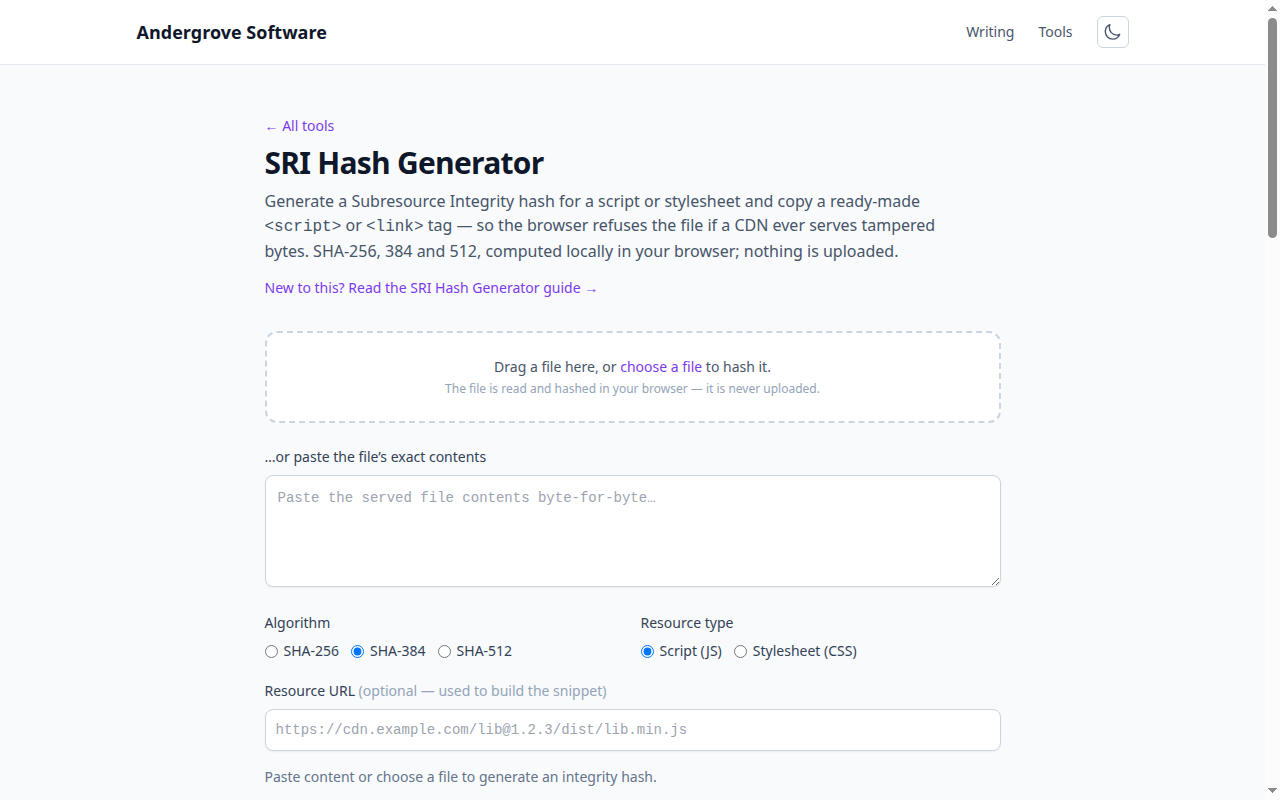
The threat: a supply chain you don’t own
Loading <script src="https://cdn.somewhere/lib.js"> is a standing act of trust: you trust that server, its operators and every future version it serves, to run arbitrary code on your site forever. That trust has been broken repeatedly — compromised CDN accounts, hijacked npm-to-CDN pipelines, and the Polyfill.io incident of 2024, where a widely-used script began serving malware to millions of sites that had embedded it years earlier. None of those sites changed anything; the file underneath them did. SRI exists so that "the file changed" becomes "the file stops loading" instead of "the file attacks my users".
How the check works
You publish a cryptographic hash of the exact file you vetted, in the integrity attribute: integrity="sha384-oqVuAfXRKap7fdgcCY5uykM6+R9GqQ8K/uxy9rx7HNQlGYl1kPzQho1wx4JwY8wC". When the browser downloads the resource, it hashes the received bytes and compares. Match: it runs. Mismatch: the browser blocks the resource entirely and fires an error, exactly as if it failed to load. The guarantee is simple and absolute — the browser runs the file you fingerprinted, or it runs nothing. There is no "run it anyway"; a single flipped byte fails the check.
The two attributes, together
SRI travels with crossorigin="anonymous" for a reason. To hash a response, the browser must be allowed to read its bytes, and for a cross-origin resource that requires CORS. crossorigin="anonymous" makes a credential-less request and signals that you expect CORS headers back; without it, the integrity check on a CDN resource silently can’t run and the browser blocks the file. Reputable CDNs send Access-Control-Allow-Origin, so it just works — but if a host doesn’t, SRI cannot protect that resource, which is itself a reason to reconsider the host.
The rule that causes every SRI bug: hash the served bytes
SRI compares against what the browser receives, so the hash must be of the precise artifact at the precise URL. Almost every "SRI keeps blocking my script" story is a mismatch between what was hashed and what is served: hashing the readable source while the page loads the minified build; a CDN that minifies or transforms on the fly; or — the classic — pinning a floating version like lib@latest or lib@1, whose bytes change the moment the library publishes a patch, instantly breaking your now-wrong hash. The discipline is twofold: hash the exact file you ship, and only ever pin immutable, fully-versioned URLs (lib@1.4.2, not lib@1). Transport compression (gzip/Brotli) is safe, because SRI checks the decoded content.
Rotation, multiple hashes, and enforcing it site-wide
When you legitimately upgrade a library, the hash changes with it — regenerate and redeploy the tag as part of the version bump (a good reason to keep dependency URLs in one place). You can list several hashes in one attribute, space-separated, and the browser uses the strongest algorithm it supports — useful mid-migration. To go from "SRI where I remembered it" to "SRI everywhere", the Content-Security-Policy directive require-sri-for script style instructs the browser to refuse any script or stylesheet that lacks an integrity attribute at all — a natural pairing with the CSP builder. Generate the hashes for each pinned file with the SRI generator; because it hashes locally, it works on internal or not-yet-published files too.
Ready to try it? Open the SRI Hash Generator →