How to Format SQL: A Practical Style Guide
SQL has no official style guide and no compiler to complain, so every team drifts into its own habits — and long queries drift into unreadable walls. A few conventions do most of the work of keeping SQL reviewable. Here they are, with the reasoning, so you can adopt them or argue with them deliberately.
Open the SQL Formatter →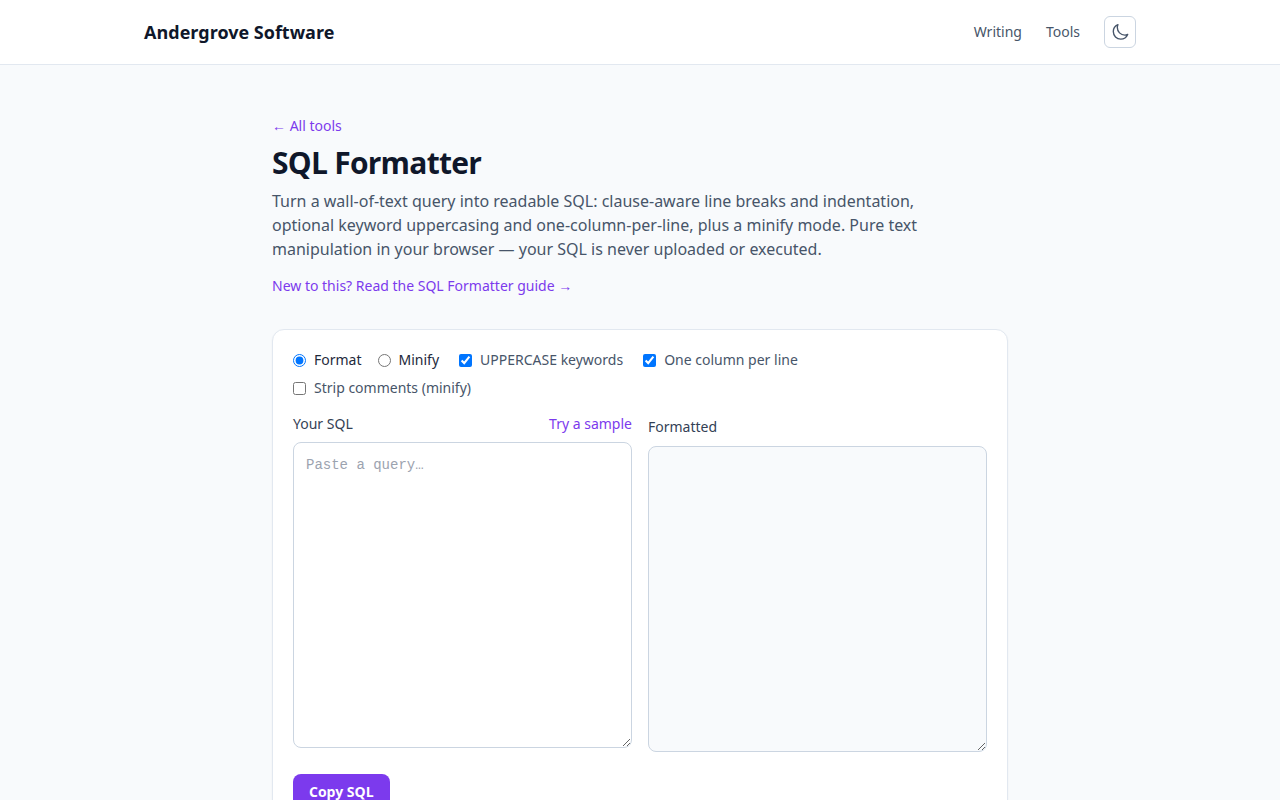
Why SQL style matters more than most code style
Two reasons SQL earns extra care. First, queries are read under pressure — the times people study a query hardest are incident reviews and slow-query hunts, exactly when a 400-character single line hurts most. Second, SQL reviews are diff reviews: a query formatted one-clause-per-line produces a two-line diff when someone adds a column; the same change to a one-line query lights up the whole line and hides what actually changed. Consistent formatting is what makes the second property real, which is why teams put a formatter in the workflow rather than a style document nobody reads.
The conventions that earn their keep
Keywords uppercase, identifiers as declared. UPPER-CASE keywords made more sense on monochrome terminals, but they still act as visual anchors — your eye finds the FROM and WHERE instantly. The modern counter-argument (syntax highlighting does that job now) is fair; what matters is picking one and being consistent, because mixed casing reads as carelessness.
One major clause per line. SELECT, FROM, each JOIN, WHERE, GROUP BY, HAVING, ORDER BY, LIMIT — each starts a line. This is the single highest-value rule: it makes the query's shape visible before you read a word of it.
One column per line in the SELECT list once you pass three or four columns. It reads taller, but every added or removed column becomes a one-line diff, and long expressions get room for an AS alias you can actually see.
Indent AND/OR under their clause, one condition per line. A five-condition WHERE on one line is where precedence bugs hide — especially an OR that needed parentheses. One condition per line makes the logic tree visible.
The holy wars, adjudicated briefly
Leading vs. trailing commas. Trailing (comma at line end) reads like prose; leading (comma at line start) makes add/remove-at-the-end a one-line diff and can't produce the classic trailing-comma syntax error. Data teams that live in dbt lean leading; most other code style leans trailing. Either works — enforced consistently.
JOIN condition placement. Keep ON on its own indented line under the JOIN once conditions are non-trivial. Related: prefer explicit JOIN … ON over comma-joins with the condition buried in WHERE — the 1992 syntax exists precisely to keep join logic and filter logic separate.
Subqueries. Indent them with their parentheses, and once a subquery nests twice, consider a CTE (WITH clause) instead — CTEs read top-to-bottom like a pipeline, which is usually what the query means.
Minifying: the reverse direction
Sometimes you want the opposite of pretty: SQL embedded in a JSON payload, a config value, or a log line where newlines are hostile. Minifying collapses the query to one line and optionally strips comments — the meaning is untouched, since SQL ignores whitespace outside strings. Two cautions: keep a formatted copy as the source of truth (minified SQL is write-only), and remember comments sometimes carry hints for humans and optimisers (some databases read hint comments) — strip them only when you know they're inert. If the query travels inside JSON, run the result through the JSON validator after embedding; quote escaping is where that combination breaks.
Format at the boundary, not in the argument
The way style debates actually end is automation: format on save or in CI, and the diff noise disappears along with the argument. For quick one-offs — a query pasted from a log, an ORM's generated SQL, something a colleague sent in Slack — paste it into the SQL formatter, get it readable, and read it. Everything runs in your browser, which matters for queries full of production table names; nothing is uploaded, and nothing is executed.
Ready to try it? Open the SQL Formatter →