How to Find Your Perfect Mouse Sensitivity (eDPI, cm/360 and a Method That Converges)
Endlessly fiddling with sensitivity is the most common way FPS players sabotage their own aim. The fix isn’t finding a magic number — it’s using a method that converges, then locking the result in everywhere. Here’s how to do both, and the two measurements (eDPI and cm/360) that make sensitivities comparable at all. When you’re ready to carry the result across games, the sensitivity converter does the translation exactly.
Open the Mouse Sensitivity Converter →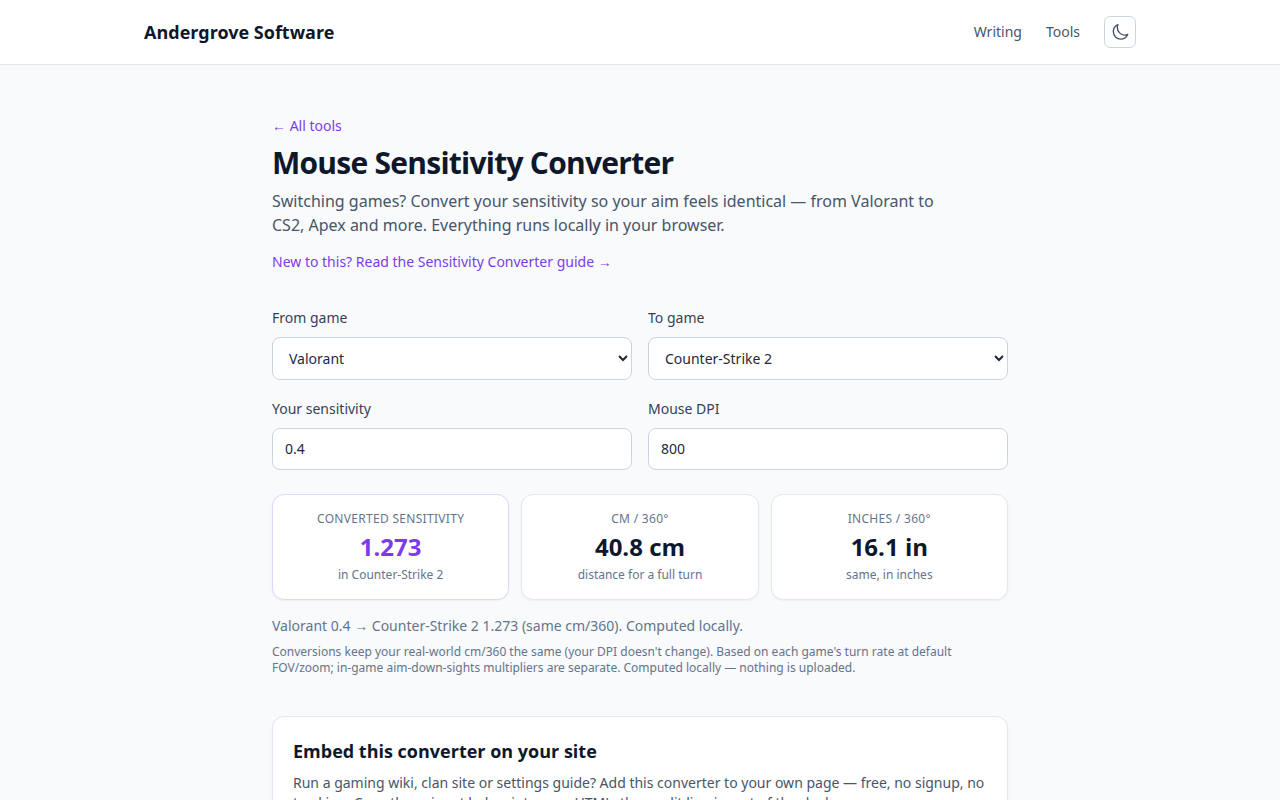
The two numbers that actually describe your sensitivity
In-game sensitivity values are meaningless across games — a 2.0 in one title is nothing like a 2.0 in another. Two derived numbers fix that. eDPI is mouse DPI × in-game sensitivity, and makes settings comparable between players within the same game regardless of DPI. cm/360 — how many centimeters of mousepad turn you a full circle — is the physical truth that transfers between games and even between setups. Two players with identical cm/360 have identical aim mechanics, whatever their DPI or in-game numbers say. (Why raw values don’t transfer is covered on the converter page; the short version is that every engine scales rotation differently.)
Pick a starting range by playstyle
For tactical shooters, most strong players cluster in a surprisingly narrow band: roughly 25–50 cm/360. Arm aimers (whole forearm moves, wrist mostly rigid) live at the slow end, 35–55 cm — more precision, more desk. Wrist aimers sit around 20–35 cm. Faster-paced games with lots of 180-degree pressure tolerate quicker settings than slow angle-holding games. If you have no opinion yet, start near 35 cm/360 and let the method below move you; starting inside the plausible band saves weeks of drift.
Set DPI once and forget it
DPI is not where feel lives — total sensitivity is, and you should adjust it in-game. Pick 800 (or 1600) DPI, both modern-sensor sweet spots with fine-grained steps, and never touch it again; changing DPI mid-process silently rescales your desktop, other games and your muscle memory all at once. Very low DPI (400) still works fine and plenty of veterans use it out of habit; the only real mistake is treating the DPI knob as a tuning dial.
Converge with binary search, not vibes
The classic method: pick a sensitivity that feels clearly too slow and one clearly too fast (say, double it). Play a few minutes on each, keep whichever felt better, then test the midpoint between the winner and your previous best. Each round halves the search space, and within five or six rounds you’ve converged to a number your hands chose — not your mood. Two rules make it work: judge by control (can you stop on a target, track through a strafe, check a corner without overshooting), never by highlight flicks; and once converged, stop. Write down the cm/360.
Lock it in everywhere
The final step is the one most players skip: make every game you play match that cm/360, so all your practice deposits into one account of muscle memory instead of several leaky ones. That’s a per-game-engine conversion — exactly what the sensitivity converter computes, with ready-made pages for the common moves like Valorant to CS2. Then give the number four to six weeks of honest use before judging it. Aim slumps make everyone want to touch the dial; the players who improve are the ones who go train instead — a structured routine like the 15-minute aim warm-up fixes more bad days than any sensitivity change ever has.
Ready to try it? Open the Mouse Sensitivity Converter →