How to click faster: jitter, butterfly and drag clicking, properly explained
The training manual for your click speed — how each technique actually works, step by step, the mouse hardware that helps or silently blocks you, a practice plan, and the strain warnings nobody reads until it hurts.
Open the CPS Test →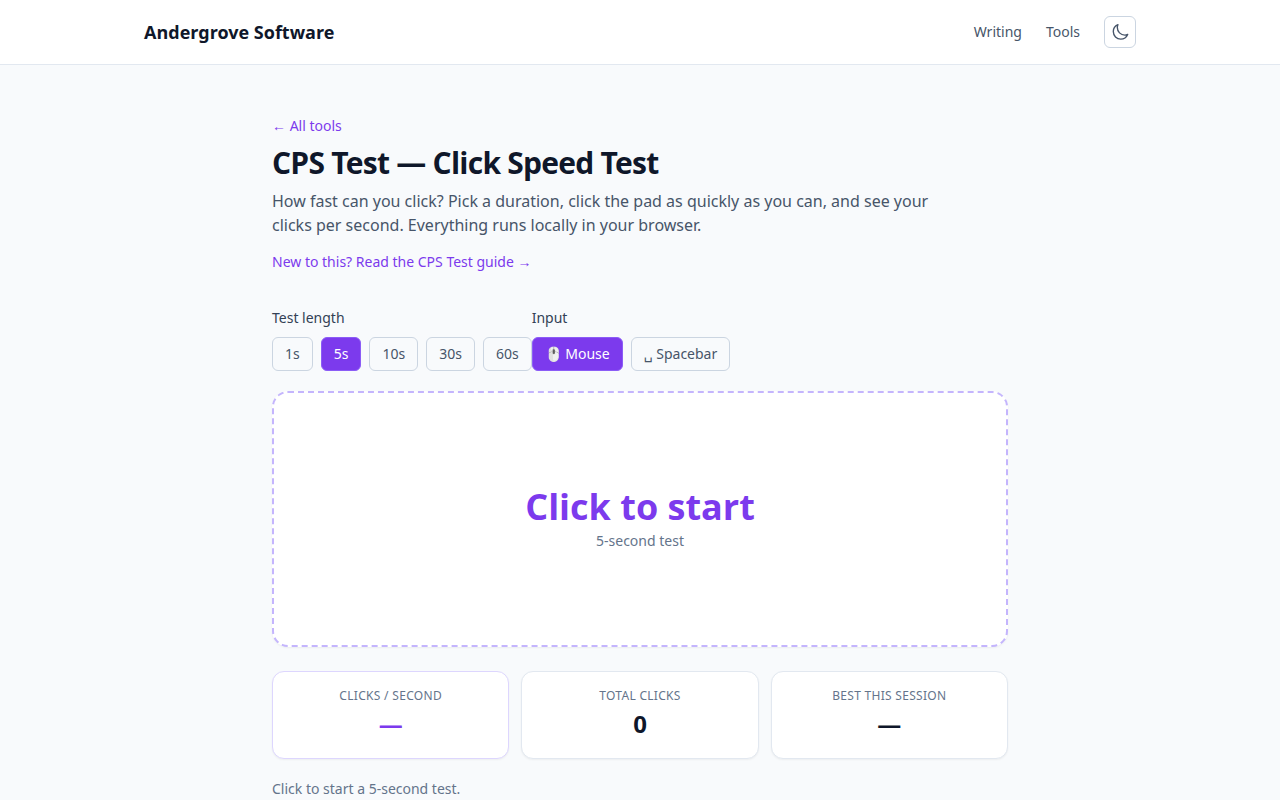
Technique beats effort
Clicking harder doesn't make you faster — a normal single-finger click tops out around 6–8 CPS for nearly everyone, because that's as fast as one finger can cycle. Every big number you've seen on a leaderboard comes from changing the mechanism: making the finger vibrate instead of press (jitter), using two fingers instead of one (butterfly), or tricking the switch into firing multiple times per touch (drag). This guide covers how each one actually works and how to practise it against the CPS Test. For what scores are normal, see what is a good CPS?
Regular clicking, done right
Before learning tricks, fix the basics — they carry over to real games, which the tricks mostly don't. Click from the last knuckle of the finger, not the wrist or arm; keep the wrist straight and floating, not planted at a bent angle; and relax the fingers you aren't using. Tension anywhere in the hand slows the cycling finger. A relaxed, rhythmic 6–7 CPS you can hold for ten seconds beats a frantic 8 that collapses after two — run a 10-second test and watch the timeline: if your bars slope steadily downward, you're over-tensing at the start.
Jitter clicking, step by step
- Hover your palm slightly off the mouse — contact damps the vibration.
- Tense your forearm (not your finger) until your hand starts to tremble. It feels like flexing to make a muscle shake.
- Channel that tremor down a stiffened index finger resting on the button, so each oscillation is one click.
- Aim with your whole arm from the shoulder while the hand vibrates — this is the hard part, and why jitter is burst-only.
Expect 9–14 CPS once it clicks (so to speak). It's tiring by design — you're running a muscle at its tremor frequency — so keep sessions to a few short bursts.
Butterfly clicking, step by step
- Rest both the index and middle finger on the same button.
- Alternate them like drumming on a table, one finger rising while the other falls.
- Start slow and even; speed comes from rhythm, not force. Uneven timing produces double-clicks that some games discard.
Butterfly is easier on the arm than jitter and reaches 12–20 CPS, but it lives or dies on your mouse: many mice filter rapid alternating clicks as switch noise (see hardware, below), and some competitive servers treat inhumanly clean butterfly cadences as autoclicker signatures.
Drag clicking
Drag clicking abandons pressing entirely: you drag a slightly damp or grippy fingertip across the button surface, and the friction makes the switch contacts bounce — dozens of registered clicks from one motion. Scores of 20–100 CPS are possible, which is exactly why it's the least useful number on this page: it only works on mice whose shells and switches allow the bounce (players add grip tape to help), it's unusable for actually aiming at anything, and most games and many CPS tests reject the click pattern outright. Treat it as a hardware demonstration, not a skill.
The hardware quietly decides your ceiling
Two mice, same fingers, wildly different scores. The reasons are mechanical: debounce delay — firmware ignores state changes for some milliseconds after each click to filter electrical noise; at 8 ms it starts eating butterfly clicks, and gaming mice let you lower it toward 0–2 ms. Switch feel — a crisp, light switch cycles faster than a heavy one. For the spacebar variant, key travel matters the same way: a low-profile or shallow-actuation key outclicks a deep one. If your technique feels right but the counter disagrees, test another mouse before blaming your fingers.
The spacebar is faster than you think
Switch the test to Spacebar mode and you'll likely beat your mouse score immediately: a keyboard key has shorter travel than a mouse button and a stronger finger (or thumb) behind it, and most people relax their hand more over a keyboard. It's also the fairer measure if your mouse has a high debounce delay. The technique transfers too — drummers' two-finger alternation on a spacebar is butterfly clicking by another name.
A training plan that actually works
- Baseline: three 10-second tests, normal clicking. Note your average and where the timeline shows you fading.
- Daily: five 10-second runs with a minute's rest between — about six minutes total. More volume mostly buys you strain, not speed.
- Watch the fade point, not the peak. Progress shows up first as flatter timeline bars (holding your rate longer), then as a higher rate.
- Once a week, test 1s and 60s too. The per-duration all-time bests on the tool track each separately.
- Learning a technique? Practise it separately in 5-second bursts. Don't mix technique practice and endurance runs in one session.
Don't wreck your hand for a number
Jitter and high-volume clicking load the same forearm tendons involved in repetitive-strain injury, and RSI is dramatically easier to prevent than to fix. Warm up with a few gentle clicks, keep intense sessions under ten minutes, stretch your wrist and fingers afterwards, and treat any ache, tingling or next-day soreness as a stop signal — not something to push through. No leaderboard is worth six months of physio.
Does CPS even matter in games?
Less than the internet suggests. In Minecraft PvP, 6–8 CPS with good aim beats 15 with bad aim, and many servers flag sustained rates around 15–20+ as autoclicking. In shooters, clicking speed is nearly irrelevant next to reaction time and aim. CPS is a fun benchmark and a real fine-motor-speed measure — just don't confuse the party trick with the skill.
FAQ
What is a good CPS score?
Around 5–7 is average; 8–10 is fast; techniques can push skilled players past 12 in short bursts.
How is CPS calculated?
Total clicks divided by the length of the test in seconds.
Is my score uploaded?
No — it all runs in your browser.
How long does it take to learn jitter clicking?
Most people produce a recognisable jitter within a week or two of short daily sessions, but controlling it — holding 10+ CPS without losing the cursor — takes longer. Keep sessions brief and stop immediately if your forearm aches.
Why doesn't butterfly or drag clicking work on my mouse?
Most mice apply a debounce delay that filters very rapid clicks as switch noise, so extreme techniques register as far fewer clicks. Gaming mice with low or adjustable debounce and crisp switches register them; typical office mice often will not.
Ready to try it? Open the CPS Test →