Regex Lookahead, Lookbehind and Named Groups (with Examples)
The basics of regular expressions are quick to learn; the parts that trip everyone up are the assertions and groups — lookahead, lookbehind, named captures, backreferences and the greedy/lazy distinction. This guide covers those with runnable examples you can paste straight into the regex tester to watch them match. For the everyday building blocks, see the practical regex cheat sheet.
Open the Regex Tester →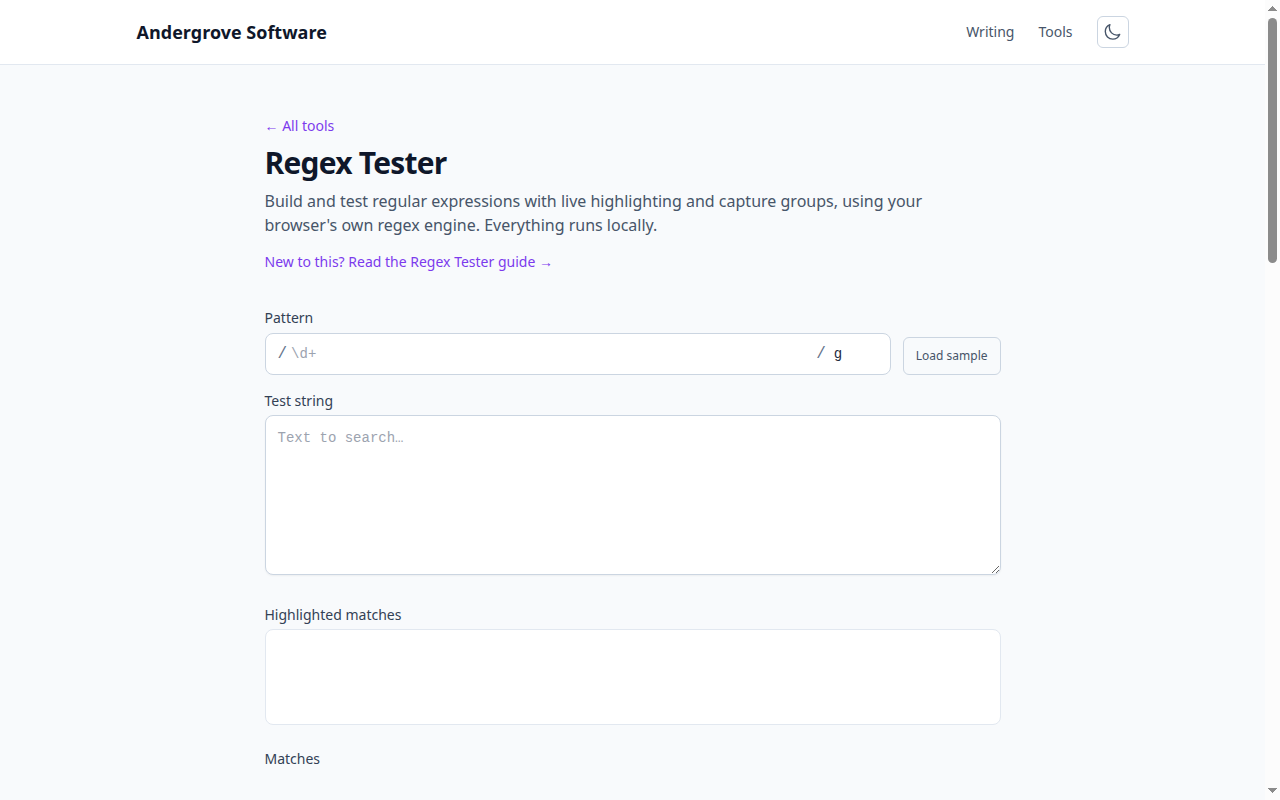
Capturing vs non-capturing groups
Parentheses group part of a pattern, and by default they also capture — the matched text is saved and numbered so you can reuse it. When you only need grouping (say, to apply a quantifier) and do not want the capture, use a non-capturing group (?:…). It keeps your capture numbers meaningful and is slightly faster:
(?:https?|ftp)://(\S+)
// group 1 is the host — the protocol group is not captured
Named capture groups
Counting group numbers gets fragile as a pattern grows. Named groups (?<name>…) let you refer to a capture by a label instead:
const re = /(?<year>\d{4})-(?<month>\d{2})-(?<day>\d{2})/;
const { groups } = '2026-07-04'.match(re);
groups.year;   // '2026'
groups.month;  // '07'
Named groups are supported in JavaScript, Python ((?P<name>…)), .NET, PCRE and more. They make both the pattern and the code that uses it far easier to read.
Lookahead: assert what follows
A lookahead checks that text is (or is not) followed by a pattern, without including that pattern in the match. Positive lookahead is (?=…); negative is (?!…):
\d+(?= dollars)     // matches 100 in "100 dollars" — " dollars" not consumed
\bcat\b(?!s)        // matches "cat" but not "cats"
The classic use is password rules: assert several conditions at the same starting position. (?=.*[A-Z])(?=.*\d).{8,} requires at least one uppercase letter, one digit and eight characters — each lookahead scans from the start independently.
Lookbehind: assert what precedes
Lookbehind is the mirror image — it asserts what comes before the current position. Positive is (?<=…), negative (?<!…):
(?<=\$)\d+       // matches 100 in "$100" — the $ is not part of the match
(?<!\w)\d{4}     // a 4-digit number not preceded by a word character
Lookbehind is handy for grabbing a value after a fixed prefix without capturing the prefix. It is supported in modern JavaScript, Python, .NET and PCRE.
Backreferences
A backreference matches the same text a group already captured — useful for finding repeats or matched delimiters. Refer to a numbered group with \1 or a named one with \k<name>:
\b(\w+)\s+\1\b        // finds a doubled word: "the the"
(?<q>['"]).*?\k<q>    // text in matching quotes, single or double
Greedy vs lazy quantifiers
By default quantifiers are greedy: +, * and {n,} match as much as possible, then backtrack. Add a ? to make them lazy (match as little as possible). This is the difference between grabbing one tag and grabbing the whole line:
<.+>      // greedy: matches the entire "<a>text</a>"
<.+?>     // lazy: matches just "<a>"
Reaching for greedy .* where you meant lazy .*? is one of the most common regex bugs. It is also worth knowing that a badly nested greedy pattern can cause catastrophic backtracking (ReDoS) on certain input — test your pattern against realistic and adversarial strings.
Flags that change everything
g— global: find all matches, not just the first.i— case-insensitive.m— multiline:^and$match at line breaks, not just string ends.s— dotall:.also matches newlines.u— unicode: needed for\p{…}property escapes and full emoji handling.
Test it interactively
Assertions and groups are far easier to understand when you can see them match and highlight in real time. Paste any pattern above into the regex tester with your own sample text — it shows every match and names the capture groups, all in your browser.
Ready to try it? Open the Regex Tester →