QR Code Recipes: Wi-Fi Access, Business Cards, Menus and Print That Scans
The URL code is just the beginning: a QR code can hand guests your Wi-Fi, drop a full contact card into someone’s phone, or put a menu on a table — no app, no typing. The difference between a code that works and a laminated square people squint at is a handful of practical rules. Here are the recipes, all of which the QR code generator produces locally in your browser.
Open the QR Code Generator →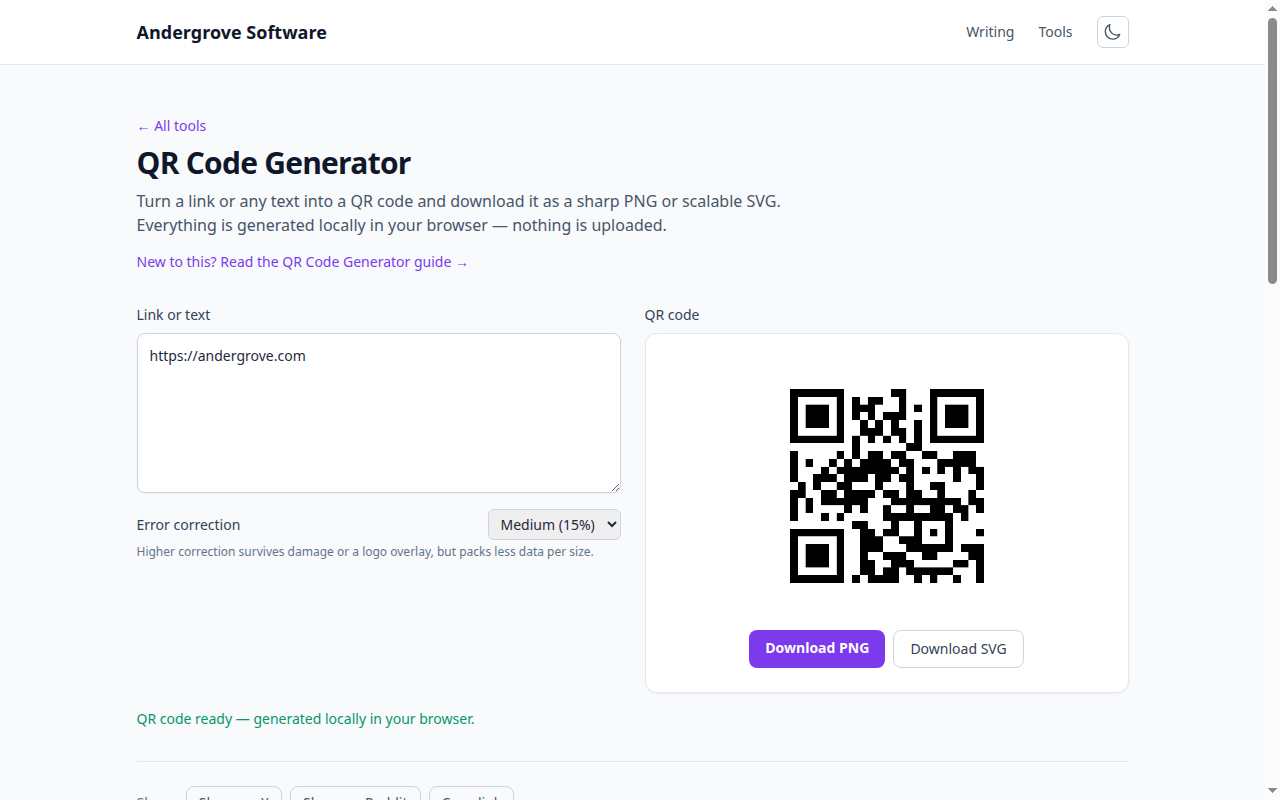
The Wi-Fi code every guest room and café should have
Phones understand a special Wi-Fi payload: scan it and the network joins with no password typed. The format is:
WIFI:T:WPA;S:YourNetworkName;P:YourPassword;;T is the security type (WPA covers WPA2/WPA3 for this purpose), S the network name, P the password — and if any of those contain ;, : or \, escape them with a backslash. Print it, frame it by the door, and nobody reads your router sticker aloud again. One honest caveat: the password is in the code, so treat the printout like the sticker it replaces.
Contact cards, menus and the humble poster
A vCard payload (BEGIN:VCARD…END:VCARD with name, phone, email lines) turns a scan into a saved contact — better than a URL on a business card, because it works with no network and survives your website’s next redesign. For menus and posters, the payload is a plain URL, and the code is only half the job: put a human-readable version of the link next to it (trust rises when people can see the destination), and skip third-party link shorteners — when the shortener changes terms or dies, every printed code dies with it. If you need to change the destination after printing, point the code at a path on a domain you control and redirect from there.
Print rules: size, distance, contrast
Most failed codes fail physically, not digitally. The working rule for size is scan distance ≈ 10× code width: a table-tent scanned from 25 cm needs a mere 2.5 cm code, but a poster meant to be scanned from across a room at 3 m needs ~30 cm. Keep the quiet zone — the white margin around the code — at least four modules wide; designs that crowd the border are the number-one print mistake. Contrast wants dark-on-light: readers are built for it, and inverted or low-contrast "brand-colored" codes fail on a meaningful share of phones. And shorter payloads make coarser, easier-to-scan grids — another reason a tidy URL beats a 400-character monster.
Error correction: your logo budget
QR codes carry redundancy in four grades — L, M, Q, H — that can survive roughly 7%, 15%, 25% or 30% of the code being damaged or covered. That tolerance is the entire trick behind logos in the middle of codes: the logo is "damage" spent on purpose. If you overlay artwork, generate at Q or H and keep the logo under about a fifth of the area; if the code lives somewhere weatherable (outdoor signage, packaging that creases), higher correction pays for itself even without a logo. The mechanics of how redundancy works — and why a torn corner still scans — are in what’s inside a QR code.
Test like a stranger, then print
Before the print run: scan the final artwork (not the screen preview) from a realistic distance, on both a recent iPhone and an older Android, in the actual lighting. Glossy lamination under downlights is a classic silent killer — matte finishes scan better. And because a QR code is a link the human eye can’t read, expect security-conscious users to hesitate: printing the destination beside the code and using your own domain is both good manners and better conversion. Then batch-generate the codes themselves in the generator — every payload above, made entirely on your machine.
Ready to try it? Open the QR Code Generator →