What Not to Paste into an LLM: Redacting Sensitive Data Safely
Pasting a production log or a customer ticket into a chatbot to "just ask what this error means" is the most common data-leak of the AI era — quiet, well-intentioned, and invisible until it is a headline. You rarely need the sensitive parts for the model to help; you need the structure around them. Here is how to think about what to strip, and how to strip it without destroying the context that made the question answerable. The PII redactor does it locally.
Open the PII Redactor →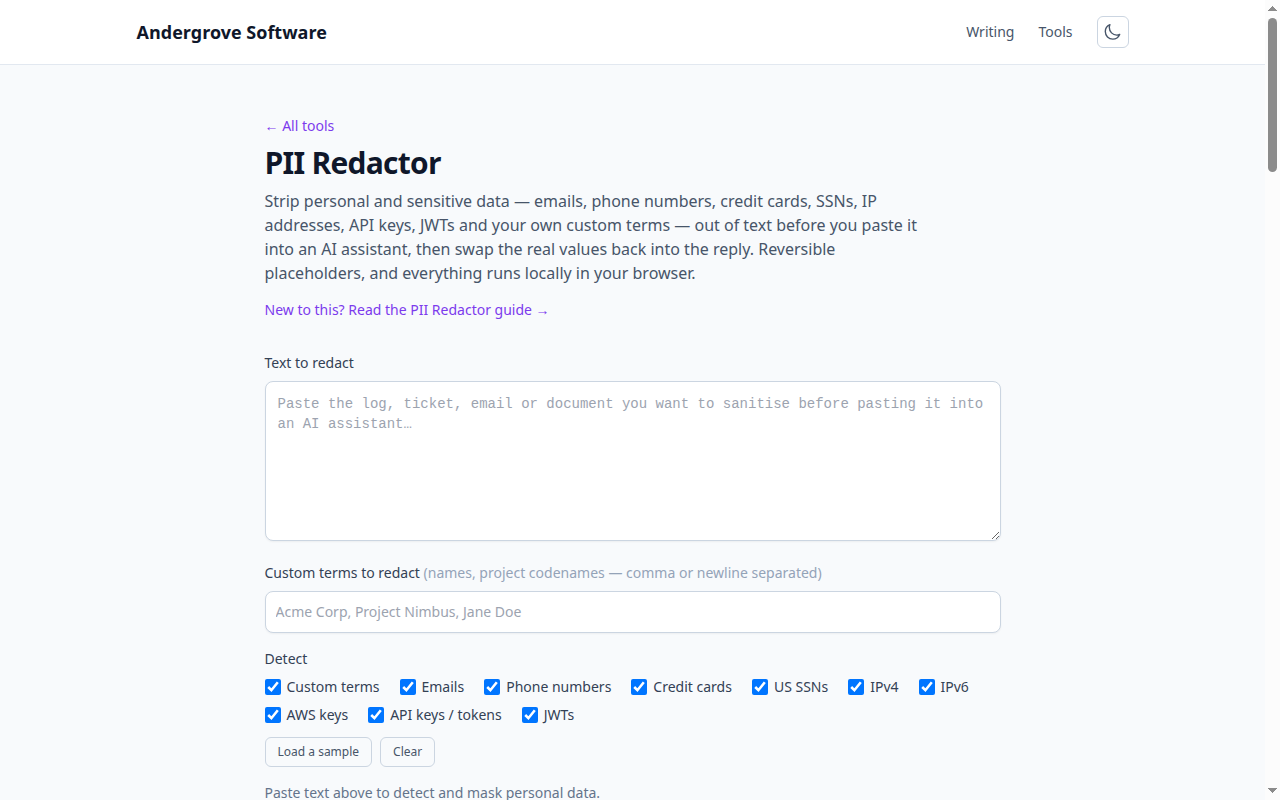
Why the paste is a risk
Text pasted into a third-party assistant leaves your control. Depending on the product and plan it may be retained, logged, reviewed by humans for quality, or used to train future models — and even where a vendor promises none of that, you have created a copy of regulated data on infrastructure your compliance program never assessed. For personal data under GDPR/CCPA, cardholder data under PCI, or health data under HIPAA, that copy is the violation, regardless of what the model does next. The fix is not "don’t use AI" — it is "don’t send it the fields it doesn’t need".
What actually needs to go
Two buckets. Direct identifiers — names, emails, phone numbers, account and card numbers, SSNs, addresses — are obviously sensitive. Secrets — API keys, tokens, passwords, connection strings, private IPs — are arguably worse, because a leaked key is exploitable in seconds, and logs are full of them. The redactor covers card numbers (Luhn-checked), SSNs, emails, phones, IPs, and the common key/token shapes automatically. The category no pattern catches well is names and internal identifiers — customer names, project codenames, hostnames — which is exactly why a custom-terms list matters: you know your sensitive nouns, and a redactor can only mask what it’s told to look for.
Redact, but keep the shape
The mistake that makes people give up on redaction is over-scrubbing until the text is useless. The goal is to remove the values while preserving the structure the model reasons about: replace jane@acme.com with [EMAIL_1], not with nothing. The model can still tell you "the error is that [EMAIL_1] lacks permission on [CUSTOM_2]" — fully useful, fully anonymous. Stable, numbered placeholders (the same value always maps to the same token) also preserve relationships: if two log lines mention the same user, the model sees they’re the same, which it needs to reason correctly.
Reversible by design
Because the placeholders are stable and mapped, redaction here is a round trip. You mask, ask, and get an answer that still speaks in placeholders — then re-identify it locally to turn [EMAIL_1] back into the real address so the answer is actionable. The map that enables this holds the sensitive values, so it is itself sensitive: keep it only as long as the conversation, and never paste it into the assistant. Everything in this tool, including the re-identify step, runs in your browser precisely so the map never has to travel.
Know the limits
No automated redactor is complete, and treating one as a guarantee is its own risk. Pattern detectors miss unusual formats (an international phone style they don’t model, a name they were never given), and they occasionally over-match (a long order number that passes the Luhn check). So use redaction as the first pass, then read what you’re about to send — the combination catches far more than either alone. For structured secrets specifically, a dedicated pass helps: the Unicode inspector catches hidden characters that can smuggle data past a scan, and for classifying a key you found, an entropy-based check beats a name. Redaction is risk reduction, not a force field; used with a human read, it turns a reckless paste into a reasonable one.
Ready to try it? Open the PII Redactor →