Percentage Mistakes Everyone Makes (and How to Avoid Them)
Percentages feel like primary-school material, which is exactly why they burn people: headlines, price tags and interest rates exploit a handful of misreadings that almost everyone makes. Here are the five that matter, each with the correct method. When you want the arithmetic done for you, the percentage calculator covers all the standard forms.
Open the Percentage Calculator →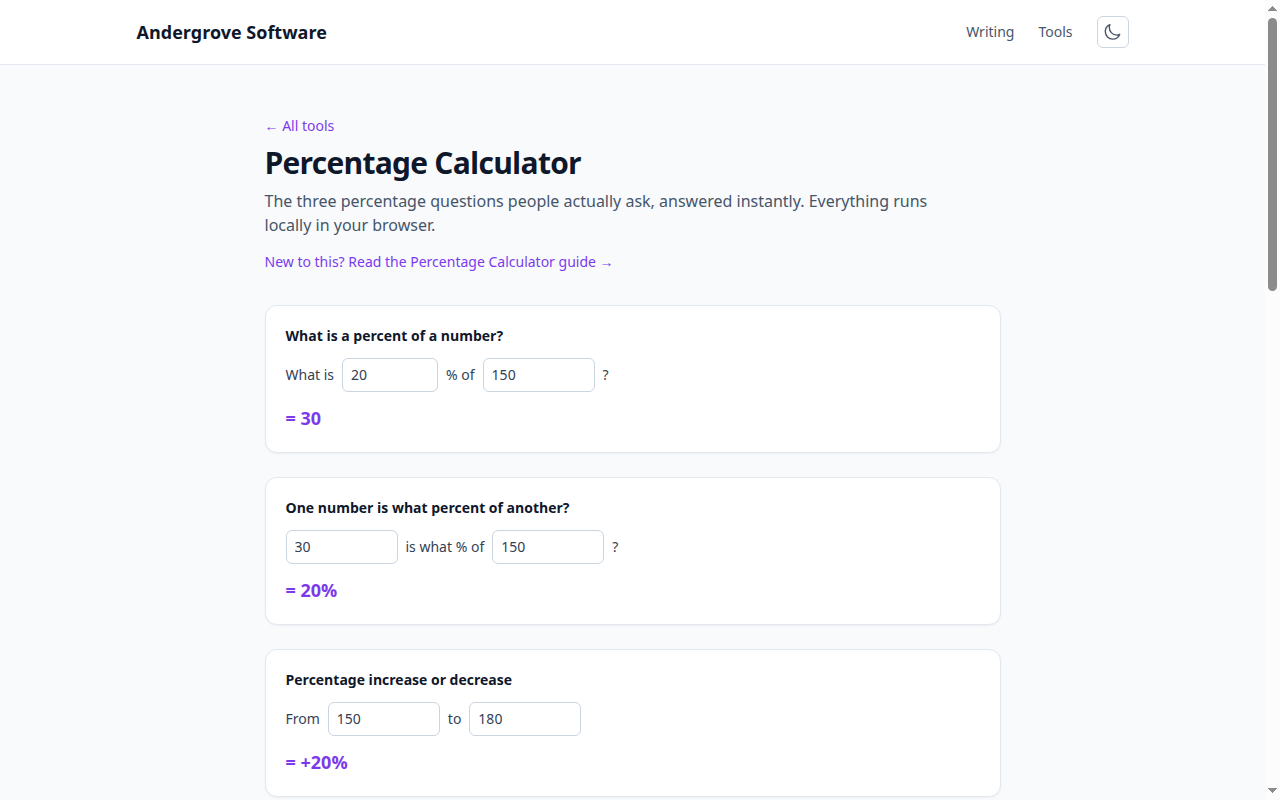
Percent vs. percentage points
If an interest rate rises from 4% to 6%, it went up 2 percentage points — but 50 percent (2 is half of 4). Both statements are true; they just answer different questions, and writers pick whichever sounds bigger or smaller for their argument. "Support grew 5%" from a base of 40% means 42%, while "5 points" means 45% — a real difference. Whenever a percentage changes, ask: points, or percent of the old value?
Reverse percentages: you can’t just subtract
A price of $120 includes 20% tax. The tax isn’t $24: taking 20% off $120 gives $96, but adding 20% back to $96 gives $115.20 — not $120. Since the pre-tax price was multiplied by 1.20 to get $120, you undo it by dividing: 120 ÷ 1.2 = $100 net, $20 tax. The rule: to reverse "increased by x%", divide by (1 + x/100); to reverse "reduced by x%", divide by (1 − x/100). A "40% off" item that cost you $54 was originally 54 ÷ 0.6 = $90.
Stacked percentages don’t add
"20% off, plus an extra 30% off at checkout" is not 50% off. The discounts multiply: you pay 0.80 × 0.70 = 0.56 of the original — 44% off. Retailers love stacked discounts precisely because they read bigger than they are. The same multiplication runs in reverse for repeated increases: two consecutive 10% price rises make 21%, not 20 — and left to run for years, that compounding gap becomes enormous, which is the entire story told in how compound interest works.
Losses and gains aren’t symmetric
A portfolio that drops 50% needs a 100% gain just to get back to even — because the recovery is measured from the smaller base. Down 20% needs +25% back; down 10% needs +11.1%. The general rule: after losing x%, recovery requires x⁄(100−x) × 100 percent. This asymmetry is why "it fell 60% but it’s already bounced 60%!" still leaves you down 36%, and why sequences of gains and losses can’t be judged by adding the percentages up.
A percentage without its base is a rhetorical device
"Risk doubled!" — from 1 in 100,000 to 2 in 100,000. "80% of users prefer it" — of the eleven who answered. Every percentage is a fraction of something, and omitting the base is the oldest trick in statistics. Before reacting to any percentage, find the absolute numbers behind it; a huge relative change on a tiny base is usually noise, and a small relative change on a huge base can matter enormously. For the honest arithmetic in all directions — X% of Y, X as a percent of Y, change between two values — the percentage calculator has a mode for each, including percentage increase and what-percent-of.
Ready to try it? Open the Percentage Calculator →