How Age Is Calculated Around the World: Korean Age, Leap Days and Calendar Quirks
Ask "how old are you?" and the answer depends on more than your birth certificate — it depends on which counting system, which calendar rules, and sometimes which country. The same person could recently give two or three defensible ages. Here are the quirks that make age math less obvious than it looks. For your own exact breakdown — years, months, days, down to the minute — the age calculator does the calendar-aware arithmetic.
Open the Age Calculator →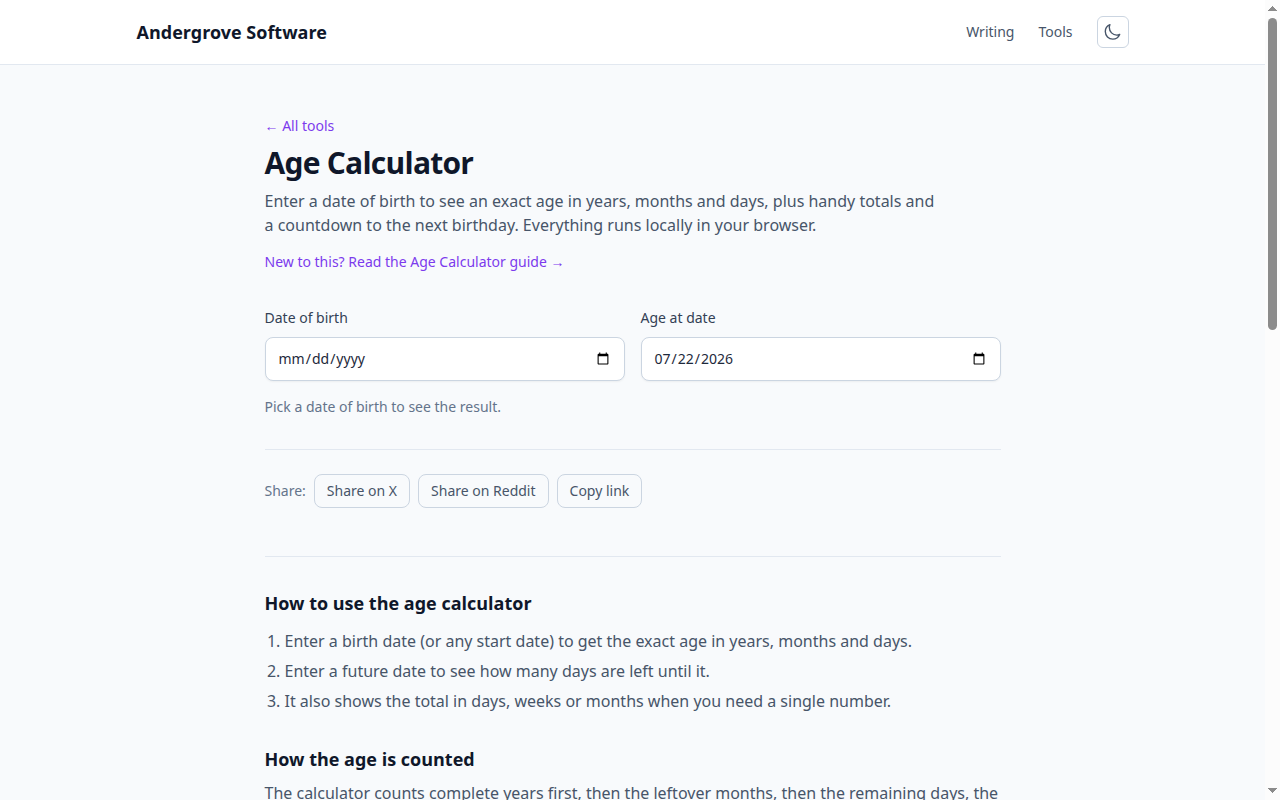
Two systems: completed years vs. counting years
The international system counts completed years: you are 0 until your first birthday. Traditional East Asian reckoning counted differently: a baby was born aged 1, and everyone ticked up together at New Year rather than on their own birthday. Under that system a child born in late December turned 2 within days. Korea used its version ("Korean age") in daily life until June 2023, when the law standardized on international age — headlines cheerfully reported the nation getting one to two years younger overnight. Traditional counting still appears informally across East Asia, which is why an age quoted in conversation can disagree with a passport.
Born on February 29
About one person in 1,461 is a "leapling", born on a date that exists only every fourth year (with the century exception: years divisible by 100 skip the leap day unless divisible by 400 — 2000 had one, 1900 didn’t). In common years, when do they age up? Jurisdictions genuinely disagree: some treat February 28 as the legal birthday, others March 1 — which can matter for exactly the things birthdays legally gate, like driving, drinking and contracts. Culturally, most leaplings just pick a side; legally, it depends on where they live.
"Months old" is ambiguous on purpose
Months are the only calendar unit with four different lengths, so "one month later" has no single meaning. What is January 31 plus one month — February 28, or March 3 (31 days later)? Any calculator that reports "X months, Y days" has quietly chosen a convention, usually "advance the month, clamp to the last valid day, count leftover days". Two tools with different conventions will disagree by a day or two around month ends — both defensibly. It’s why medicine and astronomy sidestep months entirely and count days: a "days old" figure has exactly one correct answer.
Why you can’t just multiply by 365.25
Dividing days by 365 (or 365.25) gives a decent estimate and a subtly wrong answer: leap days land unevenly across any given lifespan, so someone’s 18th birthday is 6,574 days after birth if it spans four leap days but 6,575 if it spans five. Correct age arithmetic doesn’t divide at all — it walks the calendar: count whole years birthday-to-birthday, then whole months, then leftover days. That is also why "10,000 days old" falls on a different weekday-and-date for everyone, and why milestone-day birthdays became a small celebration genre of their own.
Counting forward works the same way
Everything above applies to countdowns too — "days until" a wedding, a deadline or a holiday is the same calendar walk run forward, leap days included. The trap to avoid is the off-by-one: the number of days between today and the date is one less than people sometimes expect depending on whether the end day is counted. The calculator’s countdown mode states its convention and does the walk exactly; for the popular targets there are ready-made pages like days until Christmas and days until Halloween.
Ready to try it? Open the Age Calculator →