How Password Cracking Actually Works: Dictionaries, Rules and GPUs
Attackers do not guess passwords one at a time from aaaa. They use leaked wordlists, smart mangling rules and fast hardware that tries billions of candidates a second. Understanding how cracking actually works explains why some passwords fall in seconds while others hold for millennia — and it is the practical side of the crack-time maths. Test any password against these ideas in the strength checker.
Two very different situations
First, an important distinction. Online guessing — trying passwords against a live login — is slow and easily throttled: rate limits and lockouts stop it after a handful of tries. The real danger is offline cracking, where an attacker has stolen a database of hashed passwords and can try candidates on their own hardware as fast as it will go, with no rate limit. Almost everything below assumes the offline case, which is what a breach exposes you to.
Dictionary attacks
The first thing an attacker tries is not brute force but wordlists: the millions of real passwords exposed in past breaches (the infamous rockyou.txt and far larger successors), plus dictionaries of words, names and common phrases. If your password has ever appeared in a breach, it is on these lists and is cracked essentially instantly, no matter how long it is. This is exactly why you should check yours with the password leak checker — a leaked password is a solved password.
Rule-based mangling
Attackers do not just try the raw wordlist — they apply rules that mimic how humans "strengthen" passwords: capitalise the first letter, append a number or year, swap a→@ and o→0, add a ! at the end. Tools like Hashcat ship with rule sets refined on real breaches. So P@ssw0rd! is not stronger than password — it is one of the first variations tried, because the rule that produces it is near the top of the list. Predictable substitutions add almost nothing.
Mask and brute-force attacks
When wordlists are exhausted, attackers fall back to mask attacks — brute force guided by common structure. People overwhelmingly build passwords as "capital letter, some lowercase, a couple of digits, maybe a symbol" (like Summer2026!), so a mask that matches that shape cracks it far faster than trying every possible combination. True unguided brute force, trying every character sequence, is the last resort and only feasible against short passwords — which is precisely why length is the best defence.
Credential stuffing
The cheapest attack of all does not crack anything: attackers take username/password pairs from one breach and try them, automatically, against hundreds of other sites. Because so many people reuse passwords, a fraction always work. This is why a unique password per site matters as much as strength — a strong password reused everywhere still falls the moment any one of those sites is breached.
The hardware
All of this runs on GPUs (and purpose-built rigs) that compute password hashes in parallel. Against a fast hash like unsalted MD5, a single modern GPU tries tens of billions of candidates per second; a cluster, far more. This is why defenders should store passwords with a slow, salted hash (bcrypt, scrypt, Argon2) designed to be expensive to compute — it drops the attacker's rate from billions per second to thousands, turning a feasible crack into an infeasible one.
What this means for your password
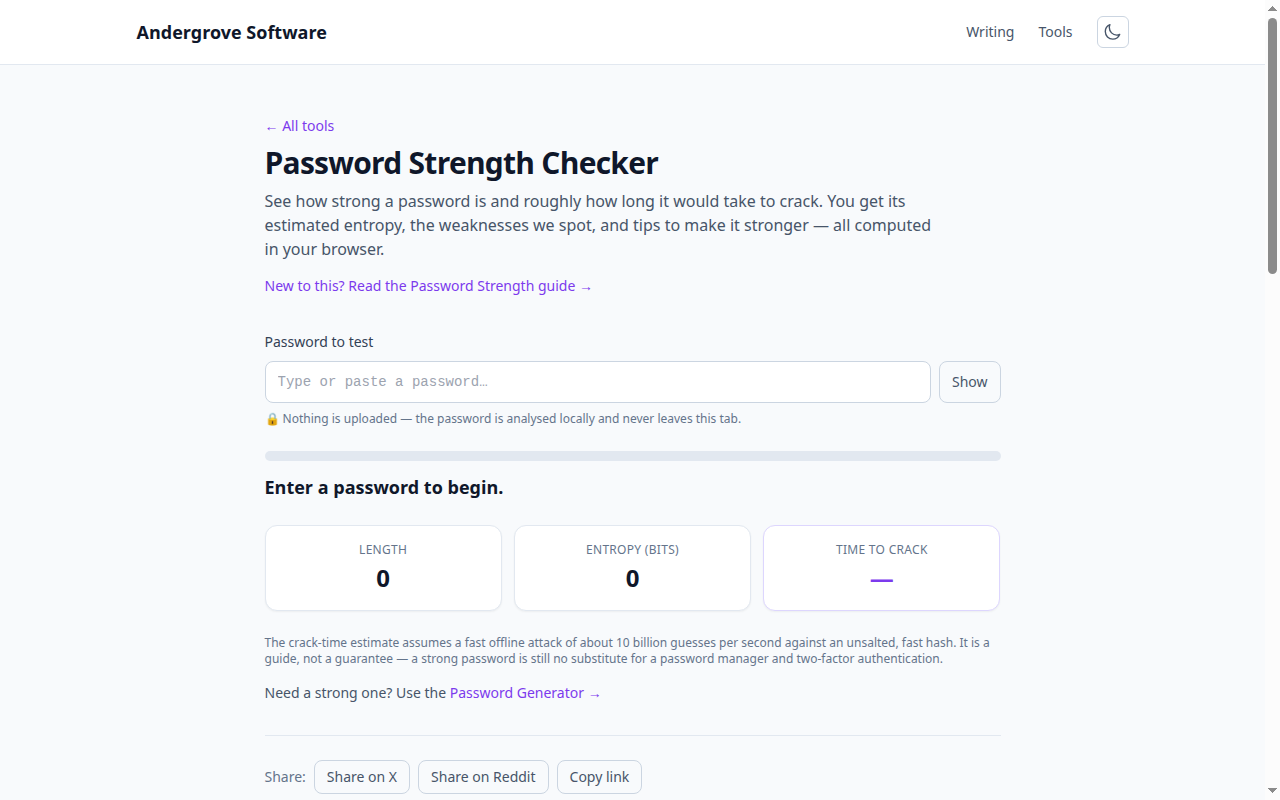
Put together, the lesson is simple: your password must be (1) not in any breach list, (2) not a predictable pattern a rule would generate, and (3) long enough that mask and brute-force attacks are hopeless. A long random password or passphrase satisfies all three. The strength checker estimates entropy and flags the patterns attackers exploit — common passwords, sequences and repeats — so you can see whether yours would survive the attacks above. It runs entirely in your browser.
Ready to try it? Open the Password Strength Checker →