Password Leak Checker: How to Check if a Password Was Breached (Safely)
How to tell whether a password is on public breach lists, why doing so is safe when it uses k-anonymity, and what to do when a password turns up as compromised.
Open the Password Leak Checker →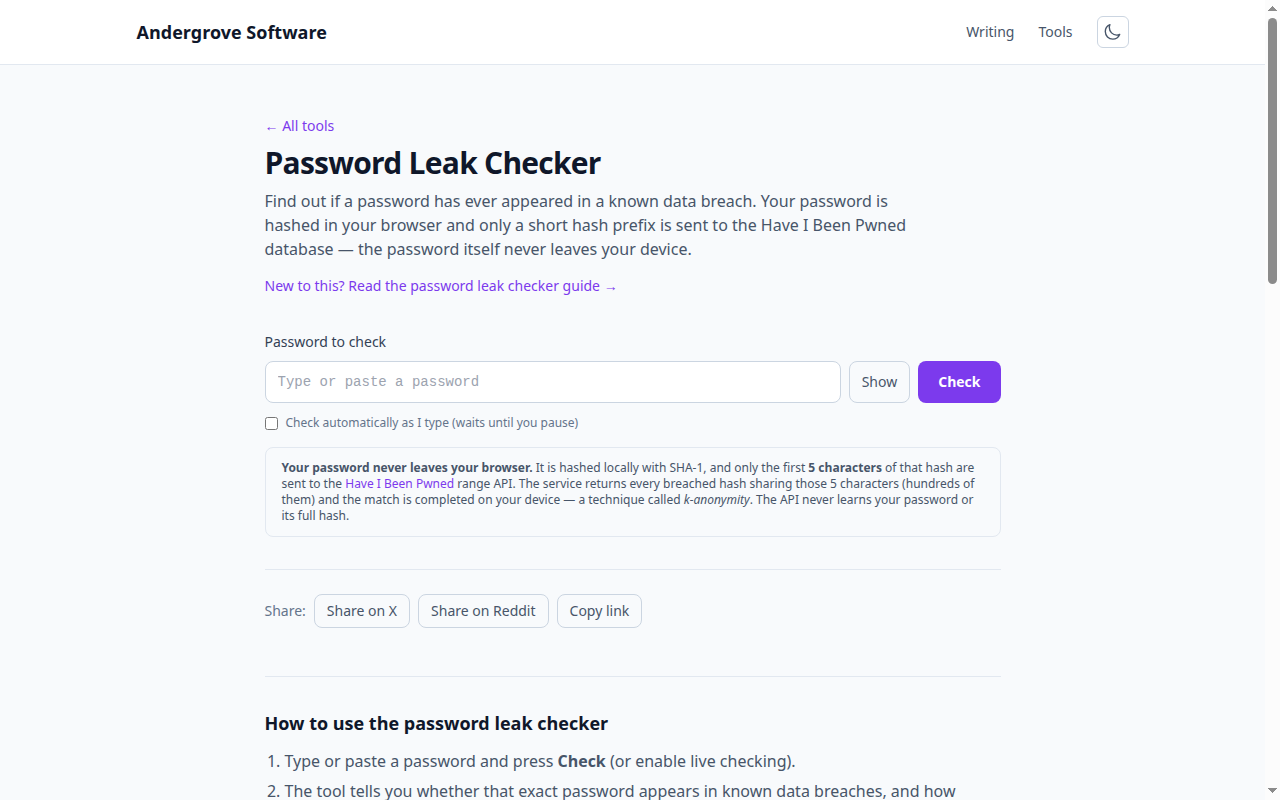
What this tool does
The Password Leak Checker tells you whether a specific password has appeared in a known data breach — the same corpus behind Have I Been Pwned, over 600 million real, leaked passwords. If a password is on that list, automated attacks will try it against your accounts first, so any hit is a reason to stop using it.
Why it is safe to type a password here
Sending a password to a website to check it would defeat the purpose. This tool never does. It hashes your password with SHA-1 in your browser, then sends only the first five characters of that hash to the range API. The service replies with every breached hash that shares those five characters — typically a few hundred — and your browser finishes the comparison locally. This is called k-anonymity: the server cannot tell which of the hundreds of candidates you were asking about, and never sees your password or its full hash.
How to read the result
- Found in N breaches. This exact password string is on public lists. The count is how many times it has been seen across breaches — the higher the number, the more likely it is guessed early. Change it everywhere.
- Not found. The password is not on the list. That is necessary but not sufficient: a short, guessable password can be absent from breach lists and still be weak. Pair this check with the password strength checker.
What to do with a compromised password
Treat any hit as burned. Change it on every site where you used it, and — because reuse is the real danger — give each account its own password. A generated random password stored in a password manager is the practical fix. For the reasoning on length versus complexity, see how long it takes to crack a password.
Privacy
Everything except the 5-character hash prefix stays in your browser. Nothing is stored, logged or uploaded by this site. The single network request goes to the Have I Been Pwned range API and carries only that prefix — never your password, and never the full hash.
Ready to try it? Open the Password Leak Checker →