How Loan Amortization Works (and How Extra Payments Save You Interest)
A fixed-rate loan feels simple — the same payment every month — but where that payment goes changes dramatically over the life of the loan, and understanding it is worth real money. This guide shows how amortization actually works and why an extra payment early on saves so much interest. Follow along with your own numbers in the loan & mortgage calculator.
Open the Loan & Mortgage Calculator →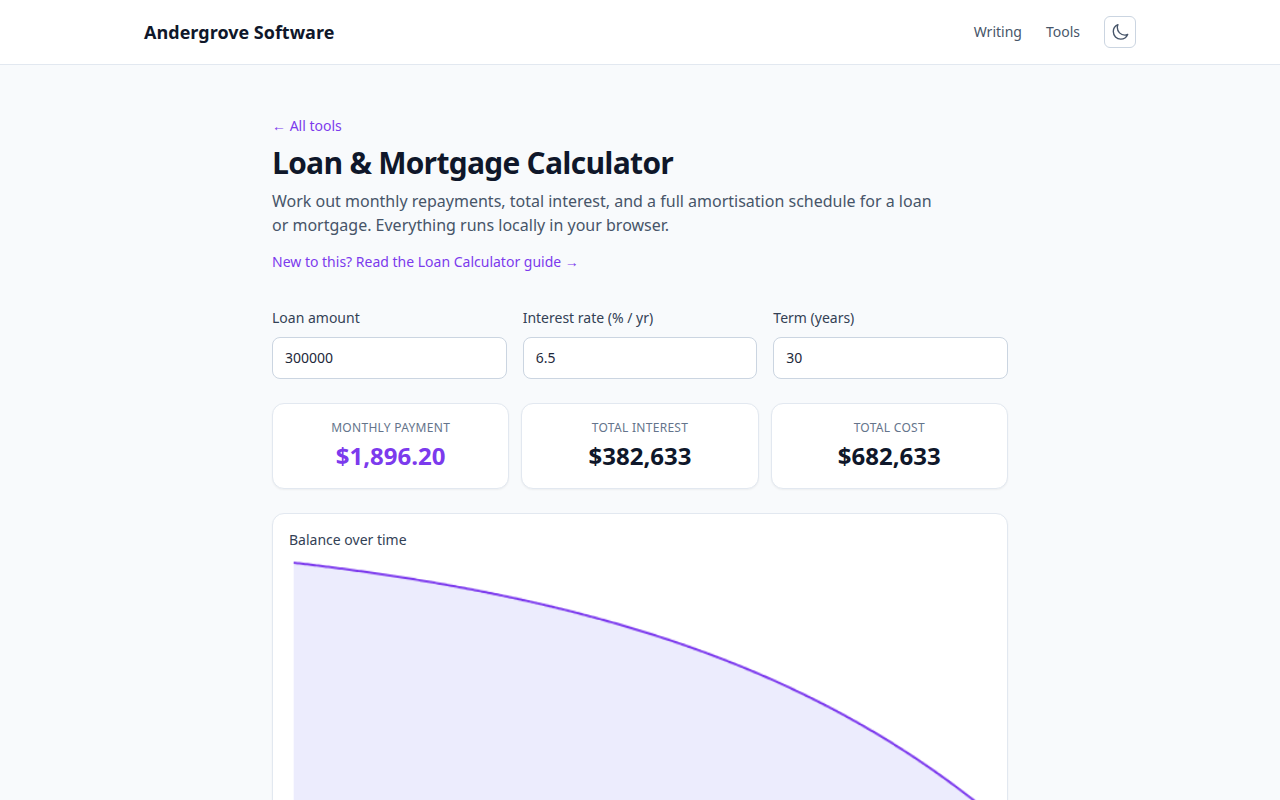
What amortization means
Amortization is the process of paying off a loan with equal periodic payments. Each payment covers two things: the interest accrued that month on the outstanding balance, and a chunk of principal (the actual debt). The payment amount stays fixed, but the split between interest and principal shifts every month — and that shift is the whole story.
Why early payments are mostly interest
Interest is charged on what you still owe, so at the start — when the balance is highest — most of your payment goes to interest and little to principal. Take a $300,000 mortgage at 6% over 30 years: the payment is about $1,799 a month, but on the very first payment roughly $1,500 is interest and only about $299 pays down the loan. As the balance falls, the interest portion shrinks and the principal portion grows, until near the end almost the entire payment is principal. That is why the balance barely moves in the first few years — and why total interest can rival the amount borrowed (about $347,000 of interest on that loan).
The payment formula
The fixed payment comes from one formula, where P is the amount borrowed, r the interest rate per period (annual rate ÷ 12 for monthly), and n the number of payments:
M = P · r · (1 + r)^n / ((1 + r)^n − 1)You do not need to compute this by hand — the calculator does — but it explains the levers: a higher rate or a longer term both raise the total interest, and the term does so quietly, because you make many more payments.
How extra payments save so much
Here is the powerful part. Any extra you pay goes entirely to principal, because the scheduled interest is already covered. Cutting the balance early removes all the future interest that balance would have accrued for the rest of the term. On that $300,000 mortgage, paying an extra $200 a month can shorten the loan by roughly six years and save tens of thousands in interest — far more than the extra payments themselves. The earlier the extra payment, the bigger the saving, because it has more remaining years to avoid interest on.
Shorter term vs lower payment
A related choice: a 15-year loan has a higher monthly payment than a 30-year one, but a far lower total cost, because you pay interest for half as long at often a lower rate. If the higher payment fits your budget, a shorter term is one of the cheapest ways to cut lifetime interest. If it does not, a 30-year loan with voluntary extra payments gives similar savings with the flexibility to drop back to the minimum in a tight month.
Model your own loan
The loan & mortgage calculator shows your monthly payment, total interest, a balance chart and a year-by-year amortization schedule, so you can see the interest/principal split change over time and test what an extra payment or a shorter term does. It runs entirely in your browser. To compare paying down a loan against other debts, see debt snowball vs. avalanche.
Ready to try it? Open the Loan & Mortgage Calculator →