HTTP Status Codes Explained (and How to Choose the Right One)
HTTP status codes are a three-digit contract between every client and server on the web — and one of the few places where a single wrong number breaks caching, retries, SEO and error handling all at once. This guide explains the system, untangles the commonly confused pairs, and gives a decision table for API authors.
Open the HTTP Status Code Reference →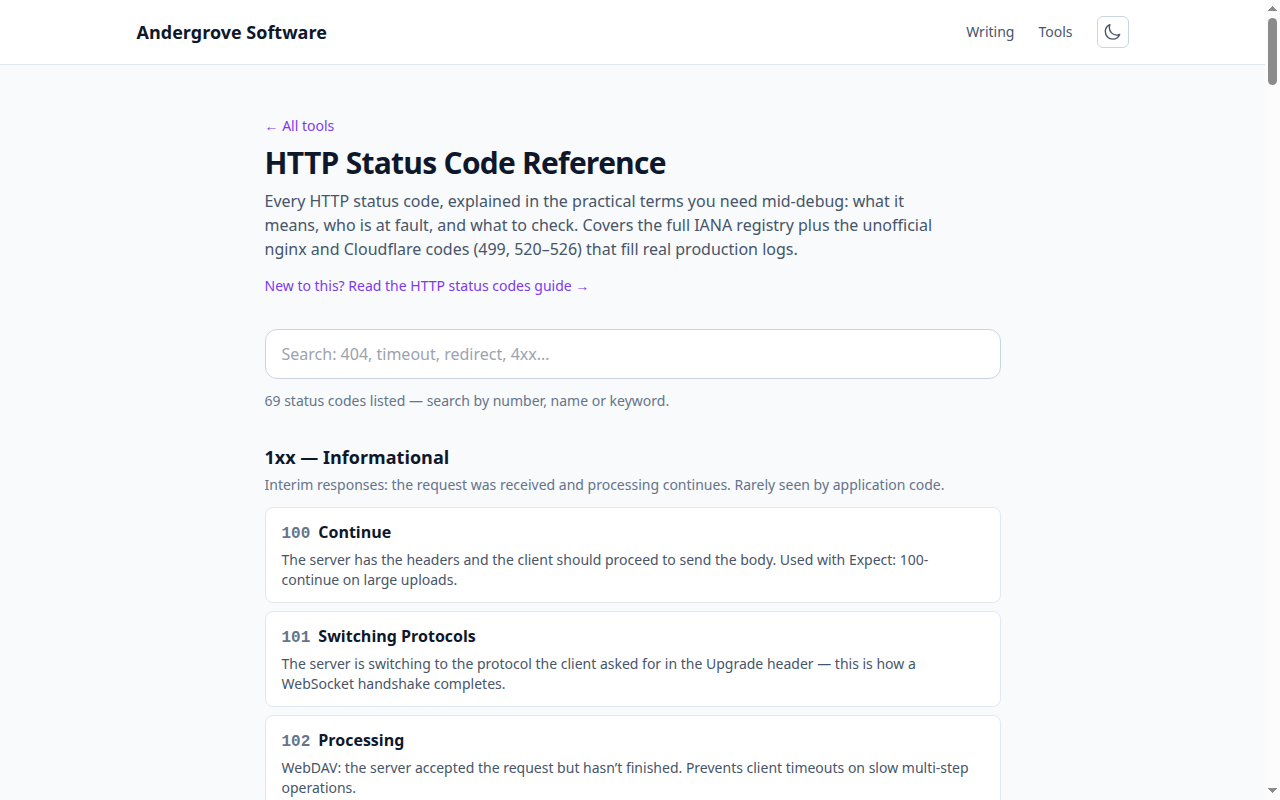
The five classes
The first digit carries most of the meaning: 1xx interim information, 2xx success, 3xx redirection, 4xx the client's request is at fault, 5xx the server failed. Clients and infrastructure rely on this coarse contract — retriers back off on 5xx but not 4xx, caches treat 3xx specially — so getting the class right matters more than the exact code. The searchable reference covers every registered code plus the unofficial ones in real logs.
What is the difference between 401 and 403?
401 Unauthorized means unauthenticated; 403 Forbidden means unauthorised. Return 401 when you don't know who the caller is — credentials missing, invalid or expired — along with a WWW-Authenticate header; a client can fix a 401 by logging in. Return 403 when authentication succeeded but the account may not do this thing; retrying with the same credentials can never fix a 403. One wrinkle: for resources whose very existence is sensitive, returning 404 instead of 403 avoids confirming there's something there to be denied.
What is the difference between 502, 503 and 504?
All three say "the server side failed", but they blame different layers:
| Code | Meaning | First thing to check |
|---|---|---|
502 Bad Gateway | The proxy got garbage (or a refused connection) from the app behind it | Is the app process running and listening? |
503 Service Unavailable | The server is up but declining work — overload, maintenance, failed health checks | Load, health-check status, deploy state |
504 Gateway Timeout | The app didn't answer within the proxy's timeout | Slow queries or calls; note the request may still have completed |
The 504 footnote deserves emphasis: the upstream may have finished the work after the proxy gave up, so blind retries of non-idempotent requests (payments!) can double-execute.
Redirects: 301 vs 302 vs 307 vs 308
Two axes: permanent vs temporary, and whether the HTTP method is preserved. 301 (permanent) and 302 (temporary) date from an era when clients rewrote POST to GET on follow, and they still may; 308 and 307 are their modern method-preserving equivalents. For a moved website, 301 is right (search engines transfer ranking). For API endpoints, use 308/307 so a redirected POST stays a POST. And 303 See Other is the deliberate "now GET the result" — the POST-redirect-GET pattern that stops the browser's "resubmit form?" dialog.
Which code should your API return?
A decision table for the situations that come up constantly:
| Situation | Code |
|---|---|
| Created something (POST) | 201 + Location header |
| Deleted something; nothing to say | 204 |
| Accepted for async processing | 202 + status URL |
| Body failed to parse | 400 |
| Body parsed, validation failed | 422 with field-level errors |
| Not logged in / not permitted | 401 / 403 |
| Stale edit (optimistic locking) | 409 or 412 with If-Match |
| Rate limited | 429 + Retry-After |
| Unhandled exception | 500 — details to logs, not the body |
Two consistency rules beat any individual choice: never return errors with a 200 (it breaks every client's error handling and every monitor), and pick one validation code (400 or 422) and use it everywhere.
The unofficial codes in your logs
Real production logs are full of codes no RFC defines. nginx's 499 means the client hung up before the response — a latency symptom, not a client bug. Cloudflare's 520–526 block describes origin failures with useful precision: 521 the origin refused the connection, 522 the TCP handshake timed out, 524 the origin accepted but took longer than the 100-second limit, 525/526 TLS problems between Cloudflare and the origin. When a user reports "error 522", that's Cloudflare telling you exactly which conversation failed — the one between the CDN and your server.
Ready to try it? Open the HTTP Status Code Reference →