How to Password-Protect a Site with Basic Auth on Apache and Nginx
Sometimes you need a password on a site today — a staging server, an internal dashboard, a directory of files — without building a login system. HTTP basic auth is the twenty-minute answer: the server challenges for credentials, checks them against a hashed password file, and everything else stays untouched. Here’s the full setup for both major servers. Generate the password file first with the .htpasswd generator — hashing runs in your browser, so the password never leaves your machine.
Open the .htpasswd Generator →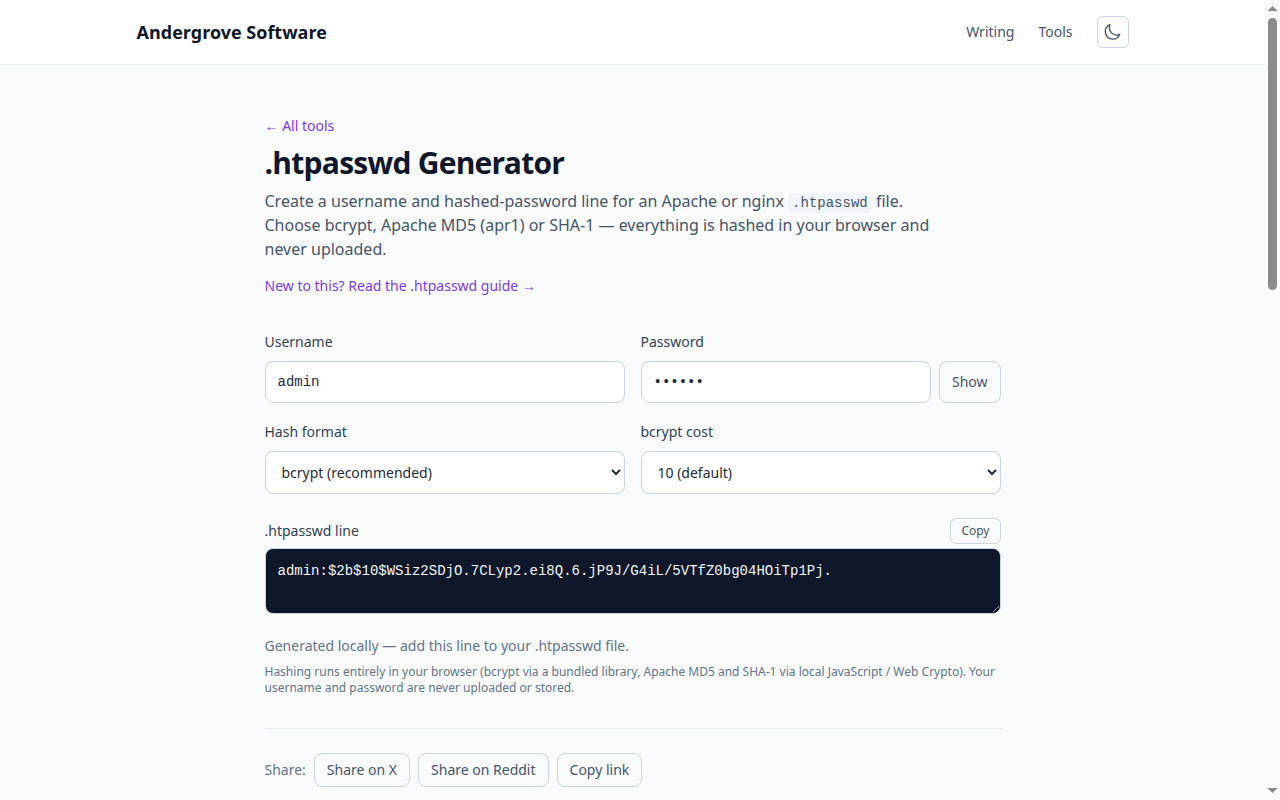
Step 1: create the .htpasswd file
The file format is one username:hash pair per line. Choose bcrypt as the hash — it’s the only option in the file format that’s genuinely slow to crack; the legacy Apache MD5 (apr1) and SHA formats survive for compatibility with ancient servers and shouldn’t be used for anything new. Paste the generator’s output into a file outside the web root, e.g. /etc/nginx/.htpasswd or /etc/apache2/.htpasswd — never inside the site directory, where a misconfiguration could serve the hash file itself. Add more users by appending more lines.
Step 2a: Apache
Either in the vhost/server config (preferred) or a per-directory .htaccess file:
<Directory "/var/www/staging">
    AuthType Basic
    AuthName "Restricted"
    AuthUserFile /etc/apache2/.htpasswd
    Require valid-user
</Directory>
AuthName is the label some browsers show in the credential prompt. If you use .htaccess instead, the same four directives go in the file, and the directory needs AllowOverride AuthConfig in the main config. Reload Apache and the prompt is live. To protect only one path, scope the <Directory> (or use <Location>) accordingly.
Step 2b: Nginx
Nginx has no .htaccess; the directives live in the server block:
location / {
    auth_basic           "Restricted";
    auth_basic_user_file /etc/nginx/.htpasswd;
}
Scope it to a specific location to protect just an admin area, or put it at server level for the whole site; an inner auth_basic off; re-opens a public sub-path (a health-check endpoint, say). Run nginx -t to validate, reload, done. One deployment note: the file must be readable by the worker-process user, and a 403-with-no-prompt in the error log usually means it isn’t.
The non-negotiable: HTTPS
Basic auth sends the username and password with every request, merely Base64-encoded — which is encoding, not encryption (a distinction with a body count). Over plain HTTP, every hop on the network can read the credentials in transit. Over HTTPS the whole exchange is encrypted and the scheme is fine for its weight class. The rule is absolute: basic auth without TLS is publishing your password slowly.
What basic auth is for — and what it isn’t
Right-sized jobs: keeping a staging site out of search engines and stakeholder demos gated; protecting an internal tool or metrics dashboard; a quick shared password on a directory of files. Wrong-sized jobs: anything with per-user accounts, sessions or a logout button (basic auth has none — browsers cache credentials until closed), anything needing rate limiting or lockouts (pair it with fail2ban if exposure matters), and any real user-facing product. It’s a padlock, not an access-control system — superb at padlock problems. Generate the file with the .htpasswd generator and you’re one server reload from protected.
Ready to try it? Open the .htpasswd Generator →