How to Verify a File Checksum (SHA-256) on Windows, macOS and Linux
A checksum lets you confirm a downloaded file is complete and untampered: you hash the file locally and compare it to the value the publisher posted. Here is the exact command on each platform, how to compare safely, and what to do when the hashes do not match. To hash text or a small file in your browser instead, use the hash generator.
Open the Hash Generator →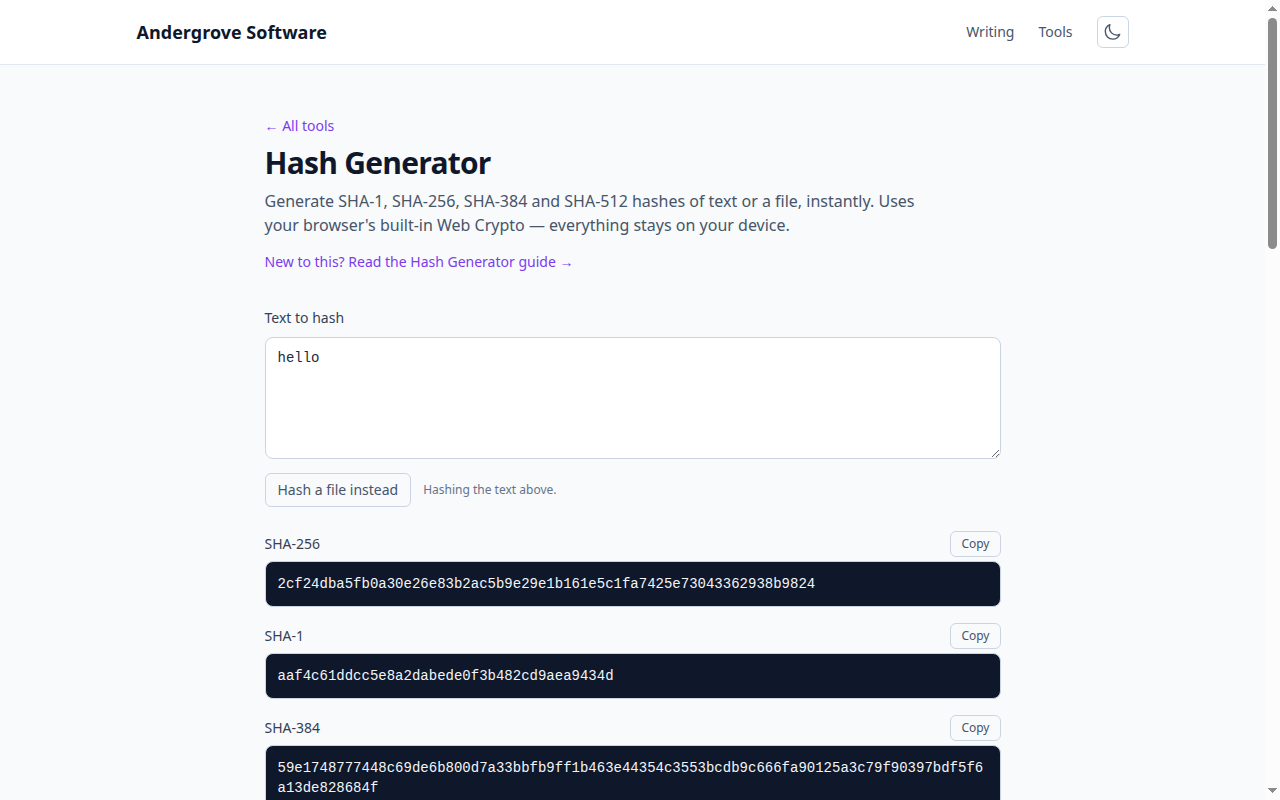
Why verify a checksum
When you download an installer, an ISO or a release archive, two things can go wrong. The download can be corrupted in transit — a dropped connection, a bad mirror — leaving you with a file that will not install or will crash mysteriously. Worse, the file can be swapped for a malicious one on a compromised mirror, so what you run is not what the publisher released.
A cryptographic hash catches both. The publisher runs the release through SHA-256 and posts the resulting 64-character hex string on their official site. You hash your copy the same way and confirm the two strings match exactly. Because a hash function is designed so that changing even a single byte produces a completely different output, any corruption or tampering — however small — shows up as a mismatch. That avalanche property is the whole point of SHA-256.
Use SHA-256, not MD5 or SHA-1
You will still see MD5 and SHA-1 checksums on older download pages. Both are broken for security: attackers can deliberately craft two different files with the same MD5 or SHA-1 hash, so a matching MD5 no longer proves a file is authentic. They are fine only as a rough check against accidental corruption. When you have the choice, verify the SHA-256 value.
Linux
sha256sum is preinstalled on virtually every distribution:
# print the hash of a file
sha256sum ubuntu.iso

# verify against a published checksum file
sha256sum -c SHA256SUMS
# ubuntu.iso: OK
The -c form reads a file of hash filename lines (the format publishers usually post) and checks each one, printing OK or FAILED so you never have to eyeball the hex yourself.
macOS
macOS ships shasum (pass -a 256 for SHA-256) and, on recent versions, sha256sum:
shasum -a 256 app.dmg
# or, if available
sha256sum app.dmg
Windows
No install needed. Use the built-in CertUtil in Command Prompt, or Get-FileHash in PowerShell (which prints a cleaner, uppercase result):
:: Command Prompt
certutil -hashfile setup.exe SHA256

# PowerShell
Get-FileHash setup.exe -Algorithm SHA256
Comparing the two hashes safely
Hashes are case-insensitive hex, so ignore upper/lower case. Comparing 64 characters by eye is error-prone — it is exactly the kind of thing an attacker hopes you will skim. Let a tool compare them: on Linux use sha256sum -c; otherwise paste both strings into the diff checker, which highlights any difference instantly. And always fetch the expected hash from the publisher's official HTTPS page, not from the same mirror that served the file — a mirror that can swap the file can swap the hash beside it.
What a mismatch means
If the hashes differ, do not run the file. Re-download it first: a corrupted transfer is the most common cause, and a fresh download from a good source usually produces a matching hash. If a clean re-download still does not match the publisher's posted value, treat the file as compromised and delete it. For high-stakes downloads, a checksum is only half the story — a matching hash proves the file matches a posted value, but a GPG or code signature proves that value came from the publisher. Verify the signature too when one is provided.
Hashing in the browser
To hash text, a snippet or a small file quickly — to generate a checksum of your own, or to check a value without opening a terminal — the hash generator computes SHA-1/256/384/512 locally with the Web Crypto API. Nothing you drop in is uploaded, so it is safe for sensitive input.
Ready to try it? Open the Hash Generator →