CSS Gradients Explained: linear, radial and conic (with Examples)
CSS gradients draw smooth (or deliberately sharp) transitions between colours with no image file, so they scale crisply and cost nothing to download. This guide covers the three gradient types and the syntax that trips people up — angles, colour stops and hard edges — with examples you can build on in the gradient generator.
Open the CSS Gradient Generator →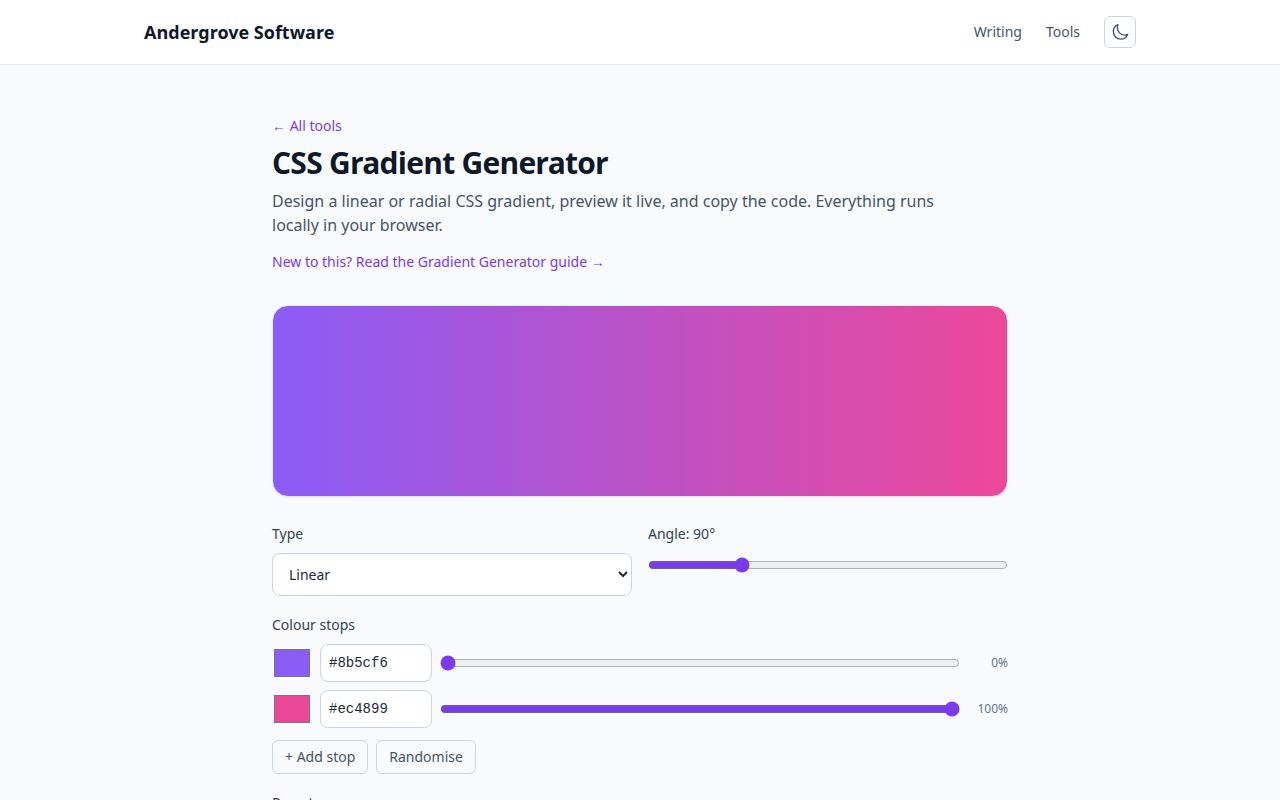
linear-gradient: the workhorse
A linear gradient blends colours along a straight line. The first value is the direction — an angle, or a keyword — followed by two or more colours (the colour stops):
background: linear-gradient(90deg, #7c3aed, #ec4899);
background: linear-gradient(to right, #7c3aed, #ec4899);
The angle is the key gotcha: 0deg points up, and it increases clockwise, so 90deg goes to the right and 180deg straight down. The to right / to bottom left keywords are often clearer than remembering that.
Colour stops and positions
By default colours are spread evenly, but you can pin each to a position (a percentage or length) to control where the blend happens:
/* pink only starts at 70%, so most of the box is purple */
background: linear-gradient(90deg, #7c3aed 0%, #7c3aed 70%, #ec4899 100%);
You can list as many stops as you like to build multi-colour gradients — just give each a colour and, optionally, a position.
Hard stops: stripes and no blend
Put two stops at the same position and the gradient switches instantly instead of blending — giving you crisp stripes, split backgrounds or a two-tone block with no image:
/* sharp half-and-half at 50% */
background: linear-gradient(90deg, #7c3aed 50%, #ec4899 50%);
radial-gradient: circles and ellipses
A radial gradient blends outward from a centre point. You can set the shape (circle or ellipse), the size, and the position:
background: radial-gradient(circle at center, #7c3aed, #1e1b4b);
background: radial-gradient(circle at top left, #ec4899, transparent 60%);
Radial gradients are ideal for spotlights, soft glows and vignettes. Fading to transparent lets you layer one over other content.
conic-gradient: pies, rings and colour wheels
A conic gradient sweeps colours around a centre point rather than outward, which makes it the tool for pie charts, progress rings and colour wheels — no SVG or canvas needed:
/* a simple three-slice pie */
background: conic-gradient(#7c3aed 0 33%, #ec4899 33% 66%, #f59e0b 66% 100%);
Wrap a conic gradient in a circular element (border-radius: 50%) and you have a chart or a loading spinner in one line of CSS.
Repeating gradients
The repeating-linear-gradient and repeating-radial-gradient functions tile a stop pattern to fill the box — perfect for stripes, grids and patterns:
background: repeating-linear-gradient(45deg, #7c3aed 0 10px, #6d28d9 10px 20px);Build and copy yours
Getting the angle, stops and colours right is much faster with a live preview. The gradient generator lets you add and drag stops, set the angle or type, and copy the exact CSS — all in your browser. Pair it with the colour converter to fine-tune each stop.
Ready to try it? Open the CSS Gradient Generator →