.gitignore Explained: Patterns, Pitfalls and a Generator
Every developer has committed node_modules, a .DS_Store, or — worse — a .env file at least once. The fix is a good .gitignore created before the first commit, and a working understanding of the three or four pattern rules that cover 99% of cases. This guide explains the syntax, the classic "but I added it to .gitignore!" trap, and how to use the generator.
Open the .gitignore Generator →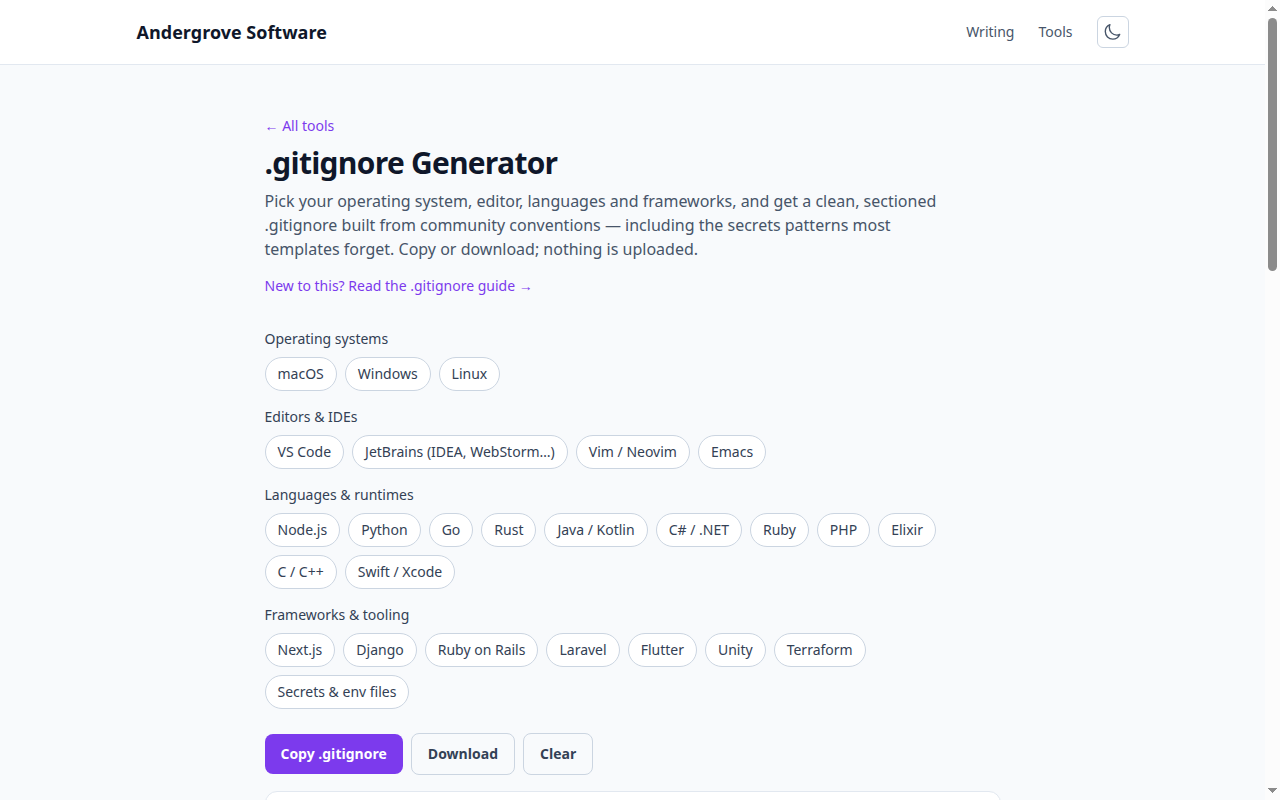
What the generator does
The .gitignore generator composes a ready-to-commit ignore file from curated blocks: operating-system junk (macOS's .DS_Store, Windows' Thumbs.db), editor metadata (VS Code, JetBrains, Vim, Emacs), build artefacts for twelve languages, framework output folders, and a secrets block (.env, keys, credentials) that most templates forget. Each selection becomes a labelled section, so the file stays readable and easy to prune later.
How do .gitignore patterns work?
A .gitignore is a list of glob patterns, one per line, matched against paths relative to the file's location. Four rules cover almost everything:
| Pattern | Matches |
|---|---|
node_modules/ | A trailing slash means "directories only" — this one, anywhere in the repo |
*.log | * matches anything except / — every .log file, any directory |
/dist/ | A leading slash anchors to the repo root — dist/ at the top level only |
!keep.log | ! re-includes something a previous pattern excluded |
Two more that occasionally matter: ** crosses directory boundaries (docs/**/*.pdf), and # starts a comment. One trap with negation: you cannot re-include a file if its parent directory is excluded — !.vscode/settings.json only works because the template excludes .vscode/* (the contents), not .vscode/ (the directory).
Why is Git still tracking a file I ignored?
Because .gitignore only applies to untracked files. If debug.log was committed last month, adding *.log today changes nothing — Git keeps tracking files it already tracks. The fix is to remove it from the index while keeping your local copy:
git rm -r --cached path/to/file-or-dir
git commit -m "Stop tracking ignored files"
From that commit on, the ignore rule applies. Note the file's history is still in the repository — if what you committed was a secret, removing it from tracking is not enough: rotate the credential, and consider a history rewrite if the repo is shared.
The global gitignore nobody sets up
OS and editor junk (.DS_Store, .idea/, swap files) is a property of your machine, not of any project — which is why seasoned teams keep it out of project .gitignore files and put it in a personal global one instead:
git config --global core.excludesFile ~/.gitignore_globalPut your OS and editor sections there once, and every repository you touch is covered — including other people's, where you can't edit the project file. The generator's OS/editor groups make a good starting point for it. (Including them in project files too does no harm; it protects teammates who haven't set this up.)
Secrets deserve more than an ignore rule
The generator's "Secrets & env files" block (.env, *.pem, *.key, credentials.json) should be in essentially every repository — but treat it as a seatbelt, not a strategy. An ignored .env still ends up in copy-pastes, backups and CI logs, and one git add -f defeats it. Keep an .env.example with dummy values committed (the template re-includes it) so newcomers know what to configure, and rotate anything that ever lands in history.
Ready to try it? Open the .gitignore Generator →