File Encryptor Guide: Password-Protect a File with AES-256
How to password-protect a file so only someone with the password can open it — what AES-256-GCM and PBKDF2 do, and how to share the result without undoing the protection.
Open the File Encryptor →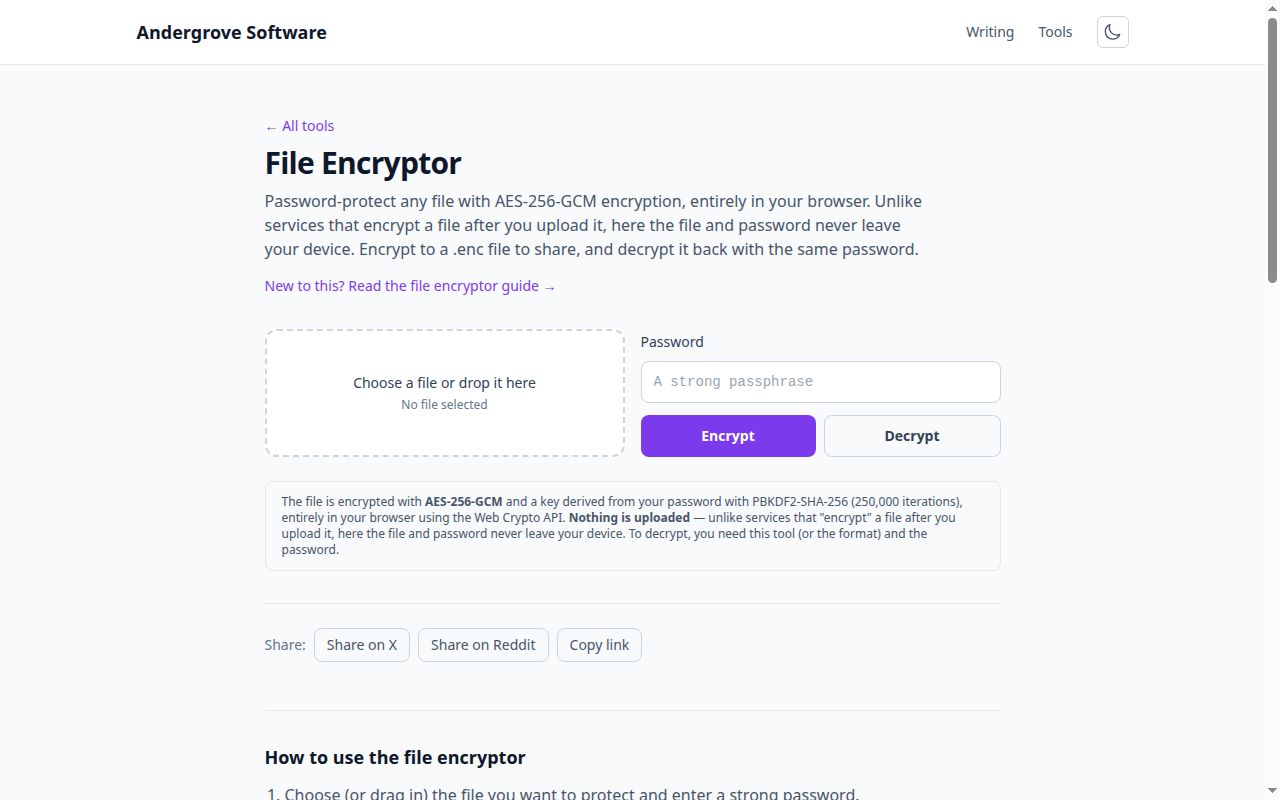
What this tool does
The File Encryptor turns any file into an encrypted .enc file that only someone with the password can open, and turns it back again. All of it happens in your browser with the Web Crypto API — the file and password are never uploaded, which is the whole point compared with sites that encrypt a file after you send it to them.
How it protects the file
Two standard pieces do the work. PBKDF2 stretches your password into a 256-bit key using 250,000 SHA-256 iterations and a random salt, so guessing the password is deliberately slow and a precomputed table is useless. AES-256-GCM then encrypts the file with that key. GCM is authenticated: a wrong password or a tampered file fails cleanly instead of producing corrupt output, so you always know whether the result is genuine.
What is in the .enc file
The output contains a small marker, the random salt, the random nonce (IV) and the ciphertext — which also includes the original filename, so decryption restores the right name. None of that reveals the contents or the password. Because the salt and nonce are random, encrypting the same file twice produces two different .enc files, which is exactly what you want.
Sharing encrypted files
Send the .enc file by any channel — email, chat, cloud drive — but never send the password with it. Split them across two channels (file by email, password by text message), and use a long, random passphrase you did not reuse. A generated passphrase plus a separate channel is the simple, effective pattern; how to share a password securely covers the trade-offs.
Limits to know
Because everything runs in memory in the browser, very large files are limited by available RAM — this is best for documents, archives and keys rather than multi-gigabyte videos. And there is no recovery: if you lose the password, the file is unrecoverable by design. Keep the password in a password manager.
Privacy
The file never leaves your browser. You can confirm it: load the page, disconnect from the network, and encryption and decryption still work. This site stores nothing.
Ready to try it? Open the File Encryptor →