Email Authentication Guide: SPF, DKIM and DMARC Explained
What SPF, DKIM and DMARC do, how to read and lint each record, and how to move DMARC from monitoring to enforcement without blocking your own mail.
Open the Email Auth Checker →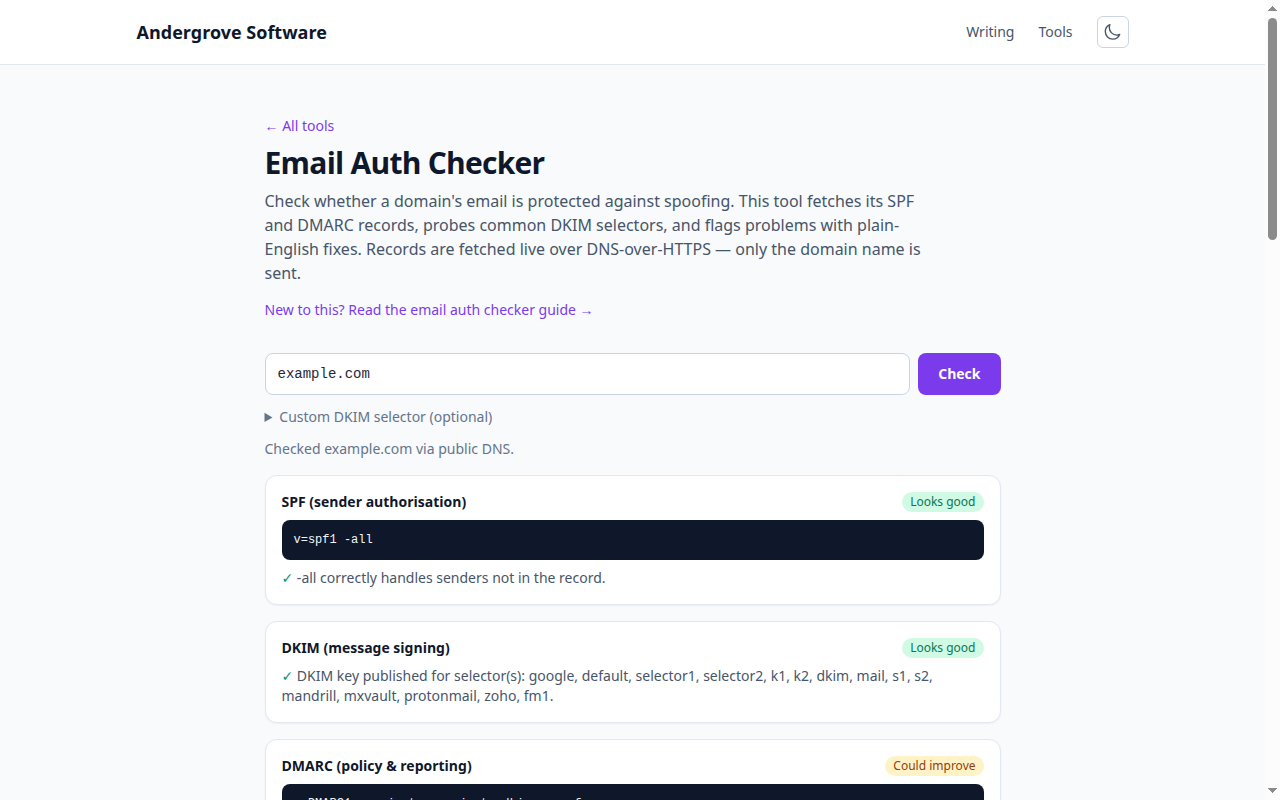
What this tool does
The Email Auth Checker looks up a domain's SPF and DMARC records, probes common DKIM selectors, and reviews each against best practice — telling you not just whether a record exists but whether it is actually protecting you. It builds on the DNS lookup tool, focused on the three records that decide whether your mail is trusted.
The three records
- SPF (a TXT record on the domain) lists the servers allowed to send mail for it, ending in ~all or -all to say what to do with everyone else.
- DKIM (a TXT record at selector._domainkey.domain) publishes a public key; your mail server signs each message so recipients can verify it is authentic and unaltered.
- DMARC (a TXT record at _dmarc.domain) sets the policy — none, quarantine or reject — for mail that fails both SPF and DKIM alignment, and requests reports.
Common mistakes it catches
- SPF over 10 DNS lookups. SPF fails with a permerror past ten lookups; too many include: statements is the usual cause.
- +all or no all. +all lets anyone send as you; a missing all leaves the record open-ended.
- DMARC stuck at p=none. Monitoring-only never stops spoofing — it is a starting point, not a destination.
- No rua address. Without aggregate reports you cannot see who is sending as your domain, so you can never safely tighten the policy.
Rolling out DMARC safely
Start at p=none with a rua address and watch the reports for a few weeks to confirm all your legitimate senders pass SPF or DKIM. Then move to p=quarantine (optionally with pct below 100 to ramp gradually), and finally p=reject once the reports are clean. Rushing straight to reject can silently drop real mail from a forgotten sender.
A note on DKIM selectors
Unlike SPF and DMARC, DKIM records live at a provider-specific selector that is not discoverable from DNS alone — you have to know it (it appears in the DKIM-Signature header of a sent message as s=). This tool probes the selectors used by common providers and lets you enter your own; a "not found" result means only that none of those matched, not that DKIM is definitely absent.
Privacy
Every record checked here is public DNS data. Only the domain name is sent, to Cloudflare's (and, as a fallback, Google's) DoH resolver, and this site stores nothing.
Ready to try it? Open the Email Auth Checker →