DNS Lookup Guide: Reading A, MX, TXT and NS Records
A practical guide to DNS records — what each type is for, how to read the results, and why changes take time to propagate.
Open the DNS Lookup →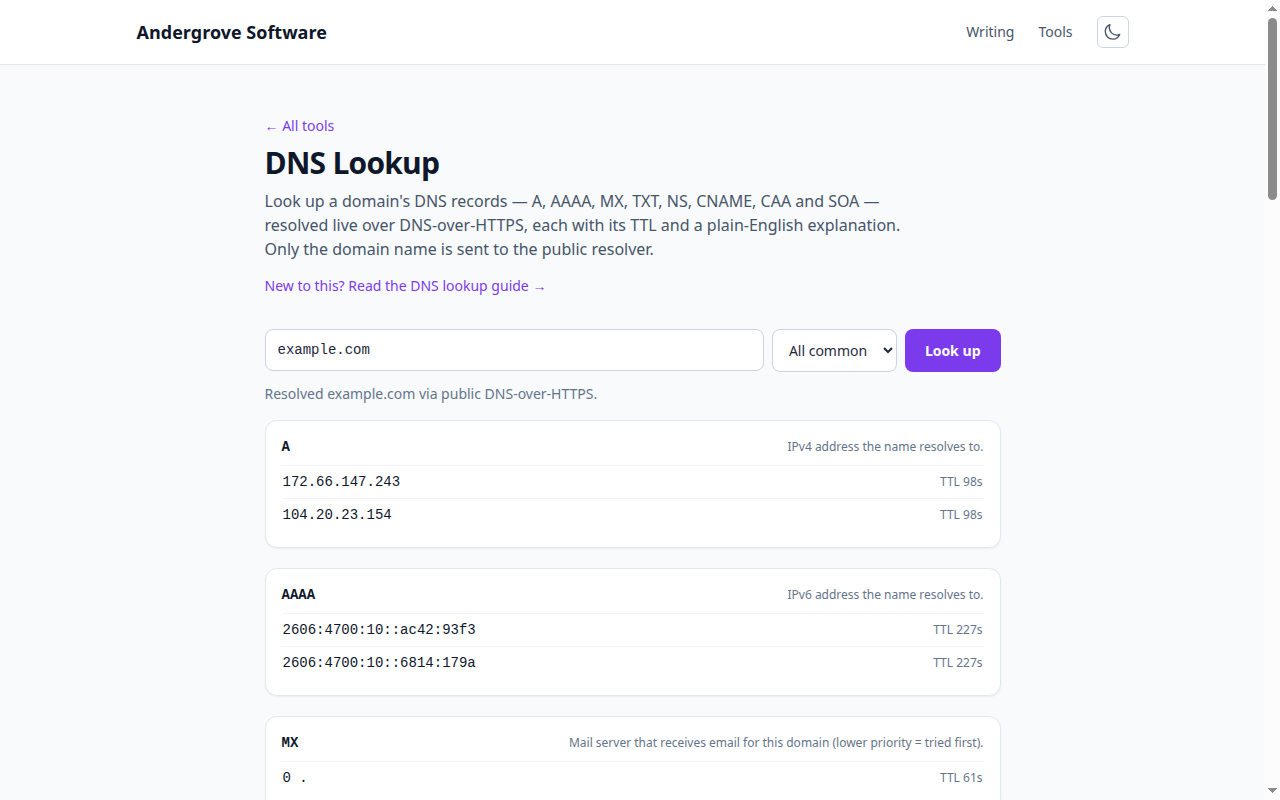
What this tool does
The DNS Lookup tool queries public DNS for a domain and shows its records with TTLs and plain-English notes. Because it asks a resolver directly over DNS-over-HTTPS rather than reading your device's cache, it reflects what the wider internet sees right now — useful for confirming a change has taken effect.
The record types
| Type | What it holds |
|---|---|
| A / AAAA | The IPv4 / IPv6 address the name points to. |
| MX | Mail servers that accept email for the domain, with priorities. |
| TXT | Free-form text — SPF, DKIM, and verification tokens live here. |
| NS | The authoritative name servers for the domain. |
| CNAME | An alias pointing one name at another. |
| CAA | Which certificate authorities may issue TLS certs for the domain. |
| SOA | Zone metadata: primary name server and refresh/expiry timers. |
TTL and propagation
Every record carries a TTL — the number of seconds resolvers are allowed to cache it. When you change a record, resolvers that cached the old value keep serving it until their copy expires, which is the "propagation delay" people notice. The trick is to lower a record's TTL a day before a planned change so the switch happens quickly, then raise it again afterwards to reduce lookups.
Common tasks
- "Is my site pointing at the new server?" Check the A/AAAA record matches the new IP.
- "Why is my mail bouncing?" Confirm the MX records exist and point at your mail provider, then check the SPF TXT record. The email auth checker lints SPF, DKIM and DMARC for you.
- "Has my verification record propagated?" Look for the expected TXT value.
Privacy
DNS is inherently public — every record here is data any device on the internet can request. The only thing sent from your browser is the domain name, to Cloudflare's (and, as a fallback, Google's) public DoH resolver. This site stores nothing.
Ready to try it? Open the DNS Lookup →