How to Compare Two Text Files (and How Diff Works)
Comparing two versions of a file — a config before and after, two drafts, a pasted API response against the expected one — is one of the most common jobs in development and writing. This guide explains how to read a diff, how the algorithm actually decides what changed, and the quickest ways to run one, including the diff checker in your browser.
Open the Diff Checker →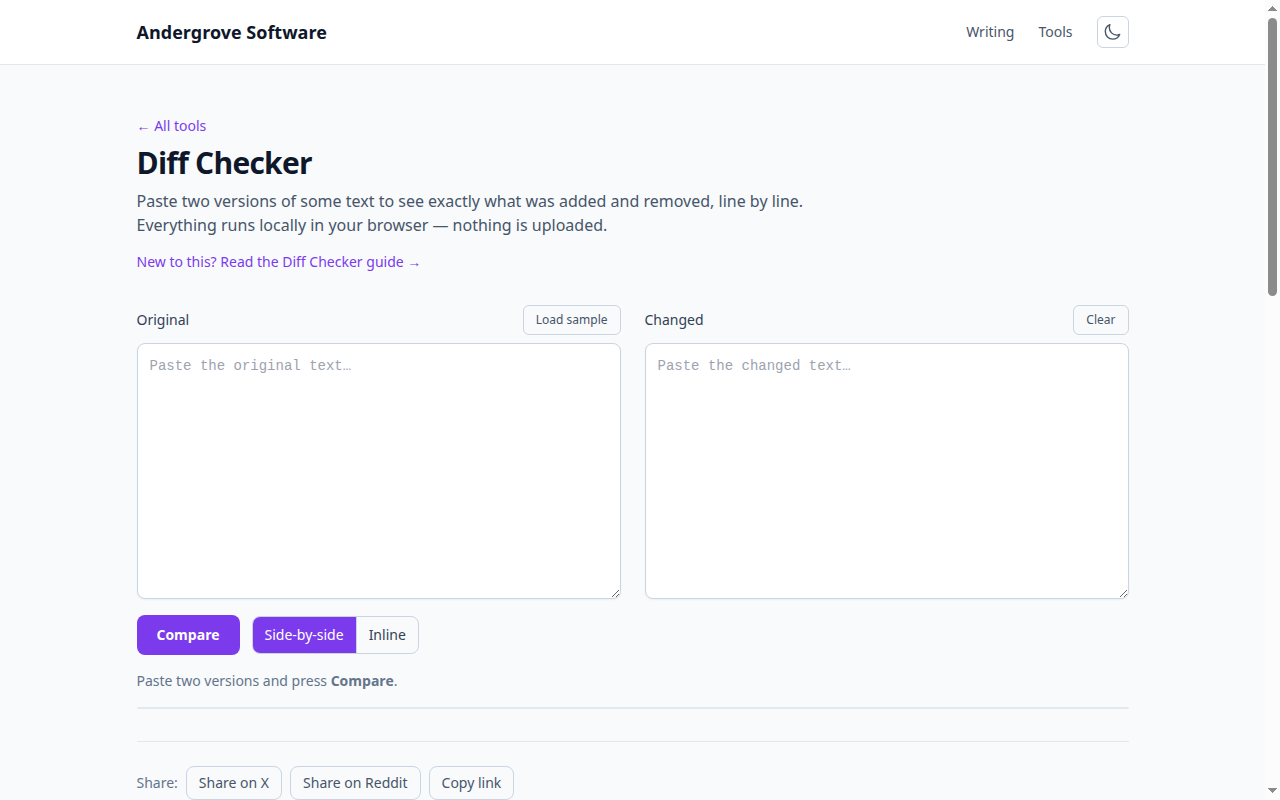
What a diff shows
A diff compares two texts and marks each line as unchanged, added or removed. A modified line shows up as a removal of the old version and an addition of the new one. That is all a diff is: the minimal set of additions and deletions that turns the first text into the second. Seeing changes this way — rather than re-reading both files — is what makes reviews, merges and debugging fast.
Side-by-side vs inline
There are two common layouts. Side-by-side puts the two versions in parallel columns, which is best for reading two whole documents at once. Inline (unified) interleaves the changes in one column with + and - markers, which is compact and is what git and code review tools show. The diff checker offers both; use side-by-side to read and inline to focus on just what moved.
How the algorithm works
Under the hood, a diff finds the longest common subsequence (LCS) of the two texts — the longest sequence of lines that appears in both, in order, not necessarily adjacent. Everything in the first text that is not in that common sequence is a deletion; everything in the second that is not in it is an addition. Real tools use an efficient refinement of this idea, the Myers diff algorithm, which finds the shortest edit script quickly even for large files. Understanding this explains a quirk you will notice: a diff sometimes shows a slightly different set of added/removed lines than a human would, because it is optimising for the smallest edit, not the most intuitive one.
Line diff vs word diff
Most diffs work line by line, which is perfect for code and config. But when a single long line changes by one word, a line diff shows the whole line removed and re-added, which is hard to read. A word-level or character-level diff highlights just the changed span within the line — much better for prose, JSON on one line, or long strings. Match the granularity to your content.
Diffing on the command line
For files on disk, the shell has you covered:
# classic unified diff between two files
diff -u old.txt new.txt

# git's diff, even outside a repo, with word highlighting
git diff --no-index --word-diff old.txt new.txt
git diff is worth knowing even for non-git files — --no-index compares any two paths, and --word-diff gives the inline word highlighting mentioned above.
Common uses
- Code review: see exactly what a change touched before merging.
- Config debugging: compare a working config against a broken one to find the one line that differs.
- Writing: compare two drafts to see every edit.
- Verifying data: paste an actual API response against the expected one to spot the mismatch (handy alongside a JSON validator).
Compare in your browser
To compare two texts right now without a terminal, paste them into the diff checker — it computes the diff locally with a line-based LCS and offers side-by-side and inline views, so even private or sensitive files never leave your machine.
Ready to try it? Open the Diff Checker →