CSV Is Harder Than It Looks: Quoting, Delimiters, Encodings
CSV looks like the simplest format in computing — values, commas, newlines — which is exactly why so much code parses it wrong. The moment a value contains a comma, a quote or a line break, naive parsing corrupts data silently. Here are the real rules, the regional traps, and the conversions that preserve your data.
Open the CSV ↔ JSON Converter →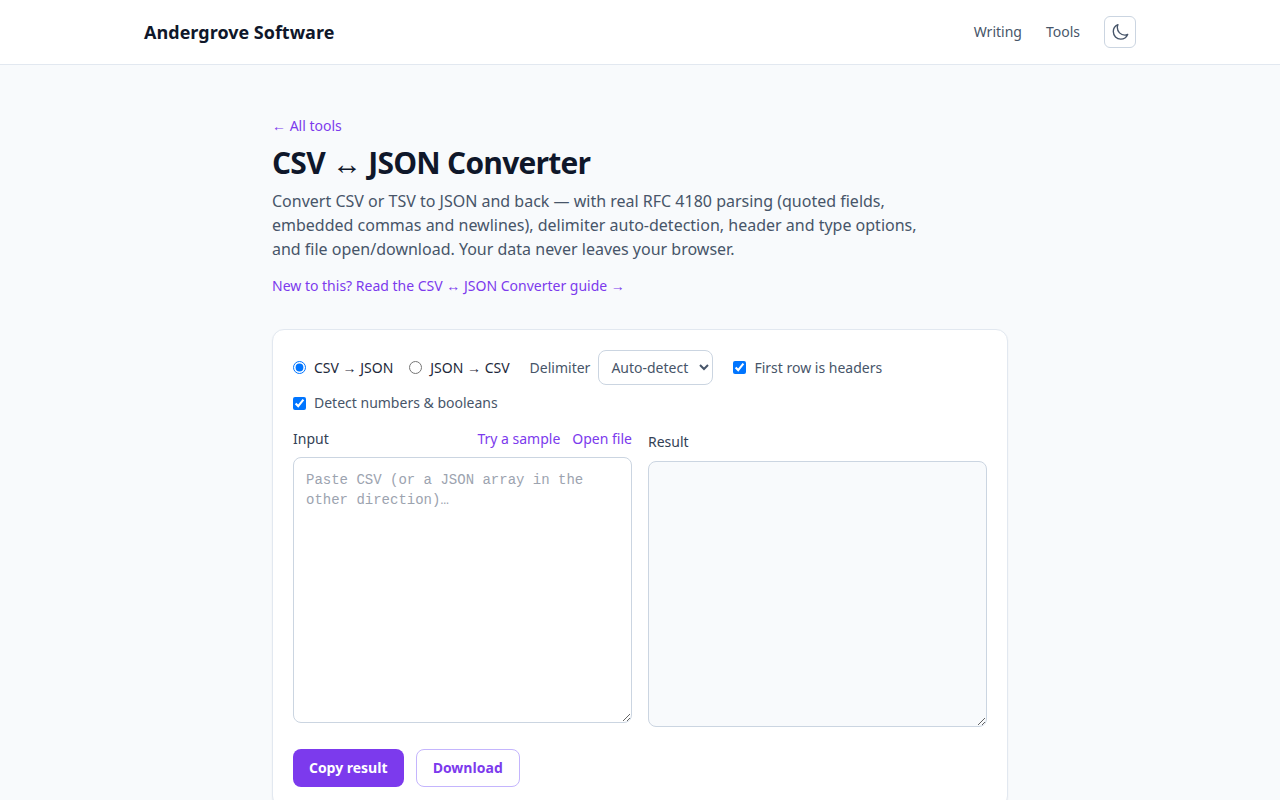
Why split(",") is a bug
The one-line parser — line.split(',') — works until the first field that contains a comma: "Diaz, Ana",Engineering splits into three fields, and every column to the right shifts by one. Data shifted one column is worse than a crash, because nothing fails: salaries land in the department column and reports quietly lie.
The actual rules, standardised in RFC 4180: a field containing the delimiter, a quote or a line break must be wrapped in double quotes; a literal double quote inside a quoted field is doubled (""); and quoted fields may contain real line breaks — meaning a CSV row can span multiple lines of the file, the case that kills line-by-line processing. A correct parser is a small state machine, not a split.
The semicolon surprise, and other regional traps
Open a "CSV" from a colleague in Germany, France or Spain and you may find semicolons, not commas. The reason is decimal notation: in locales where 3,14 is how you write pi, the comma was taken, so Excel writes lists with ;. Related traps: some locales' Excel writes tabs when copying to the clipboard (actually a blessing — TSV avoids the comma problem entirely), and date columns silently render in the locale's format, which is how 03/04/2026 becomes ambiguous forever. Delimiter auto-detection handles the first problem; dates are only ever fixed at the source, by exporting ISO 8601 (2026-04-03).
Encodings and the Excel BOM
Two encoding facts explain most "weird characters" reports. First, Excel historically assumes a CSV is in the machine's legacy encoding unless the file starts with a UTF-8 byte-order mark — which is why exports aimed at Excel begin with three invisible bytes (EF BB BF), and why parsers must strip a BOM before reading the first header name (a column mysteriously named id is this bug). Second, a file that displays José was written as UTF-8 and read as Latin-1; the data is fine, the reader guessed wrong. Our Unicode inspector makes both kinds of invisible damage visible.
Type coercion: helpful until it isn’t
CSV has no types — everything is a string, and every consumer guesses. Turning "42" into the number 42 and "true" into a boolean is usually what you want in JSON. The classic casualties of over-eager guessing:
- Leading zeros: postcodes (02139), phone numbers and account IDs are identifiers, not numbers — coerce them and the zero is gone.
- Long numeric IDs: past 15–16 digits, JavaScript numbers lose precision, so a credit-card-length ID must stay a string.
- Excel's gene problem: the most famous coercion disaster — gene names like SEPT2 became dates in so many published spreadsheets that the genetics community renamed the genes. The lesson generalises: know your columns before letting any tool guess.
Our converter coerces conservatively (leading-zero values stay strings) and lets you switch detection off entirely.
CSV ↔ JSON: what maps to what
CSV → JSON with a header row gives an array of flat objects — the shape APIs and scripts want. JSON → CSV is lossier by nature: objects nest, spreadsheets don't, so nested values either flatten into dotted columns or ride along as embedded JSON strings (our converter does the latter, which round-trips). Ragged data — objects with different keys — becomes the union of columns with blanks, which is also what a spreadsheet means by a missing value. For ML pipelines and log tooling that want one object per line rather than one array, convert to JSON here and hand it to the JSONL converter; and if the JSON side misbehaves, the common JSON errors post covers the usual suspects.
Ready to try it? Open the CSV ↔ JSON Converter →