Content-Security-Policy Guide: Writing a CSP That Actually Helps
What a Content-Security-Policy does, how to read each directive, the settings that quietly defeat it, and how to deploy a strict policy without breaking your site.
Open the CSP Builder & Analyzer →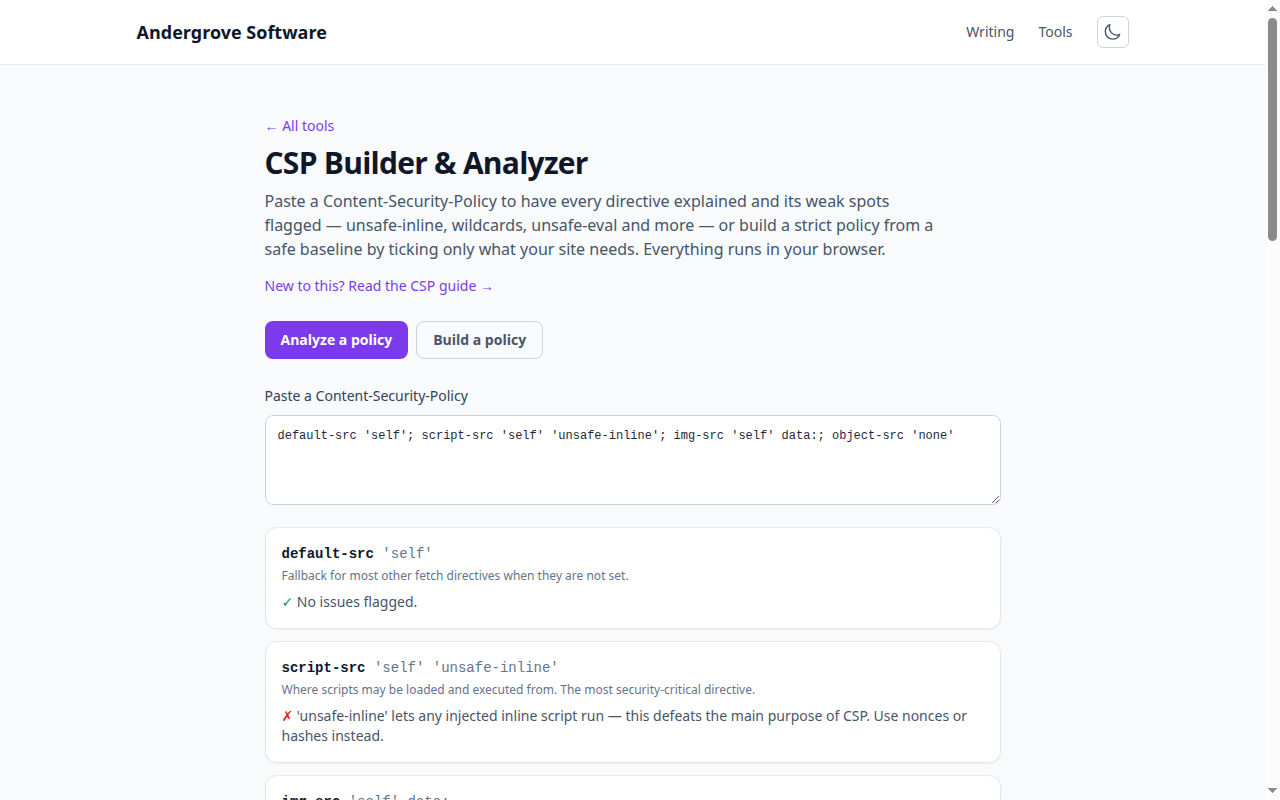
What this tool does
The CSP Builder & Analyzer has two modes: paste a policy to get each directive explained and its weaknesses flagged, or build a strict policy from a safe baseline by choosing only what you need. Both run entirely in your browser.
What a CSP is for
A Content-Security-Policy is an allowlist the browser enforces for where a page may load and execute resources — scripts, styles, images, frames, connections. Its headline benefit is defence against cross-site scripting: with a strict script-src, an injected <script> simply will not run. It also curbs clickjacking (frame-ancestors), base-tag injection (base-uri) and mixed content.
The directives you will actually use
| Directive | Controls |
|---|---|
| default-src | Fallback for the other fetch directives. |
| script-src | Where scripts may run — the critical one. |
| style-src | Where styles may load from. |
| img-src / font-src / connect-src | Images, fonts, and fetch/XHR/WebSocket targets. |
| frame-ancestors | Who may embed your page (anti-clickjacking). |
| object-src | Legacy plugin content — set to 'none'. |
| base-uri | Restricts the <base> tag. |
The mistakes that defeat a CSP
- 'unsafe-inline' in script-src re-permits inline scripts — the exact thing CSP blocks XSS by forbidding. Use a nonce or hash instead. (When a nonce or hash is present, browsers ignore 'unsafe-inline', so it is safe only as an old-browser fallback.)
- Wildcards (*) allow any host and hollow out the directive.
- 'unsafe-eval' keeps eval() alive, a frequent injection sink.
- data: in script-src lets scripts run from a data URI an attacker controls.
Rolling it out safely
Deploy first with the Content-Security-Policy-Report-Only header: the browser reports violations without blocking anything, so you can find what your real pages need before you enforce. Use per-request nonces for the inline scripts you genuinely have, add a report-to endpoint to collect violations, and only switch to the enforcing Content-Security-Policy header once the reports are quiet. MDN's CSP guide is the reference.
Privacy
The analyzer and builder are pure string processing in your browser. No policy you paste is uploaded.
Ready to try it? Open the CSP Builder & Analyzer →