Timeboxing and the Pomodoro Technique: Why a Ticking Timer Gets More Done Than Willpower
The cheapest productivity system ever devised is a countdown: decide how long, start the timer, work until it rings. Timeboxing works not because it’s clever but because it converts an open-ended task ("write the report") into a bounded one ("write for 25 minutes") — and your brain treats those completely differently. Here’s the method, its best-known variant, and the failure modes. Any countdown timer is equipment enough.
Open the Countdown Timer & Stopwatch →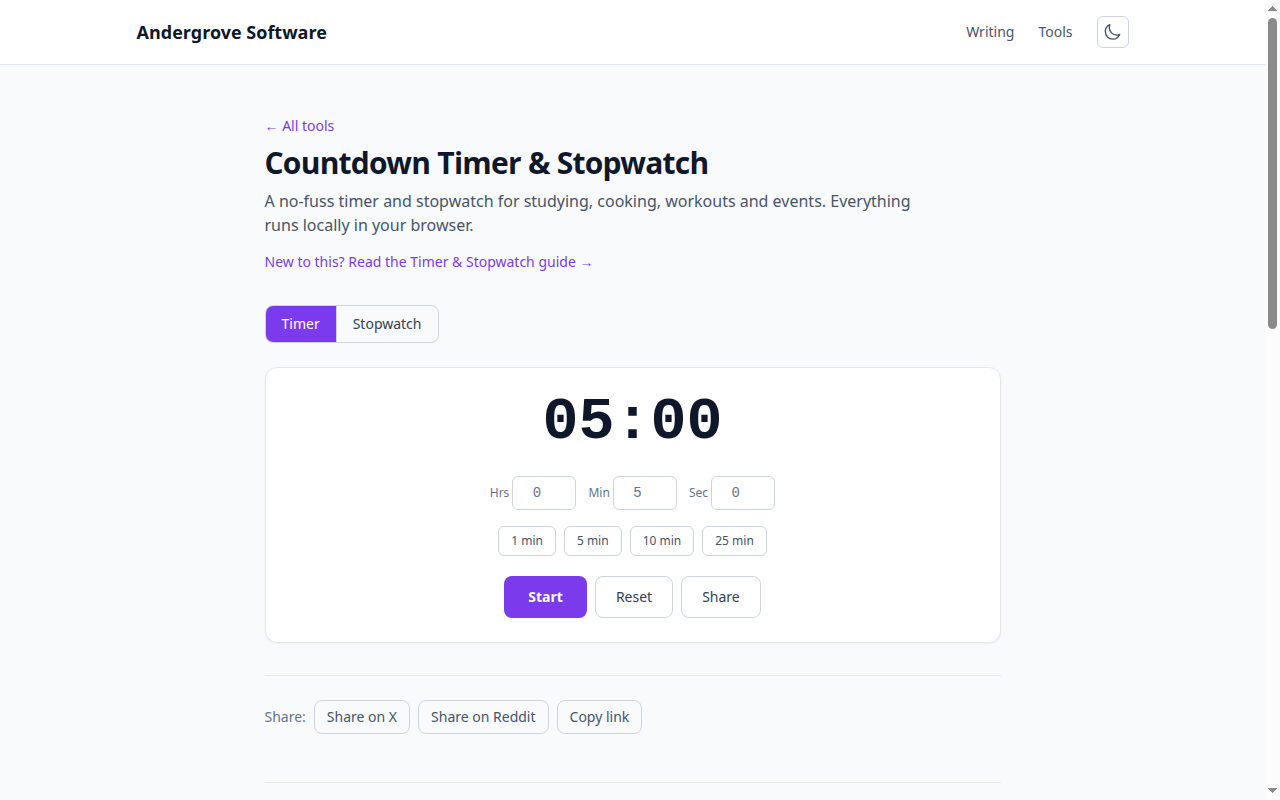
What the timer actually fixes
Three things, none of them mystical. Starting: the biggest cost of hard tasks is initiation, and "just 25 minutes" lowers the activation energy the way "just one push-up" does. Parkinson’s law: work expands to fill the time available, so an explicit box stops a two-hour email session from becoming an afternoon. Clock-watching: with a timer holding the "how long has it been?" question, your attention stops surfacing to check — the timer carries the time so working memory doesn’t have to. The ring is also an honest audit: you learn what a task actually costs, which quietly fixes your planning.
The Pomodoro technique, precisely
Francesco Cirillo’s 1980s method (named for his tomato-shaped kitchen timer) is timeboxing with a recovery schedule: 25 minutes of single-task work, 5 minutes genuinely off, and after four rounds a longer break of 15–30 minutes. Two rules carry most of the value and most people skip both. The work interval is indivisible — if you get interrupted, the round doesn’t count; this is what trains the people around you (and your own reflexes) to batch interruptions. And the break is mandatory, even mid-flow: stopping while it’s easy makes the next start easy, which is the whole economy of the system.
Tune the box to the work
Twenty-five minutes is a default, not a law. Deep work that takes ten minutes to load into your head — programming, writing, math — often fits better in 50/10 or even 90-minute boxes, because too-short intervals bill you the context-switching cost repeatedly. Administrative shallow work goes the other way: a 10-minute box turns inbox triage into a game. Meetings might be the best-kept secret of the technique — a visible 15-minute countdown does more for agenda discipline than any facilitation trick. The test for your box length: if the ring regularly surprises you mid-sentence, lengthen it; if you’re checking the timer, shorten it.
How people break it (and the repairs)
Skipping breaks converts the method back into an ordinary grind, and by round six you’re staring through the screen — the breaks are load-bearing. Using the box for triage ("I’ll figure out what to do when the timer starts") wastes the sharpest minutes; decide the task before starting the countdown. Treating the ring as a suggestion erodes the whole contract with yourself — when it rings, stop, stand, look at something far away. And a phone timer is a booby-trapped tool, since the device that rings is the device that distracts; a browser tab like the countdown timer (which also has the stopwatch for time-audits — measuring how long tasks really take before you start boxing them) keeps the ringing and the doom-scrolling on separate machines, or at least separate tabs.
Ready to try it? Open the Countdown Timer & Stopwatch →