How to Read and Export Your ChatGPT / Claude Chat History
How to get your AI chat export, read it without handing your history to a third party, and convert any conversation into Markdown or HTML you can keep.
Open the AI Chat Export Viewer →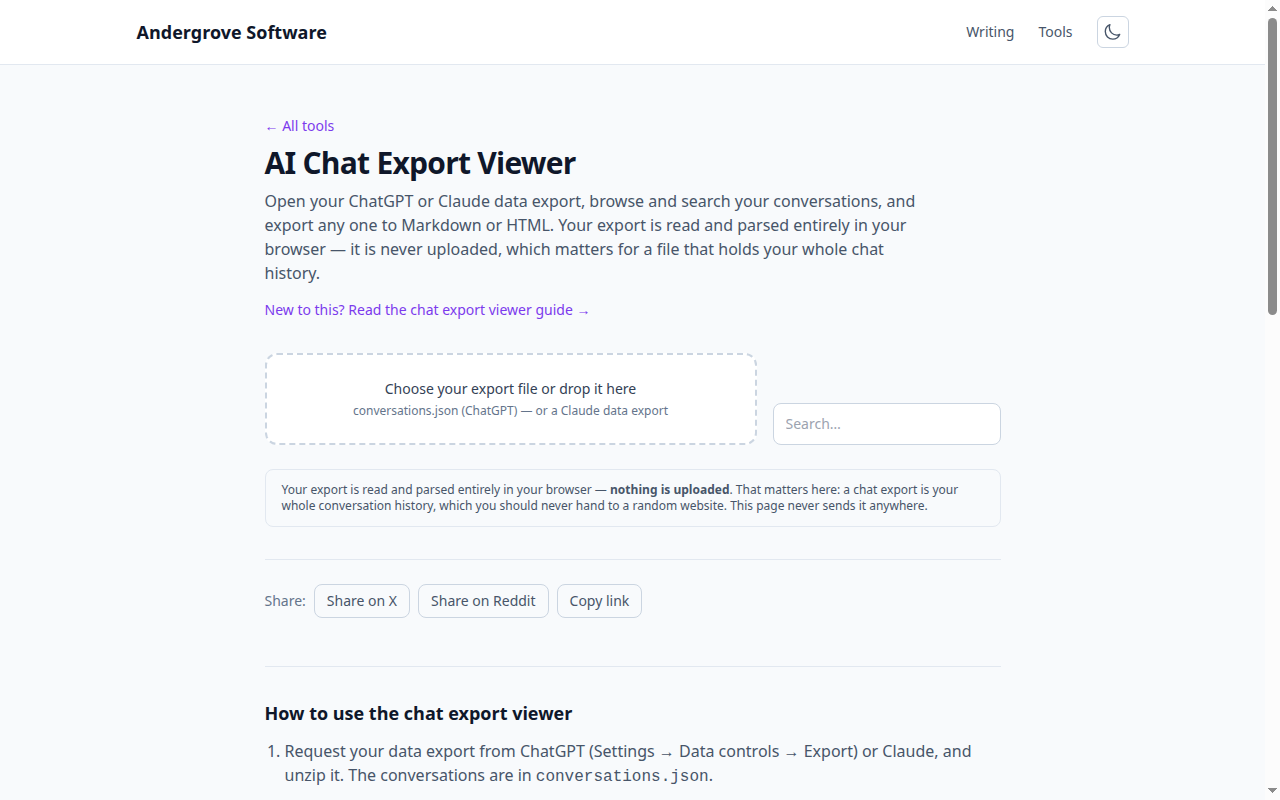
What this tool does
The AI Chat Export Viewer opens the conversations.json file from a ChatGPT or Claude data export, lists your conversations, lets you search across them, and exports any one to Markdown or a standalone HTML file. Everything happens in your browser.
Getting your export
In ChatGPT, go to Settings → Data controls → Export data; you will receive an email with a ZIP. Claude offers a similar data export in its settings. Unzip the archive and find conversations.json — that is the file to load here. (The ZIP also contains other files; you only need the conversations JSON.)
Why read it locally
Your export is the complete text of everything you have discussed with an assistant — potentially thousands of messages, including personal and work matters. Uploading that to an online viewer would disclose your entire history to whoever runs it. This tool never transmits the file: it uses the browser's File API to read it into memory and parse it on your machine. You can prove it by loading a file with your network disconnected — it still works.
Browsing and exporting
Conversations appear in a searchable sidebar; the search matches both titles and message text, so you can find that one thread where you worked something out. Open a conversation to read it with roles laid out clearly, then export it: Markdown for pasting into notes or a repo, or HTML for a self-contained file you can open anywhere. The Markdown previewer renders the Markdown export if you want to check it.
Formats it understands
It reads the ChatGPT format, where each conversation is a graph of message nodes that the tool flattens into order, and a generic fallback where a conversation simply has a messages array of role/content pairs — enough for most other exports. Unrecognised files produce a message, never an upload.
Privacy
Nothing you load is sent anywhere, stored, or logged. When you close the tab, the data is gone from memory. This is the entire reason to use a local viewer for something as sensitive as your chat history.
Ready to try it? Open the AI Chat Export Viewer →