How to Read Hex and Binary Fluently: a Programmer’s Field Guide
Nobody sits down to "convert bases" for fun — you meet these numbers in the wild: a color code in CSS, a 755 in a chmod command, a bitmask in an API, an address in a stack trace. Fluency isn’t about doing long division by 16; it’s about recognizing a handful of patterns on sight. Here’s the working programmer’s version. For anything past mental range, the number base converter handles arbitrarily large values.
Open the Number Base Converter →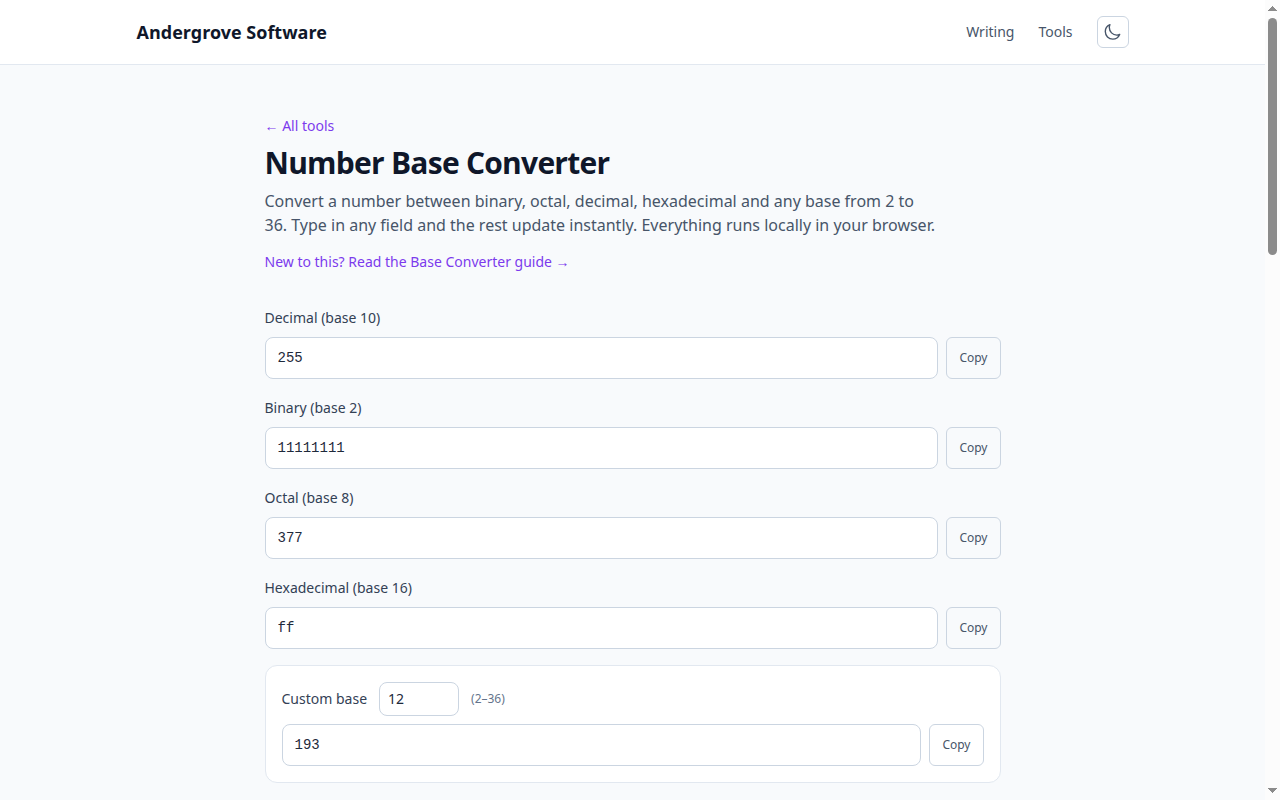
The one fact that unlocks hex: a digit is a nibble
One hexadecimal digit encodes exactly four bits (a nibble), so two hex digits are exactly one byte. That clean alignment — which decimal lacks — is the entire reason programmers use hex: 0xFF is the byte 1111 1111, digit by digit, with no carrying across the boundary. To convert hex to binary, translate each digit independently (0x2E → 0010 1110); to go back, chop the bits into groups of four. Memorize just the four landmarks 1, 2, 4, 8 per nibble position and you can decode any digit in a beat.
Hex in the wild: colors, addresses, hashes
CSS colors are three bytes in hex: #ff6600 is red at full (255), green at 102, blue at zero — reading "big first digit = strong channel" is enough to guess a color’s family without converting anything (see the color converter to check yourself). Memory addresses in stack traces are hex because they align with bytes and words. Hashes and MAC addresses are shown in hex purely for compactness: each byte becomes two predictable characters. Once you read 0x10 as 16 and 0x100 as 256 without thinking, most of the mystique is gone.
Octal survives in exactly one place you care about
File permissions. chmod 755 is octal: each digit is three bits — read/write/execute for owner, group, world. So 7 = rwx (4+2+1), 5 = r-x (4+1), and 755 reads as "owner everything, everyone else read-and-run". 644 (owner read-write, others read) is the other one worth knowing on sight. That 4-2-1 decomposition is the same nibble logic as hex, just in groups of three bits.
Bitmasks: numbers used as checklists
APIs pack many yes/no options into one integer by giving each flag a power of two: 1, 2, 4, 8… A combined value like 6 means "flags 2 and 4 are set" — the binary representation is the checklist. This is why configuration values in hex like 0x0C make more sense than their decimal twin 12: in hex you can see the bits (1100 — flags 4 and 8). When a config value looks arbitrary in decimal, write it in binary and it usually confesses.
Landmark numbers worth memorizing
A small table of anchors covers ninety percent of real-world reading: 0xFF = 255 (a full byte), 0x100 = 256, 0x400 = 1,024 (1 KiB), 0x1000 = 4,096 (a typical memory page), 0xFFFF = 65,535 (two bytes, the port-number ceiling), and 0x7FFFFFFF = the 32-bit signed-integer maximum that ends up in so many bug reports. Anything between landmarks, or any conversion you need to trust, goes through the base converter — the step-by-step pages like hex-to-decimal and binary-to-hex also show the digit-by-digit working if you want to see the mechanics.
Ready to try it? Open the Number Base Converter →